REV 0, June 2005Page 228
Operation Manual SUPREMA
10. Redundant Systems
10.4.3 Configuration Tool
Generally
For the configuration tool, the following is needed:
• The transfer program “SUPREMA_Configuration.exe”
• The database “config.mdb”
• Microsoft Database Program Access 97
The data base “config.mdb” can be copied to another name. But the extension must also be
“.mdb“. The data base structure must not be changed.
The transfer program serves as a data transfer between the SUPREMA system and the
configuration database.
Configuration
The configuration is manipulated with the help of the Microsoft Database Program Access 97.
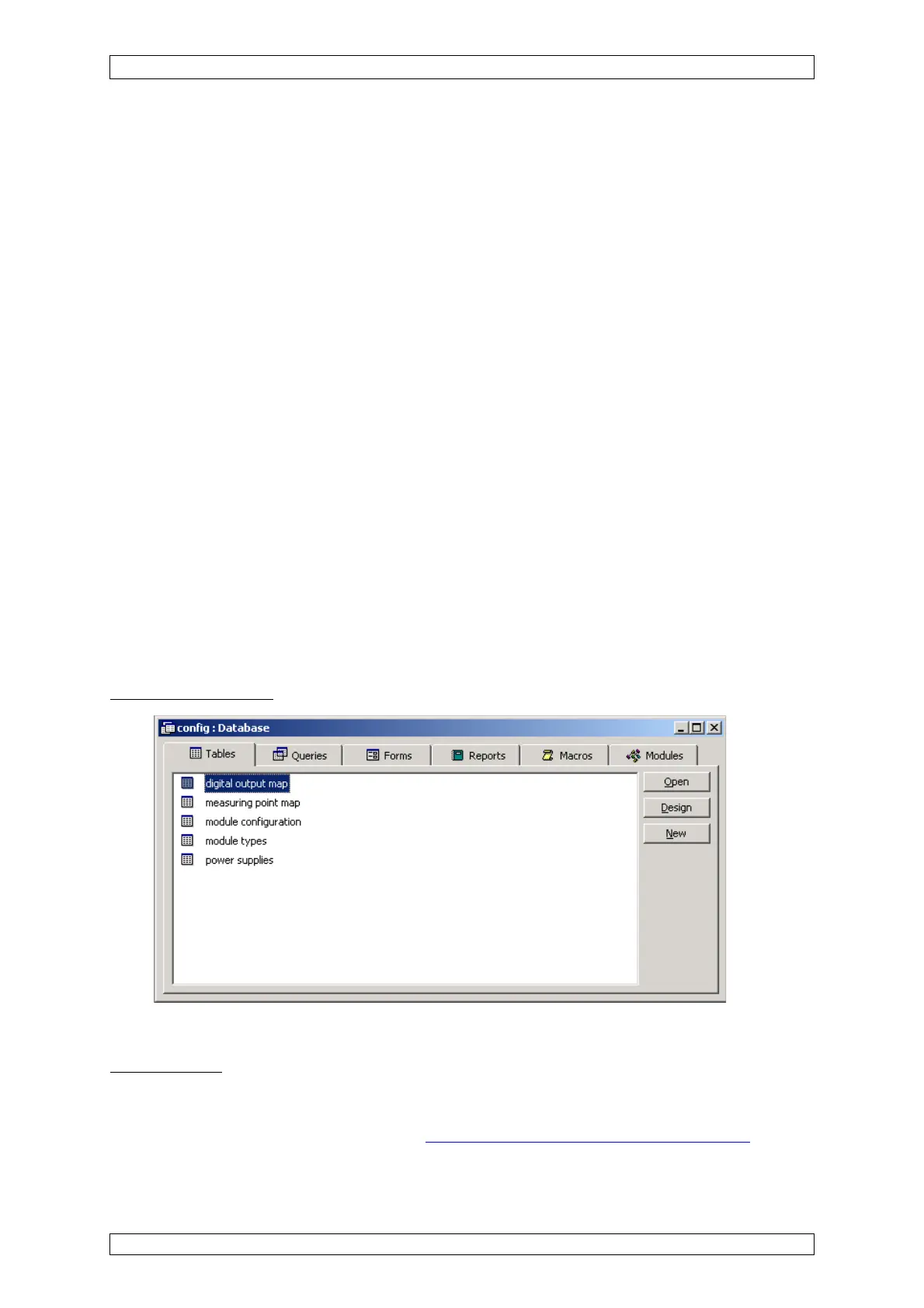
The database (e.g. config.mdb) contains the following listings which specify the SUPREMA
System:
• digital output map
• measuring point map
• module configuration
• module types
• power supplies
View of the database:
Figure 10-8: Access 97 Database “config.mdb”
Digital Outputs
In this listing, the possible LOGICAL outputs (0–511) are assigned to the – by MGO cards
inserted – PHYSICAL outputs (1–512). Basically, the assignment in this map can be arbitrary.
We recommend the standard assignment
(see figure 10-9 Digital Output Map Listing) to avoid
problems on system configuration/test.



 To Next Page