REV 0, June 2005Page 58
Operation Manual SUPREMA
4. Operation of the System
The functions of the individual menu items are described below.
The “Meas. Point” and “Tag” fields are contained in both submenus.
Meas. Point
Field type: Selection
The field contains a list of all configured inputs. After an input number is selected, the rest of
the menu is filled, depending upon whether or not the input is in calibration mode.
Global parameter changes and actions using the menu items described below apply to
the input selected in this field.
Tag
Field type: Display
The field shows the designation of the selected input.
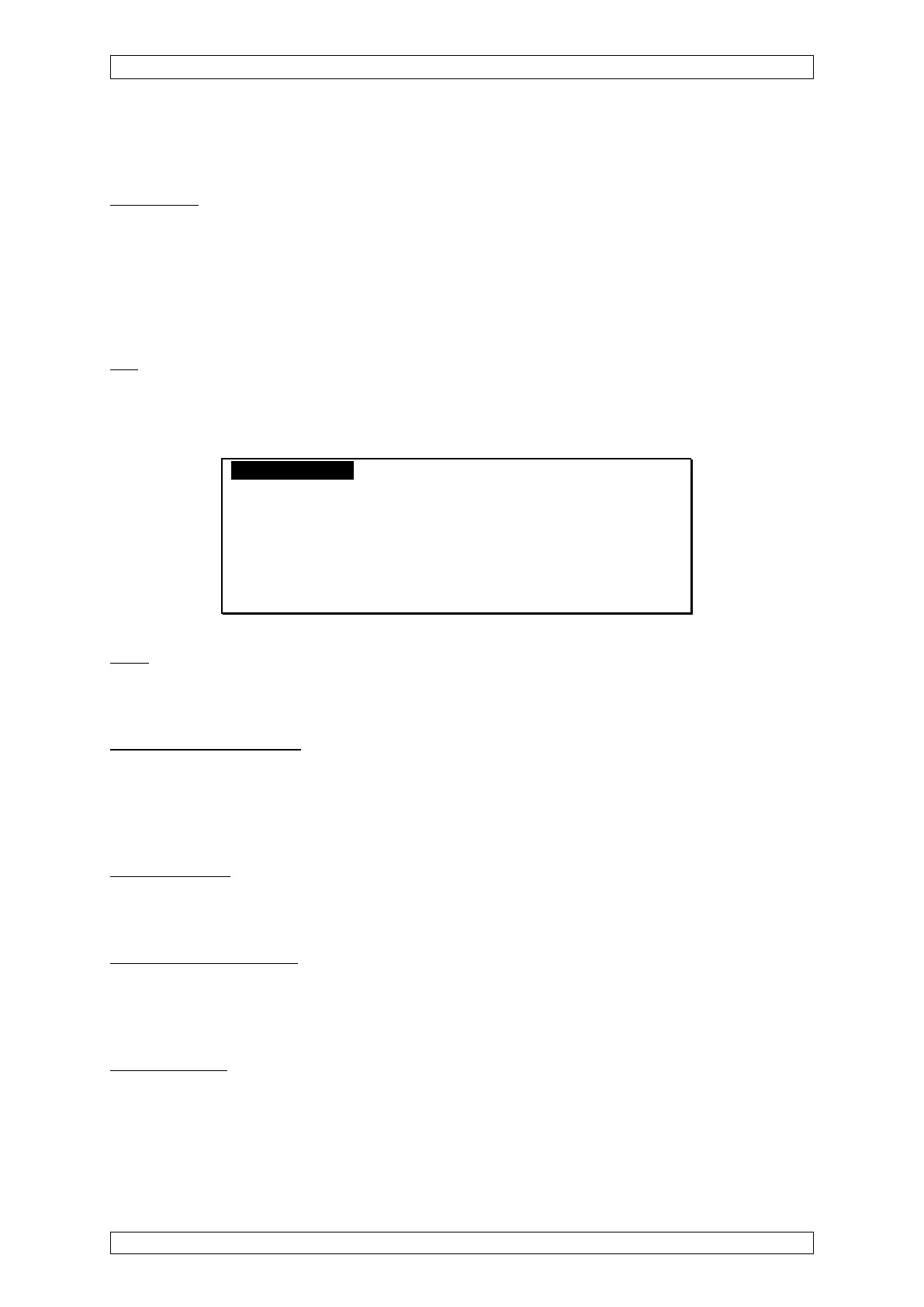
Calibration InterfaceTest Menu A
Meas. Point: 1 Tag: MP1
Dimension: % LEL Type
Zero Gas: 0.000 Air
Test Gas: 100.0 Ethane
[Start] [Cancel]
Figure 4-13: “Start calibration” submenu
Units
Field type: Display
This shows the unit of measurement for the selected input.
Zero Gas (concentration)
Field type: decimal number
Enter the zero gas concentration in this field. This should be the same as the measurement
range zero, i.e. normally zero. The field defaults to the value of the last calibration, if the input
has already been calibrated.
Zero Gas (type)
Field type: Display
The field shows the type of zero gas for the selected input.
Test Gas (concentration)
Field type: decimal number
Enter the test gas concentration in this field. The field defaults to the value of the last calibration,
if the input has already been calibrated.
Test Gas (type)
Field type: Selection
The field contains a list of test gases that can be used to calibrate the inputs. It defaults to the
reference gas (Measure Point menu) for the selected input.



 To Next Page