REV 0, June 2005Page 48
Operation Manual SUPREMA
4. Operation of the System
Serial No. Head
Field type: text
Enter the serial number of the input device for the selected input.
Installation Area
Field type: text
Enter a customer-specific description of the installation location of the input device for the
selected input.
OK
Field type: Button
Press this button to accept the settings entered in all three submenus for the selected input.
After the button is pressed, the parameters are immediately checked to see if they are valid. If
the parameters are valid, they become part of the system’s parameter set. If not valid, a warning
appears.
Cancel
Field type: Button
Press this button to cancel the settings entered in all three submenus for the selected input.
Clear
Field type: Button
Press this button to delete all of the parameters for the selected input. The input will then return
to the way it was before its first configuration. Default values are used as the preliminary
settings for the input of certain fields. The delete function will not work if the input is being
calibrated. If an input is contributing to the setup parameters of a relay output, those parameters
do not change after the input parameters have been deleted.
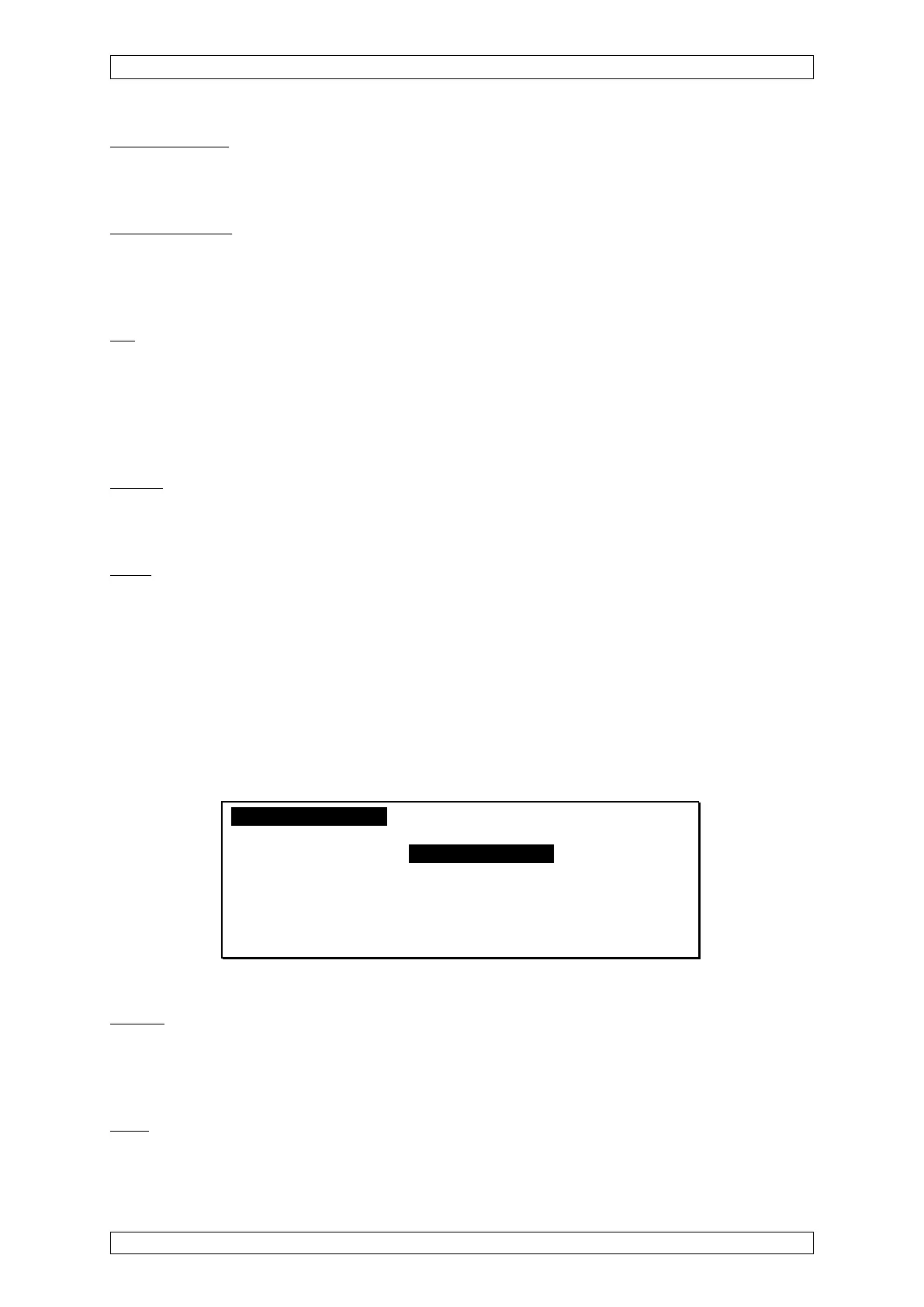
“Sensor data” submenu
The “Sensor data” submenu contains settings for the sensor at the selected input.
MeassurePoints RelayOutputs System Menu A
Measure Point No.: 1 Inhibit [ ]
[
Information] [Sensor Data] [Alarms]
Sensor Type: DF-7100
Dimension: %LEL Range: 0- 500
Meas. Gas: Ethane Valve-
Zero Gas: Air No.: 22
Test Gas: Ethane No.: 23
Figure 4-8: “Sensor data” submenu
Sensor
Field type: Selection
The field contains a list of recognised input device types. Set the type of device used for the
selected input.
Units
Field type: Selection
The field contains a list of units of measurement. Set the unit of measurement for the selected



 To Next Page