REV 0, June 2005 Page 79
Operation Manual SUPREMA
4. Operation of the System
Voting link: (n-out-of-m)
If ‘m’ conditions are set, and the value of ‘n’ is entered as the voting, then the selected relay
output will only be activated if ‘n’ out of the ‘m’ conditions are met.
OK
Field type: Button
By activity of this button the settings for the voted relay output can be make valid. After activity
the button the system first check wether the at voting switching threshold not exeed the field
type setted conditions. If this isn’t that way, the settings shal take over in the system parameter.
If not, a report is issuning. The user can correct the settings.
Cancel
Field type: Button
Pressing this button cancels the settings entered for the selected relay output.
Clear
Field type: Button
Press this button to delete all of the parameters for the selected output. The output will then
return to the way it was before its first configuration. Default values are used as the preliminary
settings for the input fields.
System settings
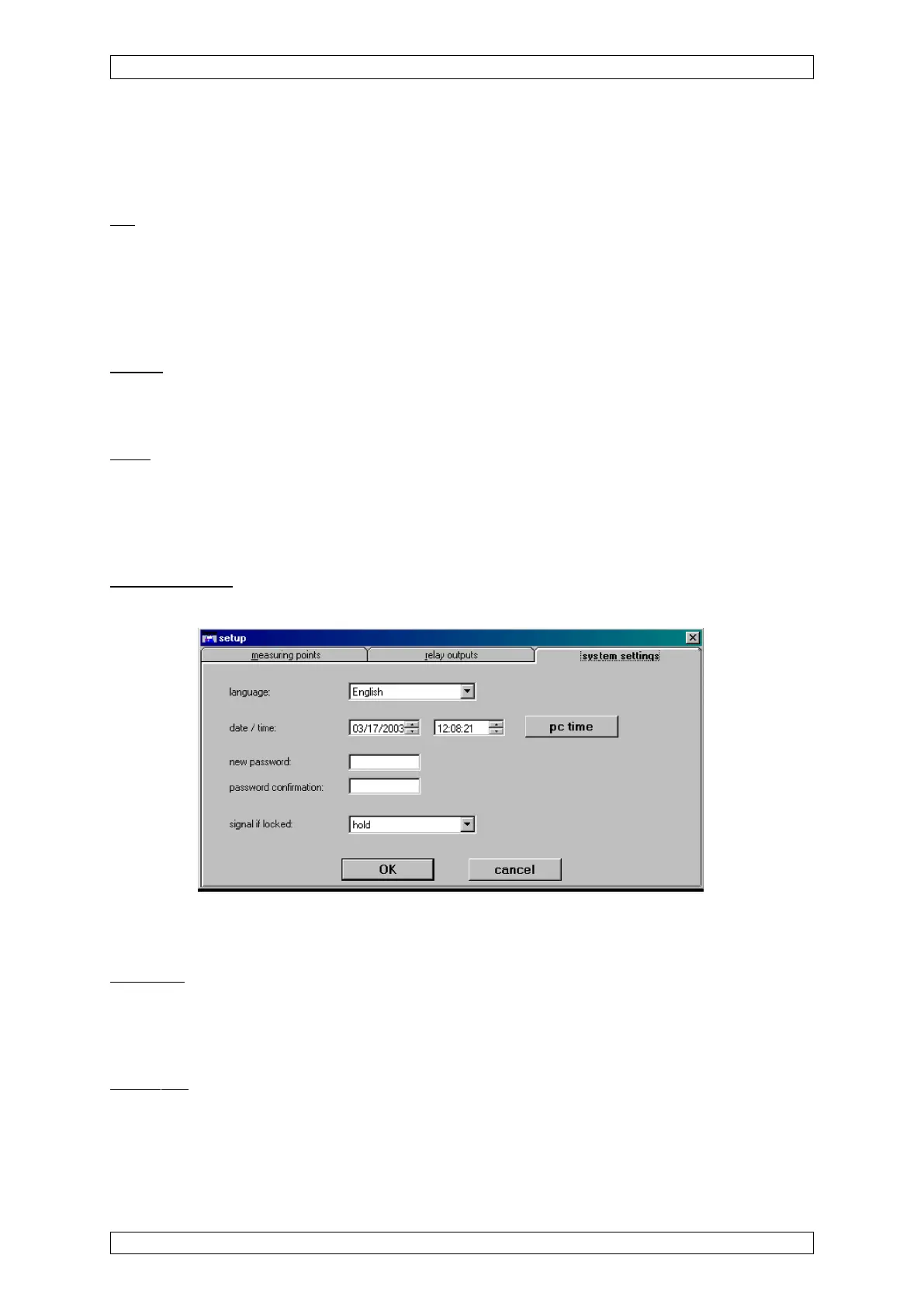
This menu summarises all parameters that affect the entire system.
Figure 4-28: System settings menu
The functions of the individual menu elements are described below:
Language
Field type: Selection
In this field set the language for the user display. This setting has no influence on the WINDOWS
system settings and the MDO display.
Date/Time
Field type: Selection
The date and time are set by selecting the appropriate input fields with cursor keys.
After this field is closed, the altered time is displayed, but does not become valid until the menu



 To Next Page