REV 0, June 2005Page 232
Operation Manual SUPREMA
10. Redundant Systems
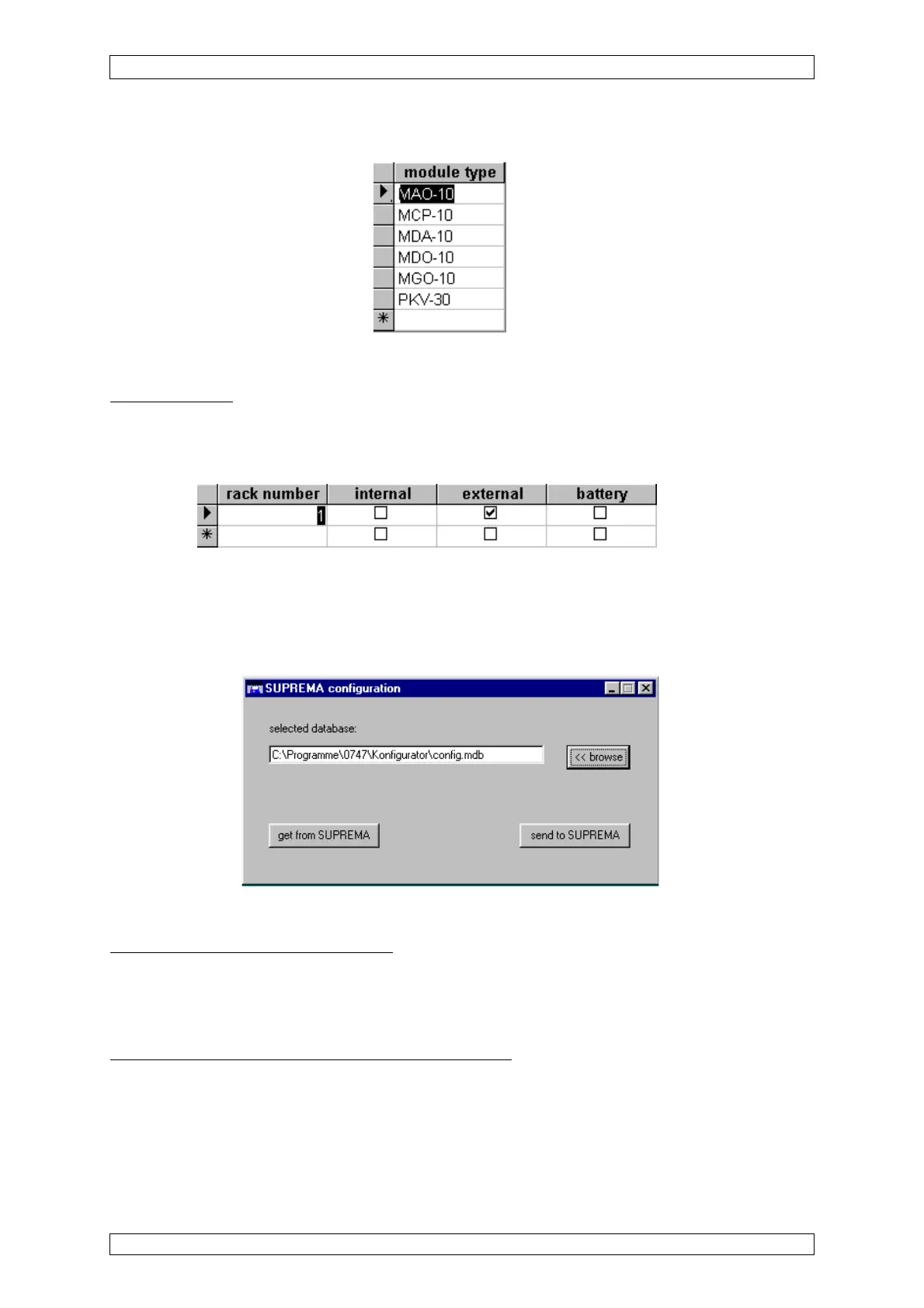
View of the “module types” listing:
Figure 10-12: “Module types” listing
Voltage supplies
The voltage supplies used are entered by ticking the relevant box.
View of the “power supplies” listing
Figure 10-13: “Power supplies” listing
Transfer program SUPREMA_Configuration.exe
The transfer program serves as data transfer between the SUPREMA system and a configuration
database.
Figure 10-14: Transfer program “SUPREMA_Configuration.exe”
Selection of a configuration database
First, the user has to choose a configuration database. This is made either by direct input of
path and file name in the text field provided, or by means of the “browse” button. The actions
described below refer to this database.
Getting configuration data from a SUPREMA System
By clicking the button “get from SUPREMA”, the configuration data of the SUPREMA system
connected is transferred to the PC and stored in the selected database. All data which was
stored before is overwritten by this action.
When this process has been complted without failures, the message “transmission successful”
appears.



 To Next Page