2.21
Date Code 20171006 Instruction Manual SEL-400 Series Relays
PC Software
QuickSet HMI
The flashing LED representation in the lower left of the QuickSet window indi-
cates an active data update via the communications channel (see Figure 2.18).
Click the button marked Disable Update to suspend HMI use of the communica-
tions channel.
HMI Device Overview
Select the Device Overview branch to display an overview of the relay operation.
This view includes a summary of information from many of the other HMI
branches, including fundamental metering, contact input/output status, and front-
panel LED status.
The Device Overview colors and text can be customized. White LED symbols
indicate a deasserted condition and LED symbols with any other color indicate an
asserted condition. Click an LED symbol to change its assert color.
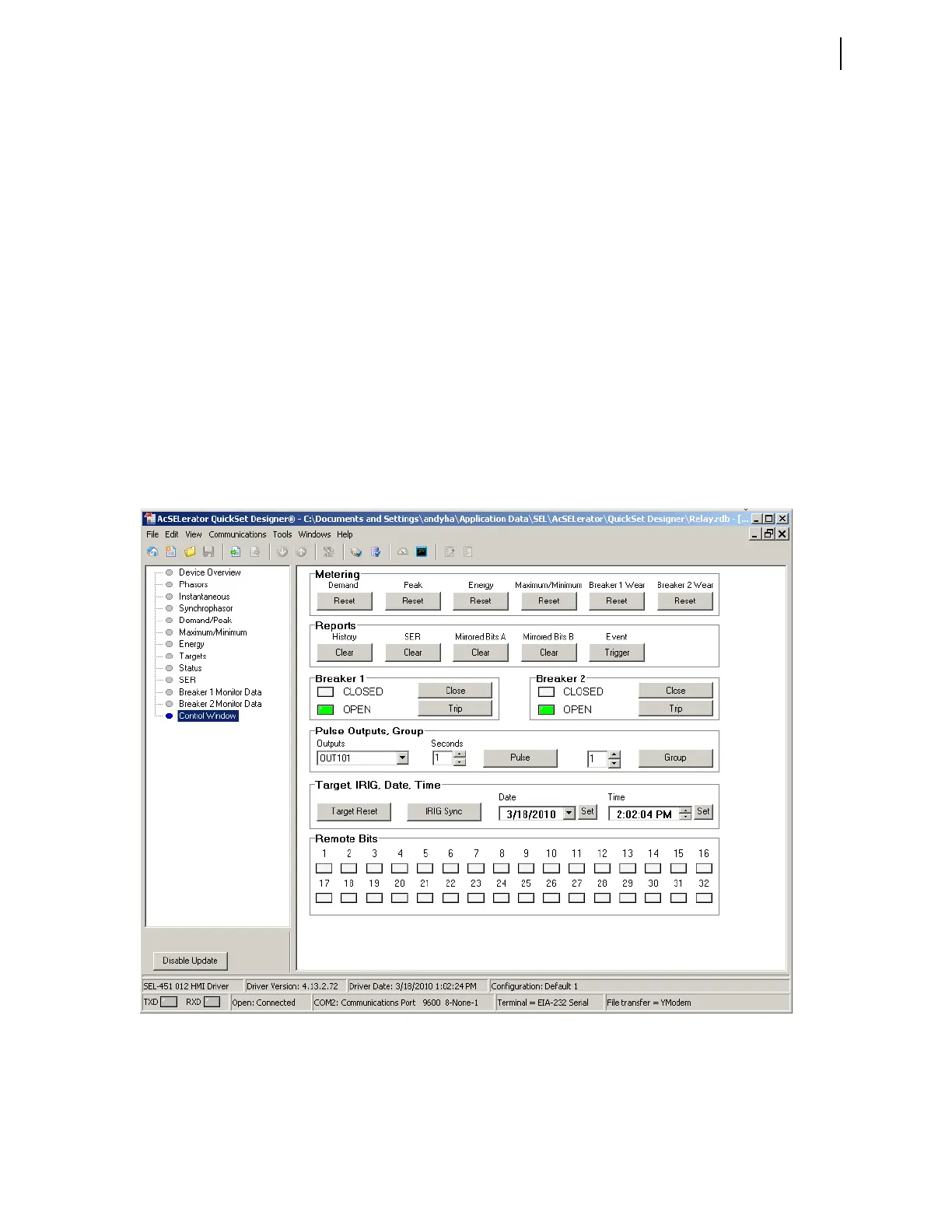
HMI Control Window
Select the Control Window branch to reset metering values, clear event records,
trip and close reclosers/breakers, pulse output contacts, and set and clear remote
bits (see Figure 2.19) for a representative example.
Other HMI Branches
The remaining HMI branches display metering, targets, status, reporting, and
monitoring information.
Figure 2.19 Control Window



 To Next Page