2.26
SEL-400 Series Relays Instruction Manual Date Code 20171006
PC Software
Analyze Events
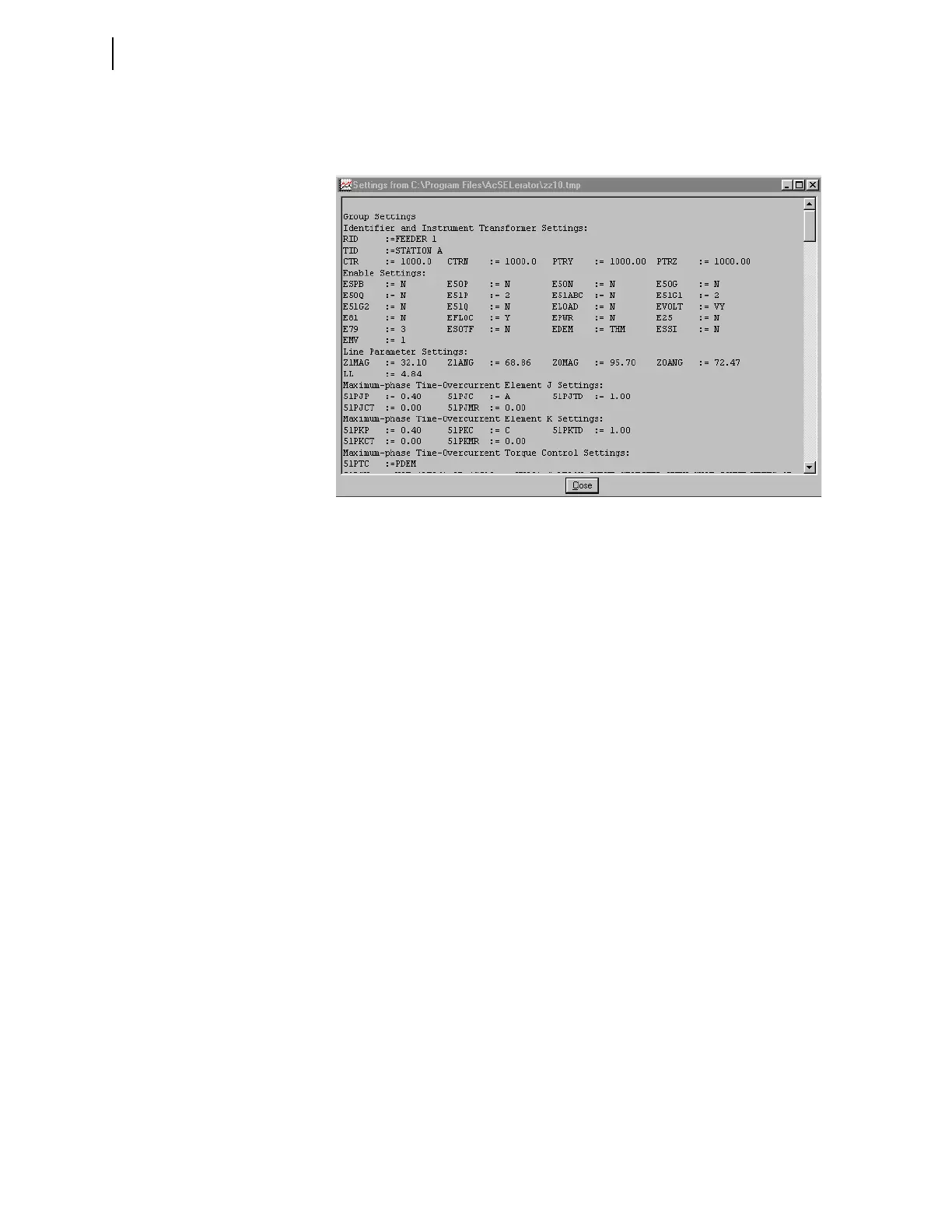
Click Relay Settings on the View menu to view the relay settings that were
active at the time of the event. Figure 2.27 shows a sample CEV-type event Settings
screen.
Aligning Events
There are times when it is desirable to look at data from multiple device event
reports simultaneously. This is especially valuable with the SEL-487B when a set
of three relays are acting as single-phase relays on a single system. Once you
have the event reports retrieved and saved, you can view them together using the
following procedure.
Figure 2.27 Sample Event Waveform Settings Screen



 To Next Page