2.27
Date Code 20171006 Instruction Manual SEL-400 Series Relays
PC Software
Analyze Events
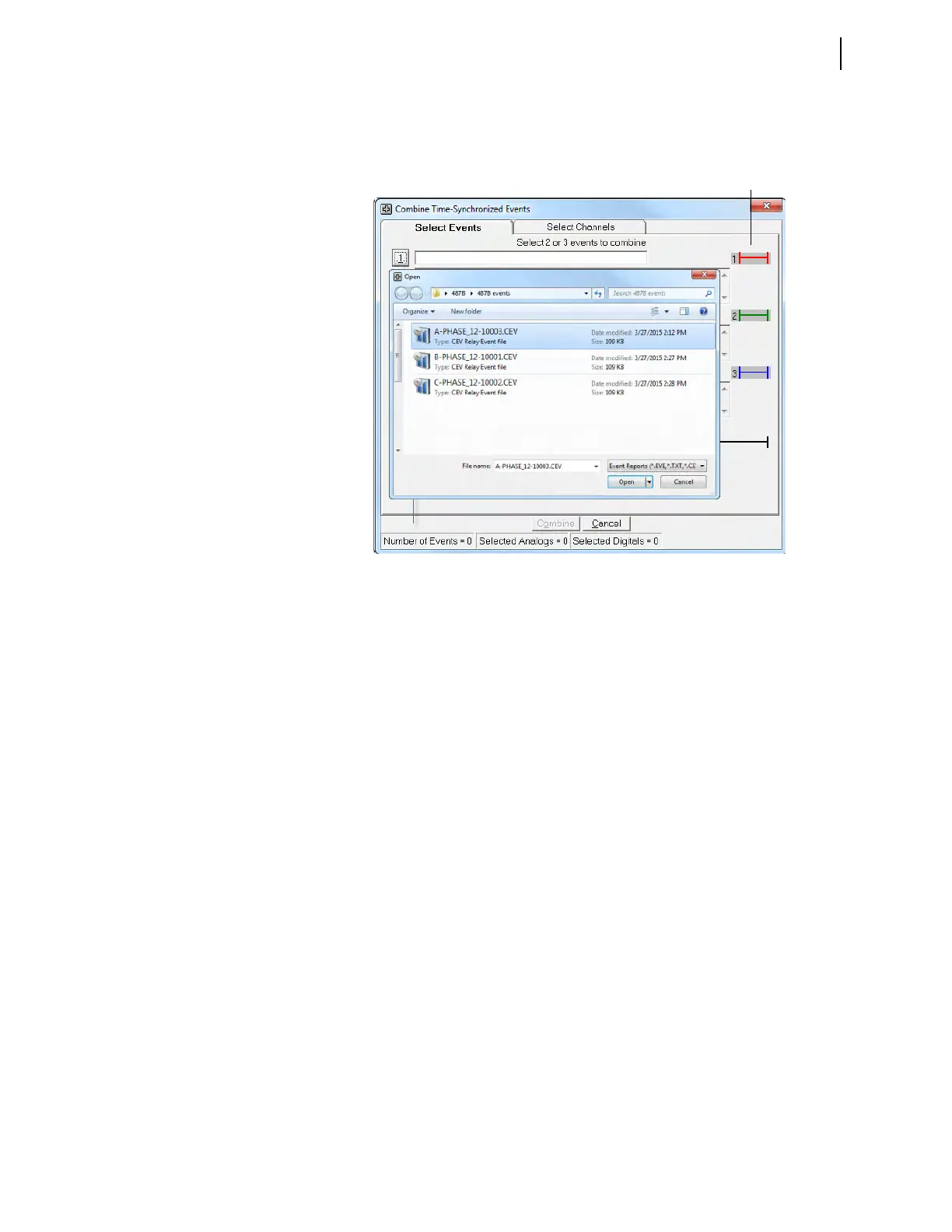
Step 1. In ACSELERATOR Analytic Assistant SEL-5601 Software, select File
> Combine Time-Synchronized Events files to combine the three
event reports into one event, as shown in Figure 2.28.
Three placeholders are available for as many as three events. Next to each place-
holder is a color-coded horizontal line called an event time control line. These
event time control lines also appear at the bottom of the screen where they show
the relative overall time relationship between the events, the trigger time of each
event, and the number of cycles of each event. The event time control lines are
color-coded, with red (Event 1) on top, green (Event 2) in the center, and blue
(Event 3) at the bottom. A flashing arrow points to a button for Event 1.
Step 2. Click the button for Event 1.
The software selects the directory where you last stored an event report.
Step 3. Click the event you want to analyze.
Step 4. Click the Open button, as shown in Figure 2.29.
Figure 2.28 Combine Time-Synchronized Events Submenu Screen



 To Next Page