2.29
Date Code 20171006 Instruction Manual SEL-400 Series Relays
PC Software
Analyze Events
If the subsequent event does not overlap the first event by at least one data point,
the software does not allow the events to be combined.
Step 5. Click on the button for Event 2 and repeat the steps described for
selecting Event 1.
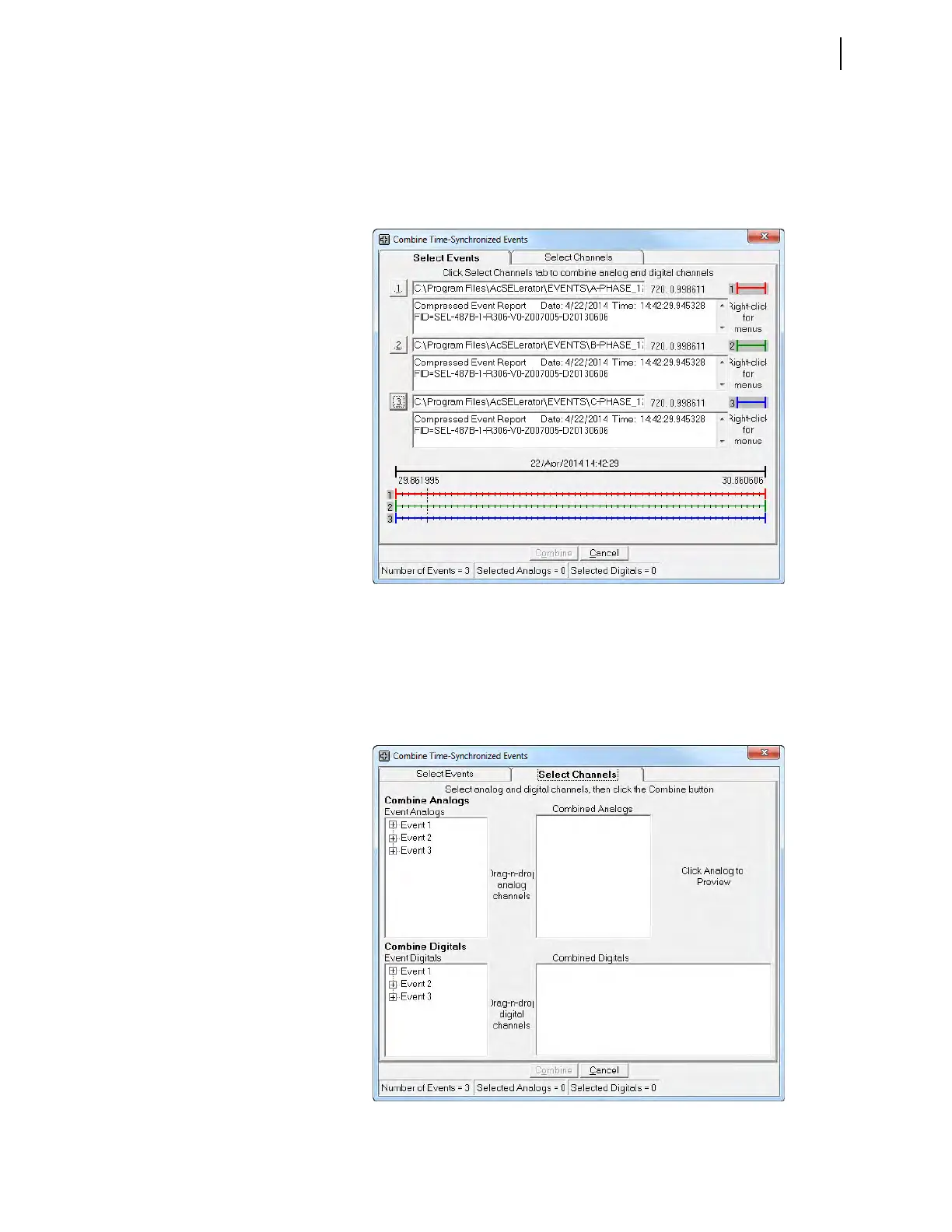
Step 6. Repeat the steps for Event 3. Figure 2.31 shows the screen after
reading all three events.
The information displayed at the bottom of the screen shows that we have opened
three events, but have not yet selected any analog channels or digital Relay Word
bits from these events.
Step 7. Click on the Select Channels tab to select analog channels and digi-
tal Relay Word bits. Figure 2.32 shows the screen for selecting the
channels.
Figure 2.31 Screen After Reading All Three Events
Figure 2.32 Screen for Selecting Analog Channels and Digital Relay Word Bits



 To Next Page