4.31
Date Code 20171006 Instruction Manual SEL-400 Series Relays
Front-Panel Operations
Front-Panel Automatic Messages
One-Line Diagram
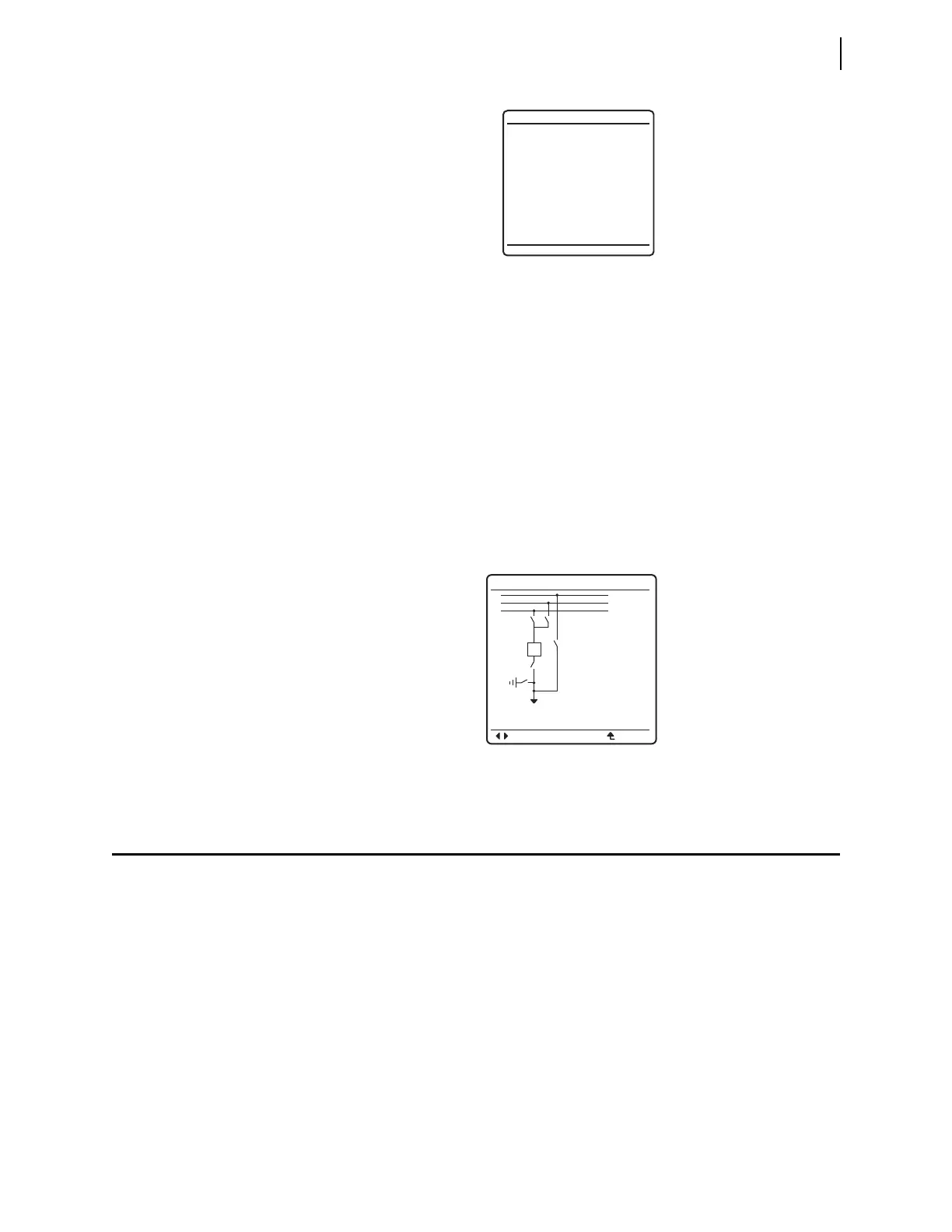
Most SEL-400 series relays support one-line diagrams on the front-panel LCD.
The
ONE-LINE DIAGRAM option from the front-panel MAIN MENU displays the one-
line diagram that has been selected in the Bay settings class. From this screen,
disconnect switch open and close operations, as well as breaker open and close
operations can be performed. This screen also displays labels for the different
apparatus in the bay configuration and Analog Quantity metering values. The
one-line diagram, display labels, and Analog Quantities are settable in the Bay
class settings. See Figure 4.37 for an illustration of the one-line diagram.
For navigation and control operations in the one-line diagram screen, see Bay
Control Front-Panel Operations on page 5.12.
Front-Panel Automatic Messages
The relay automatically displays alert messages. Any message generated because
of an alert condition takes precedence over the normal
ROTATING DISPLAY and
the
MAIN MENU. Alert conditions include these significant events:
➤ Alarm Point asserts
➤ Event reports and trips (user-defined)
➤ Status warnings
➤ Status failures
To display event reports automatically from the
ROTATING DISPLAY, you must set
front-panel setting DISP_ER to Y. Front-panel setting TYPE_ER allows the user
to define which types of event reports will be automatically displayed from the
normal
ROTATING DISPLAY; ALL will display all event types defined in the relay,
and TRIP will display only the event types that include the assertion of the TRIP
Relay Word bit.
Figure 4.36 RESET ACCESS LEVEL Screen
RESET ACCESS LEVEL
Front panel access
level reset.
Figure 4.37 One-Line Diagram Screen
BAYNAME
ESCNAVIG
ANALOGS
I:9999A
V:999kV
F:99.9Hz
P:999MV
Q:999MVR
BUS 1
Dis 4
Dis 5
Bkr 1
Dis 3
Dis 1
Dis 2
BUS 2
BUS T



 To Next Page