4.32
SEL-400 Series Relays Instruction Manual Date Code 20171006
Front-Panel Operations
Front-Panel Automatic Messages
For alarm point assertions, qualified event reports (including trip events) and sta-
tus warnings, the relay displays the corresponding full-screen automatic message,
only if the front-panel display is in the time-out or standby condition (the relay is
scrolling through the default display points/enabled metering screens of the
ROTATING DISPLAY or is displaying the MAIN MENU). When a status warning,
alarm, or event is triggered, the relay full-screen presentation is similar to the
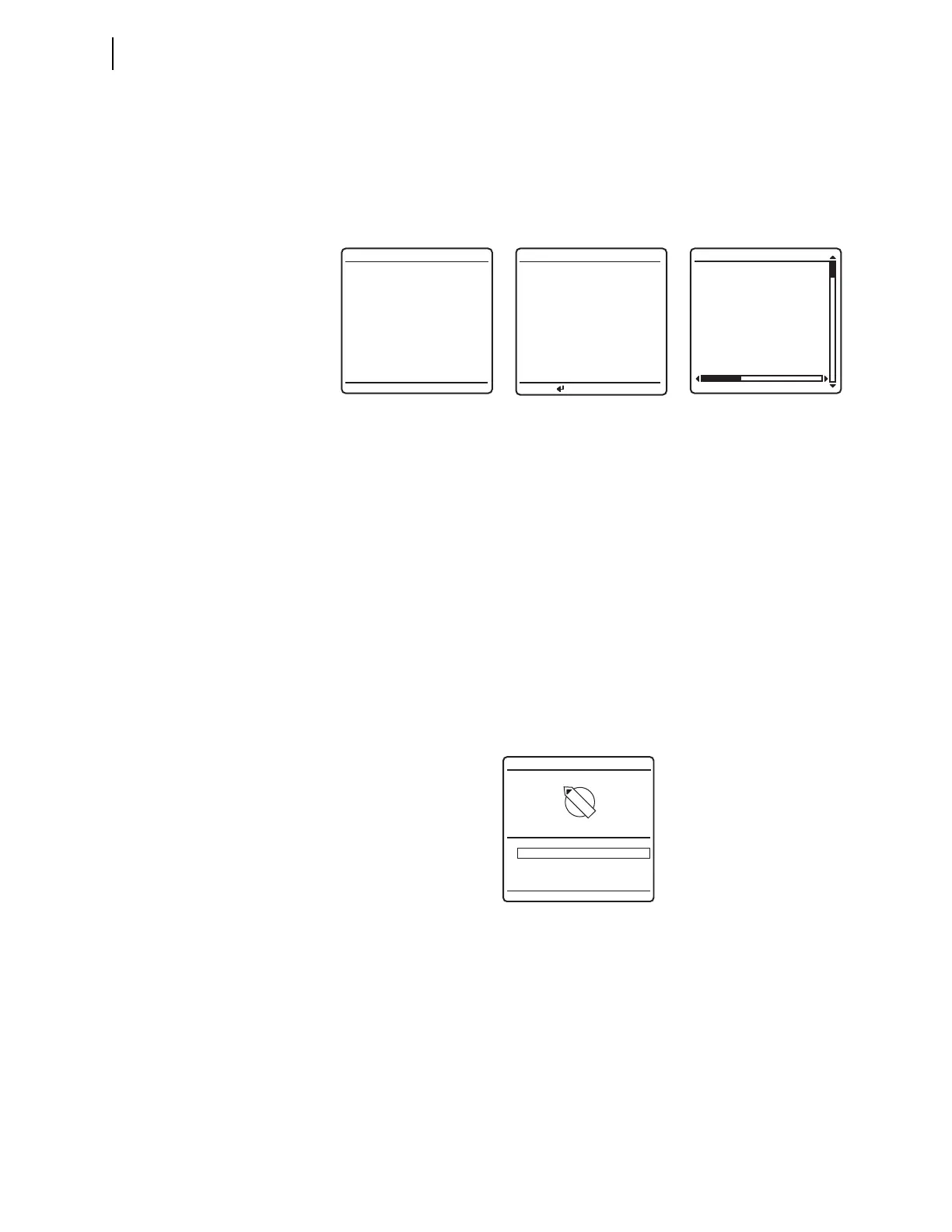
screens of Figure 4.38.
If you are on site using the relay front panel in menus and screens other than the
MAIN MENU and a status warning occurs, an alarm point asserts, or an event report
triggers, the relay shows automatic messages at the bottom of the active screen in
the message area.
For example, the message area shows
RELAY STATUS WARNING for a status warn-
ing. Figure 4.39 is an example of a status warning notification that appears in the
message area of a
LOCAL CONTROL (local bit) screen. If an alarm point asserts
while you are using a front-panel screen, the message area notification reads:
ALARM EVENT. If a trip event occurs while you are using a front-panel screen, the
message area notification reads
RELAY EVENT. When you repeatedly press ESC (as
if returning to the
MAIN MENU) during this warning or trip alert situation, the relay
displays the corresponding full-screen automatic message concerning the warn-
ing or trip in place of the
MAIN MENU. If the front-panel display is at the MAIN
MENU
and a status warning occurs, the full-screen warning replaces the MAIN
MENU
. After you view the warning, alarm, or trip screen, pressing ESC returns the
LCD to the
MAIN MENU.
For a status failure, the relay immediately displays the full-screen status alert
regardless of the present front-panel operating state. The relay displays no further
LCD screens until the status failure clears. Should an unlikely status failure event
occur, contact your local Technical Service Center or an SEL factory representa-
tive (see Technical Support on page 10.31).
Figure 4.38 Sample Status Warning and Trip EVENT SUMMARY Screens
Figure 4.39 Sample Status Warning in the LCD Message Area
03/15/01 GROUP 1
00:00:05.387
EVENT: BCG T
LOCATION: 48.47
FREQ: 60.00
SHOT: 1P=0 3P=1
BK1 OPEN
BK2 CLOSED
EVENT SUMMARY 10002
RELAY STATUS
SEL-421-R101-V0-
Z001001-D20010315
S/N=0001001234
RELAY ENABLED
TEMPERATURE WARNING
*Circuit BK1 SF6 Gas
ALARM POINTS
Press to acknldge
1 Closed (OK to TIE)
0 Open (No TIE)
BUS TIE INTERLOCK
1
0
RELAY STATUS WARNING



 To Next Page