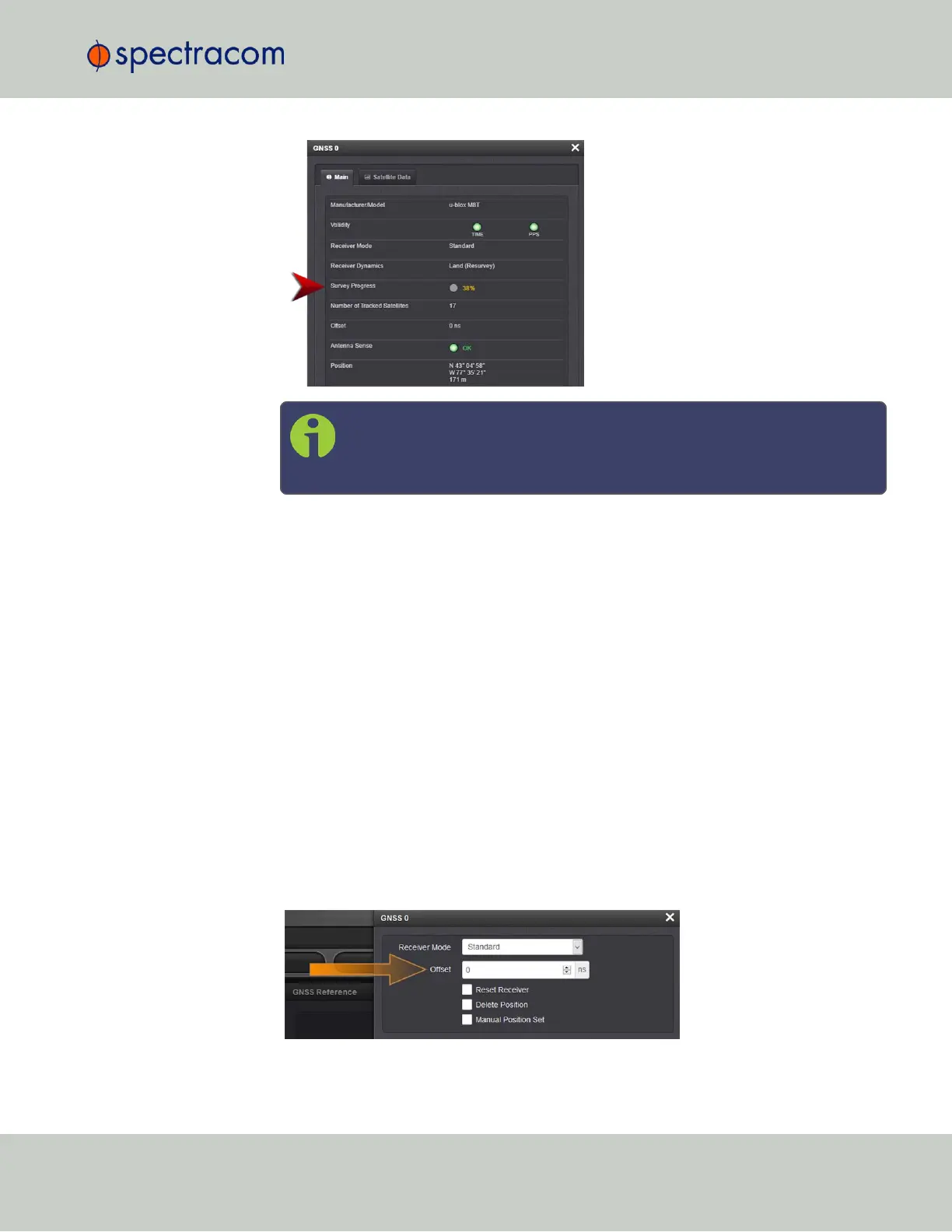
Note: Once a survey has been initiated, the Survey Progress may not be
displayed right away until the receiver has completed its initialization pro-
cess.
3.3.3.6 GNSS Receiver Offset
The Offset setting in the GNSS configuration window (INTERFACES > GNSS 0 > "Edit") allows
you to enter an offset to the GNSS time and 1PPS reference in order to account for antenna
cable delays or other latencies (entered and displayed in nanoseconds).
By setting the correct Offset value, you can offset the system’s on-time point by the Offset value to
compensate for the antenna and in-line amplifier delays. Under typical conditions, the expected
cable and amplifier delays are negligible. You can calculate the delay based on the man-
ufacture’s specifications.
The offset range is ±½ seconds (i.e. ±500ms, or ±500000000 ns). The default value is
0nanoseconds, and the resolution is 1 nanosecond.
Configuring a GNSS receiver offset
To configure the GNSS receiver offset:
1.
Navigate to Interfaces > References: GNSS Reference
2.
Click on the GEAR button next to the GNSS Reference. The GNSS0 window will open:
3.3 Managing References
CHAPTER 3 • SecureSync User Reference Guide Rev. 26
195



 To Next Page