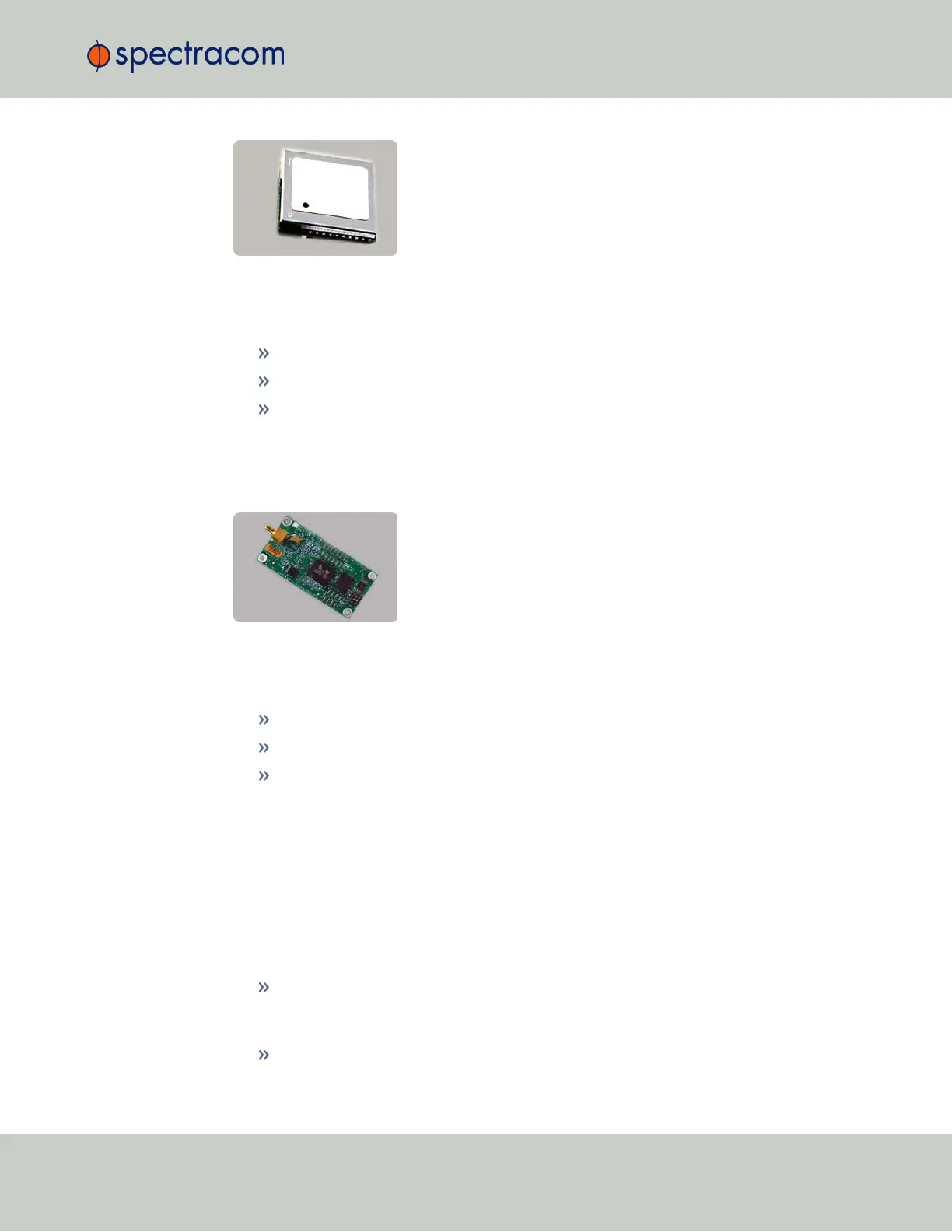
Production dates: 2014, 2015, 2016
Constellations: GPS, GLONASS, QZSS
Other characteristics:
Client A-GPS option: Yes
Server A-GNSS option: Yes, for GPS.
Resurvey: Automatic, after being moved and rebooted — can be changed, see "Setting
GNSS Receiver Dynamics" on page192.
Trimble Res-T
®
Production dates: up to 2014
Constellations: GPS
Other characteristics:
A-GPS option: No
Server A-GNSS option: Yes, for GPS.
Resurvey: Automatic, after being moved and rebooted — can be changed, see "Setting
GNSS Receiver Dynamics" on page192.
3.3.3.3 Selecting a GNSS Receiver Mode
When connected to a GNSS antenna that receives a GNSS signal, SecureSync can use GNSS
as an input reference. The factory default configuration allows GNSS satellites to be
received/tracked with no additional user intervention required.
However, there are several user-configurable GNSS settings:
The Receiver Mode function allows the GNSS receiver to operate in either a stationary
mode (“Standard” or “Single Satellite” modes), or in a mobile mode environment e.g., in
a vehicle, ship or aircraft.
Offset [ns]: to account for antenna cable delays and other latencies
3.3 Managing References
CHAPTER 3 • SecureSync User Reference Guide Rev. 26
189



 To Next Page