Note: Clicking the Delete button in the Log File configuration window does
NOT remove the remote log server from the network. In this instance it
merely deselects the server as that particular log’s remote log server.
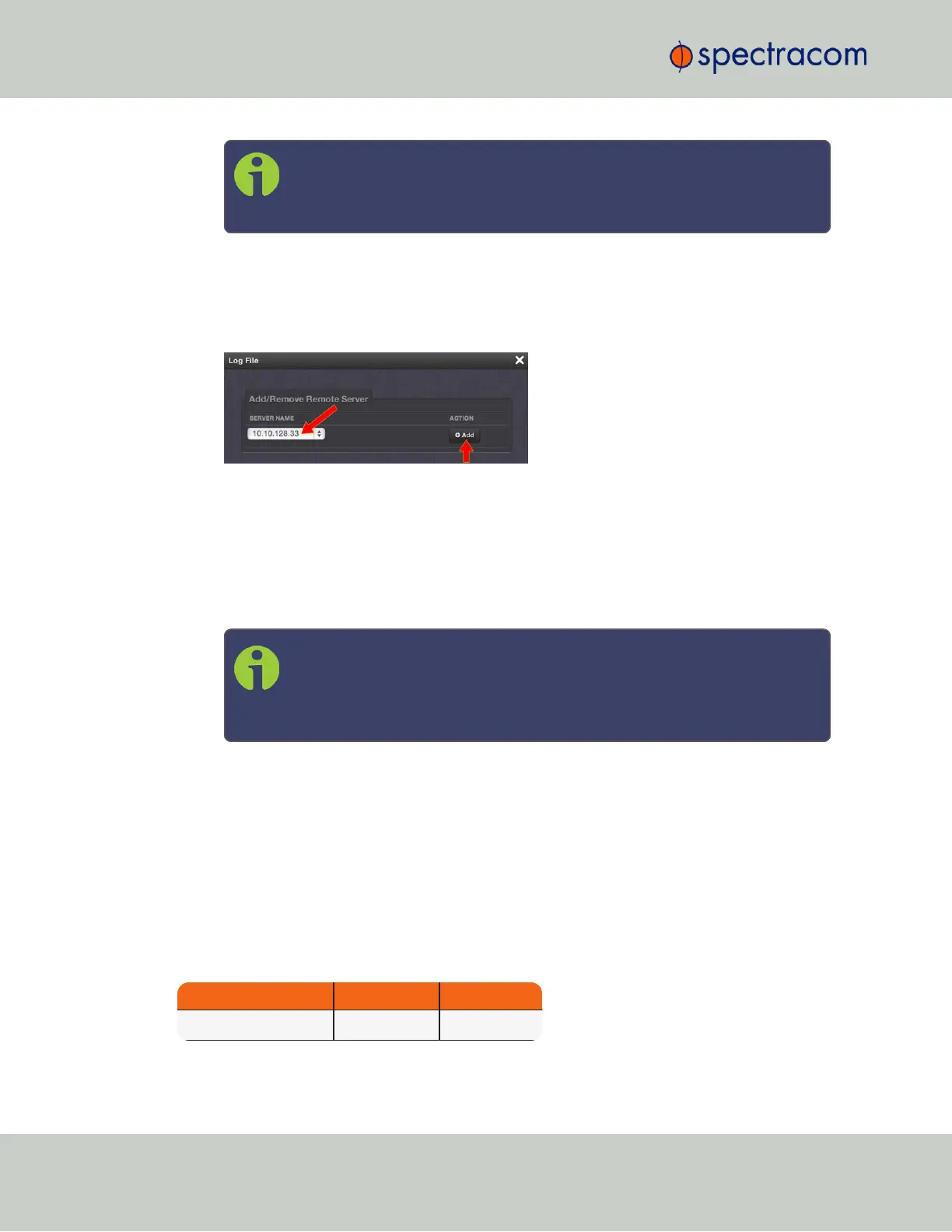
If the log does not have a remote log server assigned, there will be a drop-down list of
server choices.
If this list is empty, you will need to set up a remote log server through the Remote Log
Server panel. See "Setting up a Remote Log Server" on the facing page.
Click Add to add a remote server from the drop-down list.
b.
Log File: Displays the name of the log file being configured.
c.
Facility: Value (defined by the Syslog server) to determine where the log is stored in the
Syslog server. Set this value to match the scheme used by the remote server.
d.
Priority: Value (defined by the Syslog server) to determine where the log is stored in the
Syslog server. Set this value to match the scheme used by the remote server.
Note: Regarding Facility and Priority values: In addition to configuring the
log entries to be sent to a specific location in the Syslog server, the com-
bination of these two values also determines which local log the entries are
sent to inside the unit.
Changing either or both of these values from the factory default values will alter which
log the entries are sent to inside SecureSync.
The table below indicates which Log Tab the log entries will be sent to (by default),
based on the configuration of these two values.
If remote logging is not being used, the Facility and Priority values should not be changed from
the default values. Altering these values can cause log entries that have similar values to be sent
to the same log file (combining different types of log entries into one log). The factory default
settings for the Facility and Priority configurations of all logs that can be sent to a Syslog server
are as follows:
Table 4-1:
Factory default facility and priority codes
Log Tab Name Facility Priority
Event Local Use 7 Alert
314
CHAPTER 4 • SecureSync User Reference Guide Rev. 26
4.5 Quality Management



 To Next Page