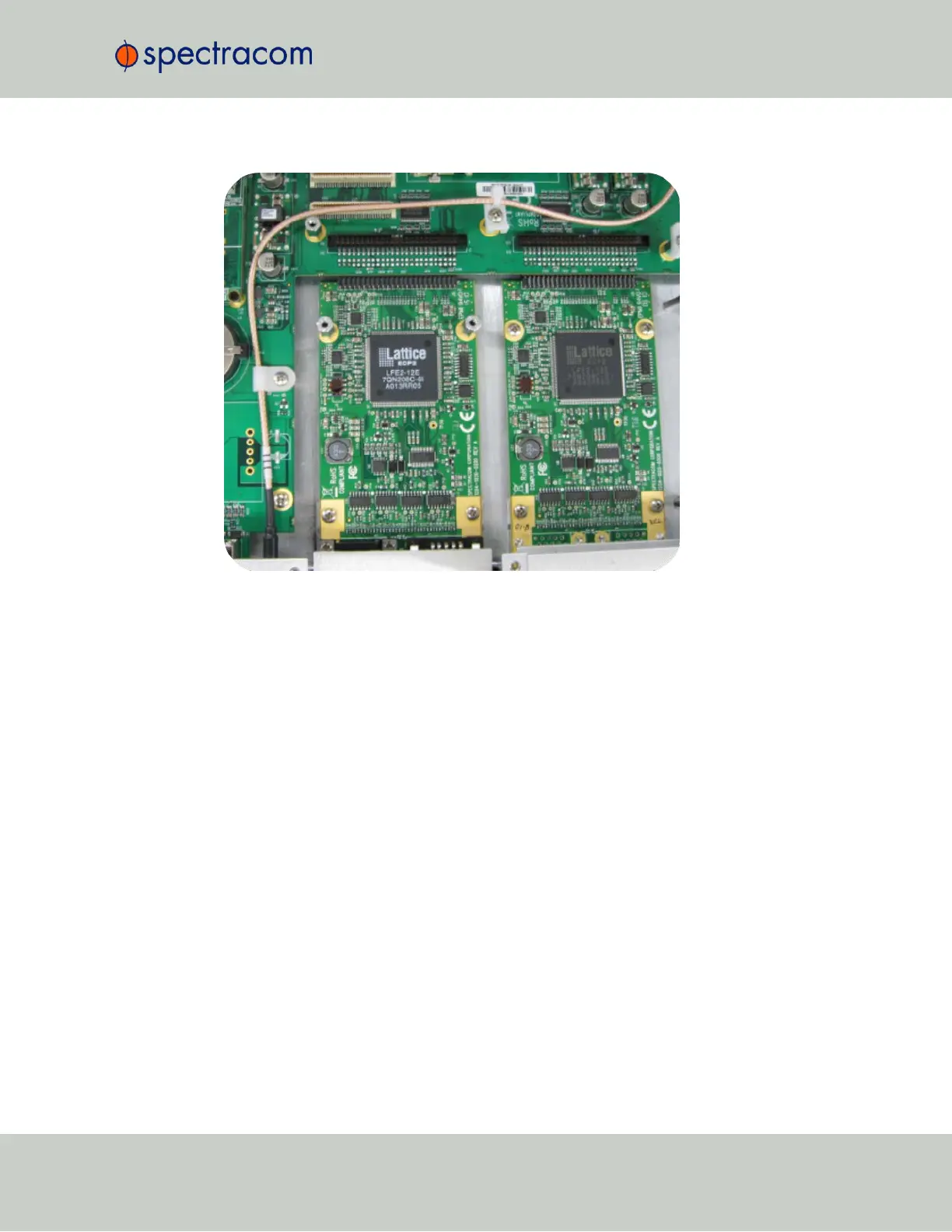
Figure 5-6: Bottom card with standoffs installed
f.
Insert option card into the slot above the existing card, lining up the screw holes with the
standoffs.
g.
Using the supplied M3 screws, screw the board into the standoffs, and the option plate
into the chassis, applying a torque of 0.9Nm/8.9in-lbs.
h.
Take the supplied 50-pin ribbon cable and carefully press it into the connector on the
mainboard (lining up the red sided end of the cable with PIN 1 on the mainboard), then
into the connector on the option card (see Figurebelow).
SecureSync User Reference Guide 359
APPENDIX



 To Next Page