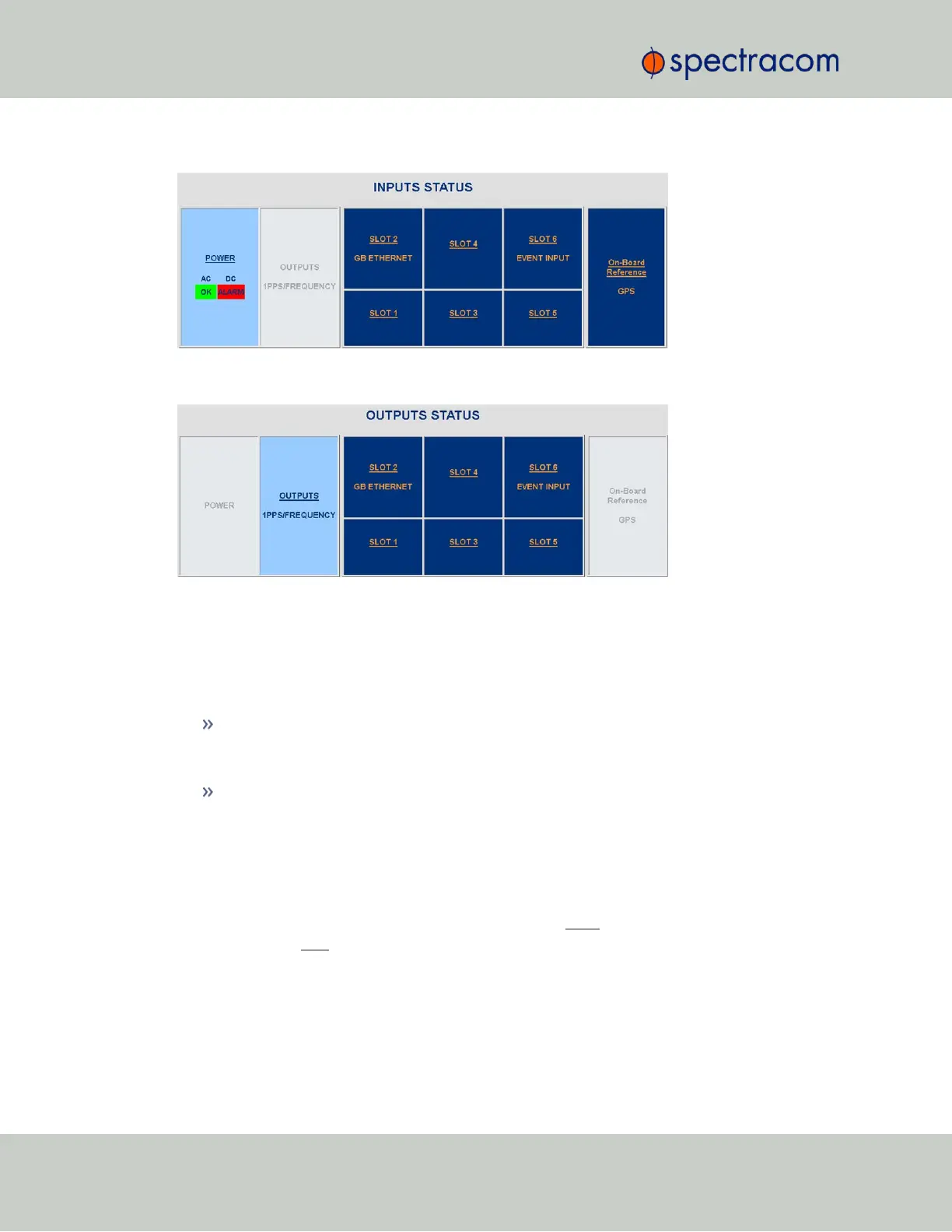
Figure 5-13: Example STATUS/INPUTS page – SecureSync Web UI
Figure 5-14: Example STATUS/OUTPUTS page – SecureSync Web user interface
SecureSync Web UI, ≥ Version 5.0
Open a web browser, log in to the SecureSync WebUI, and navigate to INTERFACES >
OPTION CARDS: The new card will be displayed in the list.
If the card does not appear to be properly identified, proceed with the Software update
as described below, and then navigate to INTERFACES > OPTION CARDS again to con-
firm the card has been detected.
If the card has been detected properly, proceed with the Software update as described
below to ensure SecureSync and the newly installed card are using the same, latest avail-
able version.
Updating the System Software
Even if the newly installed option card has been detected, and even if the latest System Soft-
ware version is installed on your SecureSync unit, you must (re-)install the software to ensure
both SecureSync, and the option card are using the latest software:
366 SecureSync User Reference Guide
APPENDIX



 To Next Page