Optical Input Minimum Sensitivity: -25dBm @ 820nanometers
Optical Output Power: -15 dBm average into 50/125 fiber
Fiber Optic Compatibility: 50/125μm, 62.5/125μm multi-mode cable
Optical Connector: ST
Output Programmable Pulse Width: 100ns to 900ms with 20ns resolution
Output Absolute Phase Error: ±50ns (1σ)
Output Programmable Phase Shift: ±5ns to 500ms with 5ns resolution
Maximum Number of Cards: 6
Ordering Information: 1204-2A: 1PPS 1-in/2-output, ST connectors
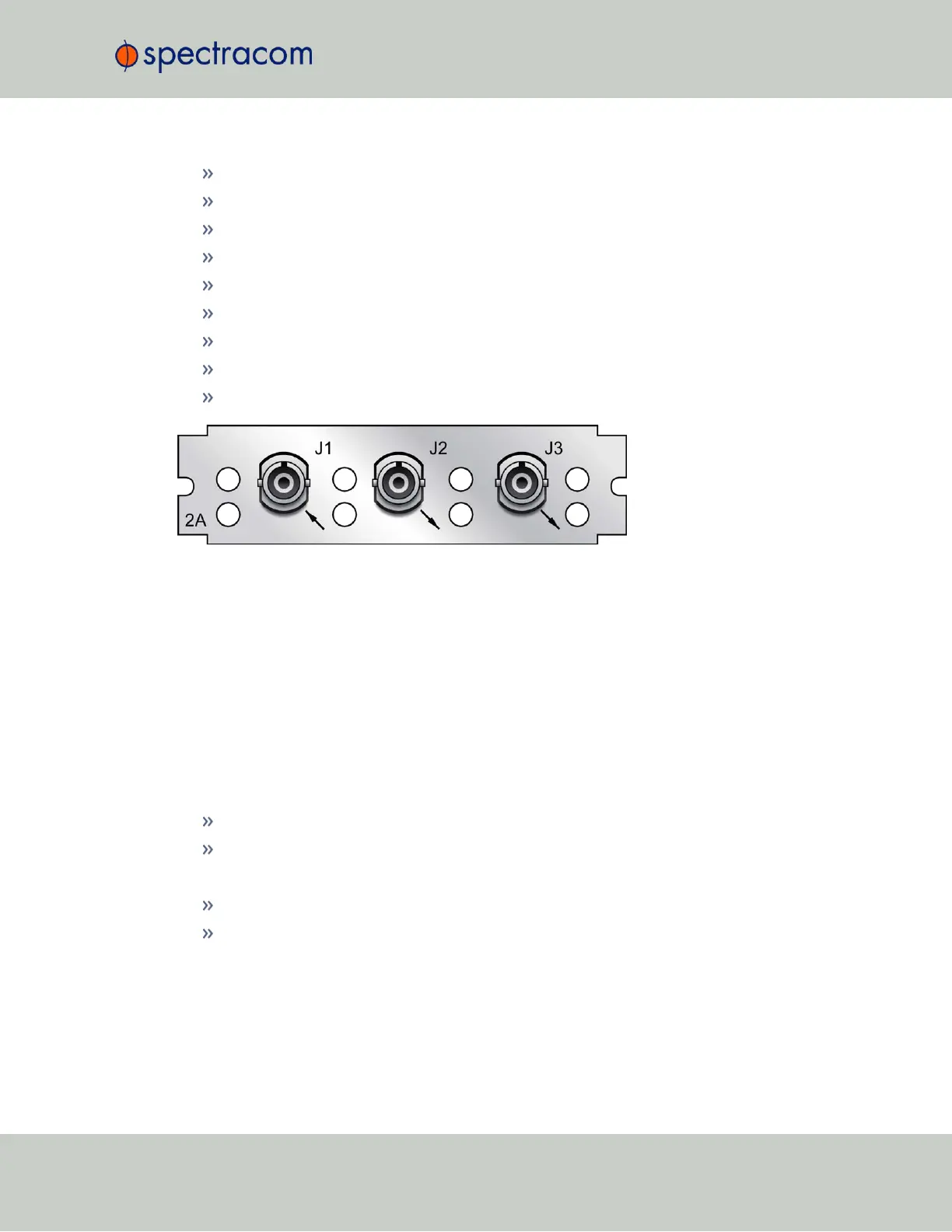
Figure 5-20: Model 1204-2A option card rear plate
1PPS Input or Output: Viewing Signal State
To quickly view if the 1PPS inputs and outputs of this option card are currently enabled or dis-
abled, go to the option card’s Status Summary panel. For instructions, see: "Viewing an
Input/Output Signal State" on page349.
1PPS Output: Edit Window
To configure the settings of a 1PPS output, go to its Edit window. For instructions, see: "Con-
figuring Option Card Inputs/Outputs" on page348.
The Web UI list entries for these cards are:
1PPS In/Out
1PPS In/Out, Fiber
The connector numbers are:
J2, J3, J4 (model -28)
J2, J3 (model -2A)
SecureSync User Reference Guide 373
APPENDIX



 To Next Page