Note: SecureSync starts numbering I/O ports with 0 (only 1PPS and 10MHz out-
puts start at1, because of the built-in outputs).
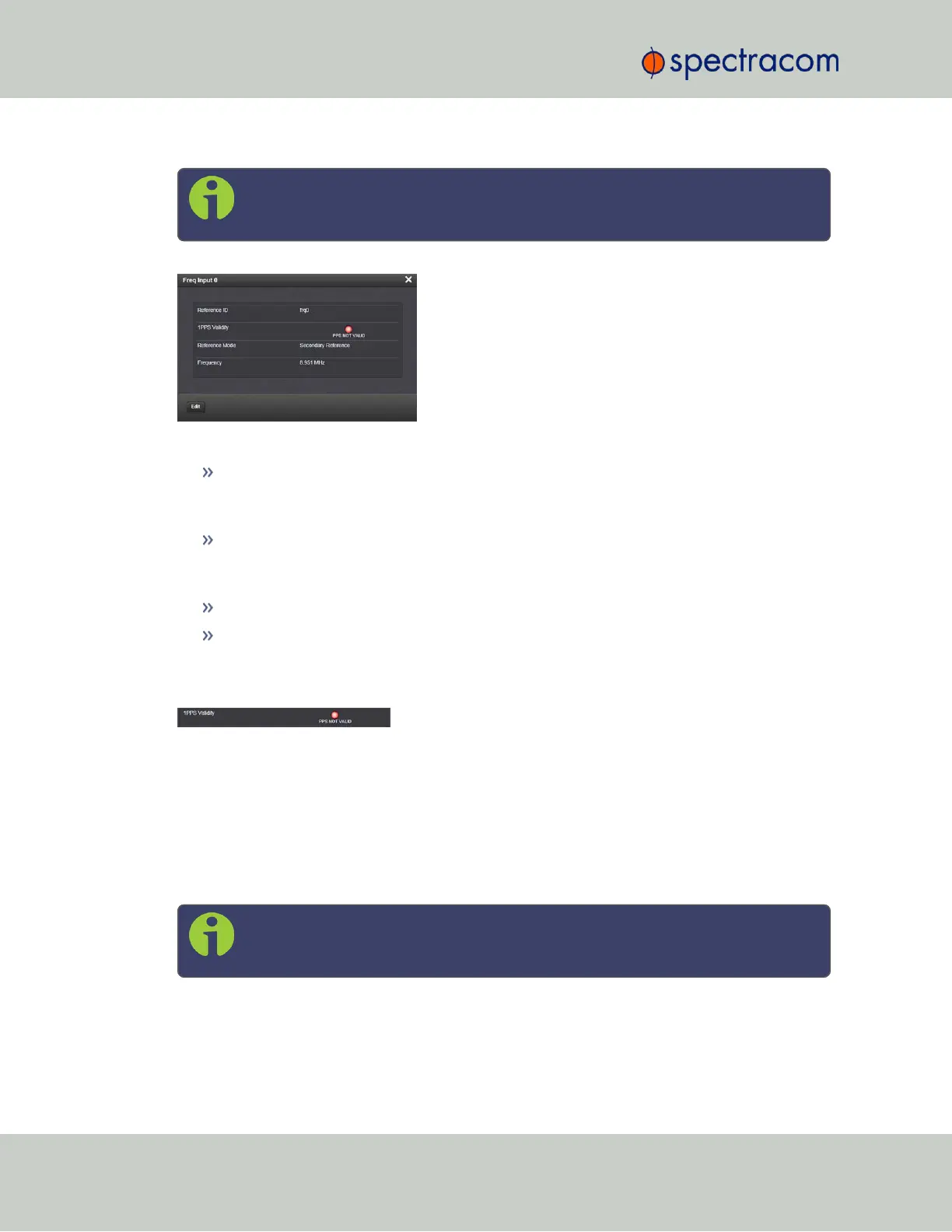
The Status window displays the following settings:
Reference ID: Name used to represent this 1PPS input reference in the Reference Priority
table; see "Configuring Input Reference Priorities" on page163 for more information
on reference priorities.
1PPS Validity: Indicates “OK” (green) if the 1PPS input signal is present and valid. Indic-
ates “Not Valid” (orange) if the 1PPS input signal is either not present or is not con-
sidered valid.
Reference Mode: Displays how the reference mode operates in determining its validity.
Frequency: Displays (in Hertz) the configured frequency of the input frequency signal.
The 1PPS Input signal is analyzed and an absence of the signal triggers a “Not Valid” indic-
ation.
1PPS Output: Edit Window
To configure the settings of the 1PPS output, go to its Edit window. For instructions, see: "Con-
figuring Option Card Inputs/Outputs" on page348.
The Web UI list entries for these cards are: 1PPS/Frequency BNC and 1PPS/Frequency RS-
485.
The connector number is: J3 (BNC card); J1 (RS-485 card).
Note: SecureSync starts numbering I/O ports with 0 (only 1PPS and 10MHz out-
puts start at1, because of the built-in outputs).
382 SecureSync User Reference Guide
APPENDIX



 To Next Page