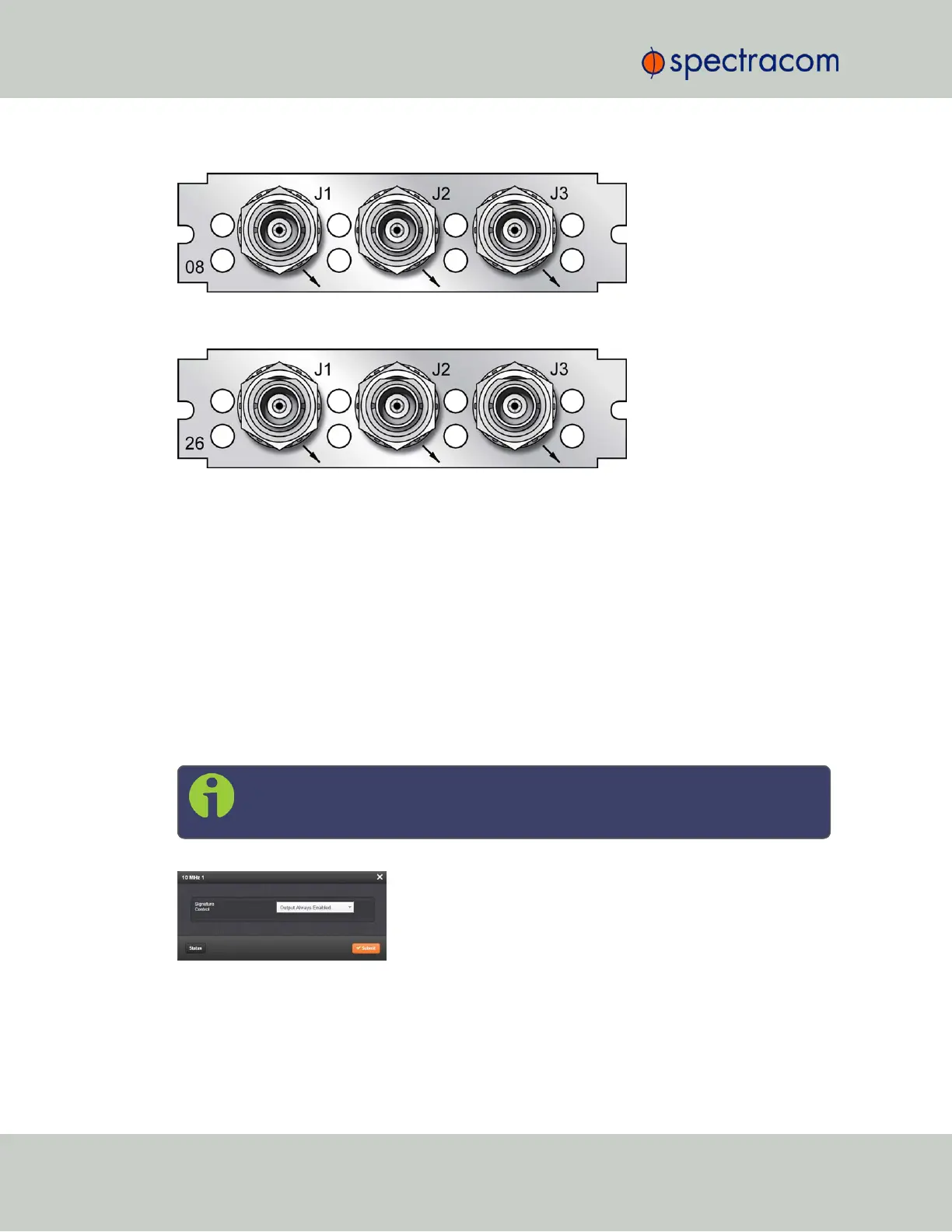
Figure 5-25: Model 1204-08 option card rear plate
Figure 5-26: Model 1204-26 option card rear plate
The Frequency Out option cards each have 3 outputs, distributing a 1MHz signal, 5MHz or
10MHz signal (depending on the card model). All 3 outputs are configured as a single output
and will appear as such in the SecureSync Web UI, numbered sequentially by card instance,
starting with 0 (except the 10 MHz option card, which starts with no.1 because of the built-in
10MHz output.)
Frequency Output: Edit Window
To configure the settings of a Frequency Output, go to its Edit window. For instructions, see:
"Configuring Option Card Inputs/Outputs" on page348.
The list entry for this card is named: 1/5/10MHz BNC (or: TNC)
The connector numbers are: J1…J3.
Note: SecureSync starts numbering I/O ports with 0 (only 1PPS and 10MHz out-
puts start at1, because of the built-in outputs).
The Edit window allows the configuration of the following settings:
386 SecureSync User Reference Guide
APPENDIX



 To Next Page