ii.
If the BMC cannot be determined from the previous parameter, the BMC
algorithm selects the clock having the higher Clock Quality (Clock Class, Clock
Accuracy, Clock Variance).
iii.
If the BMC cannot be determined from the previous parameters, the BMC
algorithm selects the clock having the higher Priority2 parameter.
The Master Clock selected by the BMC algorithm as the Best Master Clock will transition into the
Master state to become the active Master Clock on the network. It will then start to transmit Sync
packets to the Slave Clocks. The other Master Clocks will transition into the Passive state.
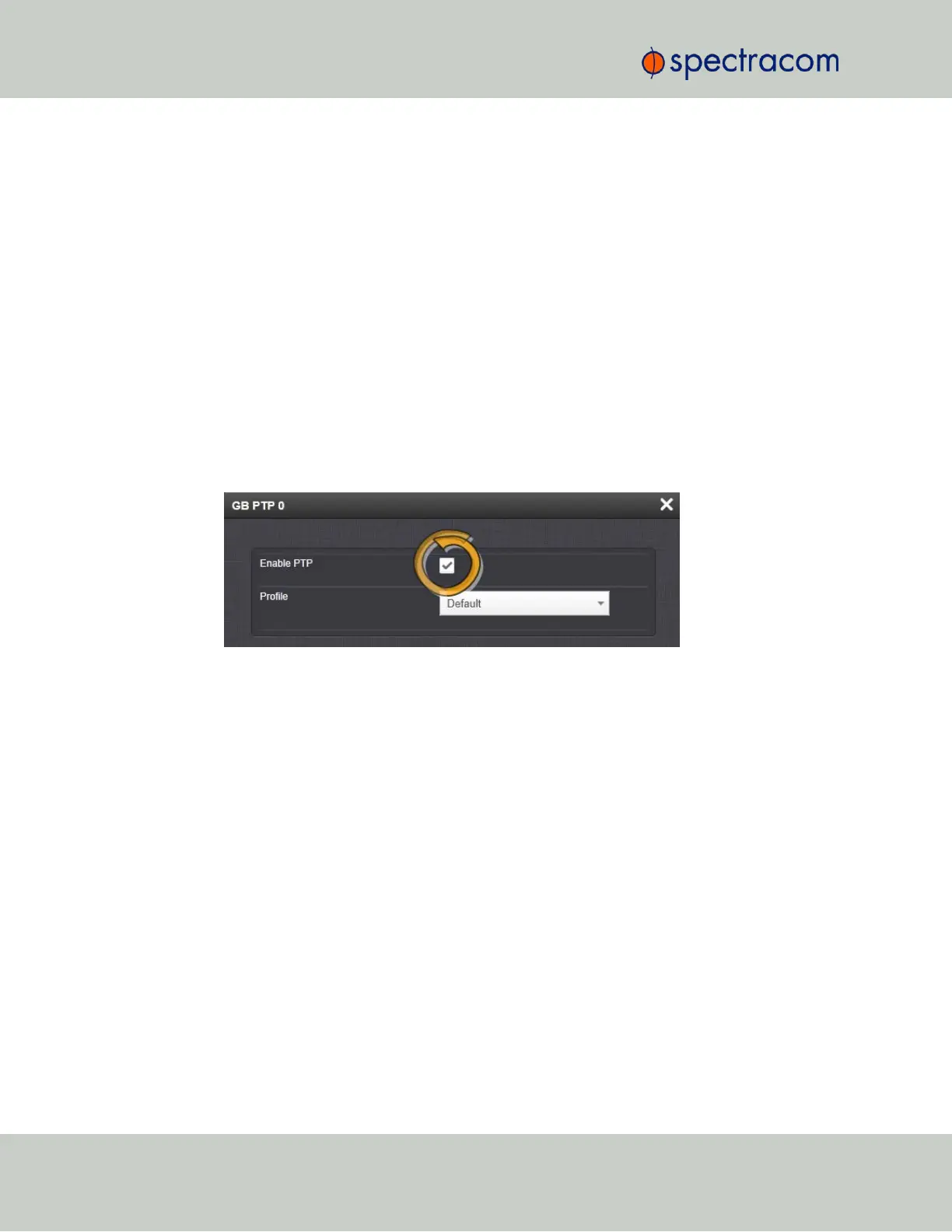
Enabling PTP
To enable PTP:
1.
Navigate to the Top panel of the GB PTP Edit window.
2.
Check the Enable PTP box.
Configuring Multicast Mode
To enter Multicast mode, perform the following steps:
1.
In the GB PTP Edit window, navigate to the Advanced tab.
2.
Select the Multicast Sync checkbox.
3.
Select the Multicast Sync Rate from the drop-down list.
482 SecureSync User Reference Guide
APPENDIX



 To Next Page