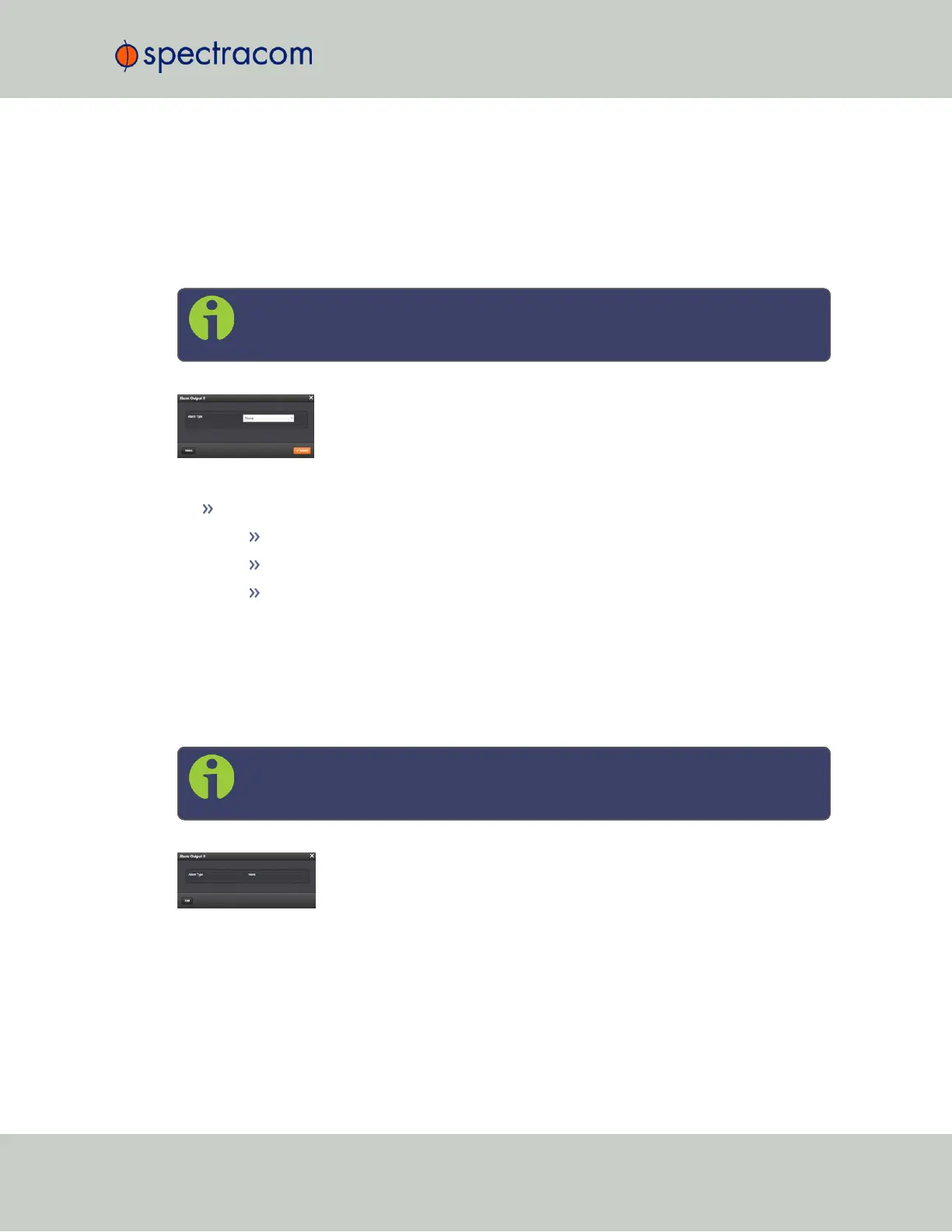
Alarm Relay Output: Edit Window
To configure the Alarm Relay Output, go to its Edit window. For instructions, see: "Configuring
Option Card Inputs/Outputs" on page348.
The Web UI list entry for this card is: Relay Output. The name of the output is: Alarm Output
[number].
Note: SecureSync starts numbering I/O ports with 0 (only 1PPS and 10MHz out-
puts start at1, because of the built-in outputs).
The Edit window allows the configuration of the following settings:
Alarm Type:
None: Will not output for an alarm.
Minor: Will output on a minor alarm.
Major: Will output on a major alarm.
Alarm Relay Output: Status Window
To view the current settings of an Alarm Relay Output, go to its Status window. For instructions,
see: "Viewing Input/Output Configuration Settings" on page347.
The Web UI list entry for this card is: Relay Output. The name of the output is: Alarm Output
[number].
Note: SecureSync starts numbering I/O ports with 0 (only 1PPS and 10MHz out-
puts start at1, because of the built-in outputs).
The Status window displays the following settings:
SecureSync User Reference Guide 499
APPENDIX



 To Next Page