11. Confirm that the roll paper width matches the paper size.
Make sure the width of the loaded roll is displayed in the BRoll Width list—in this case, 10 in. (254.0mm).
Note
• If
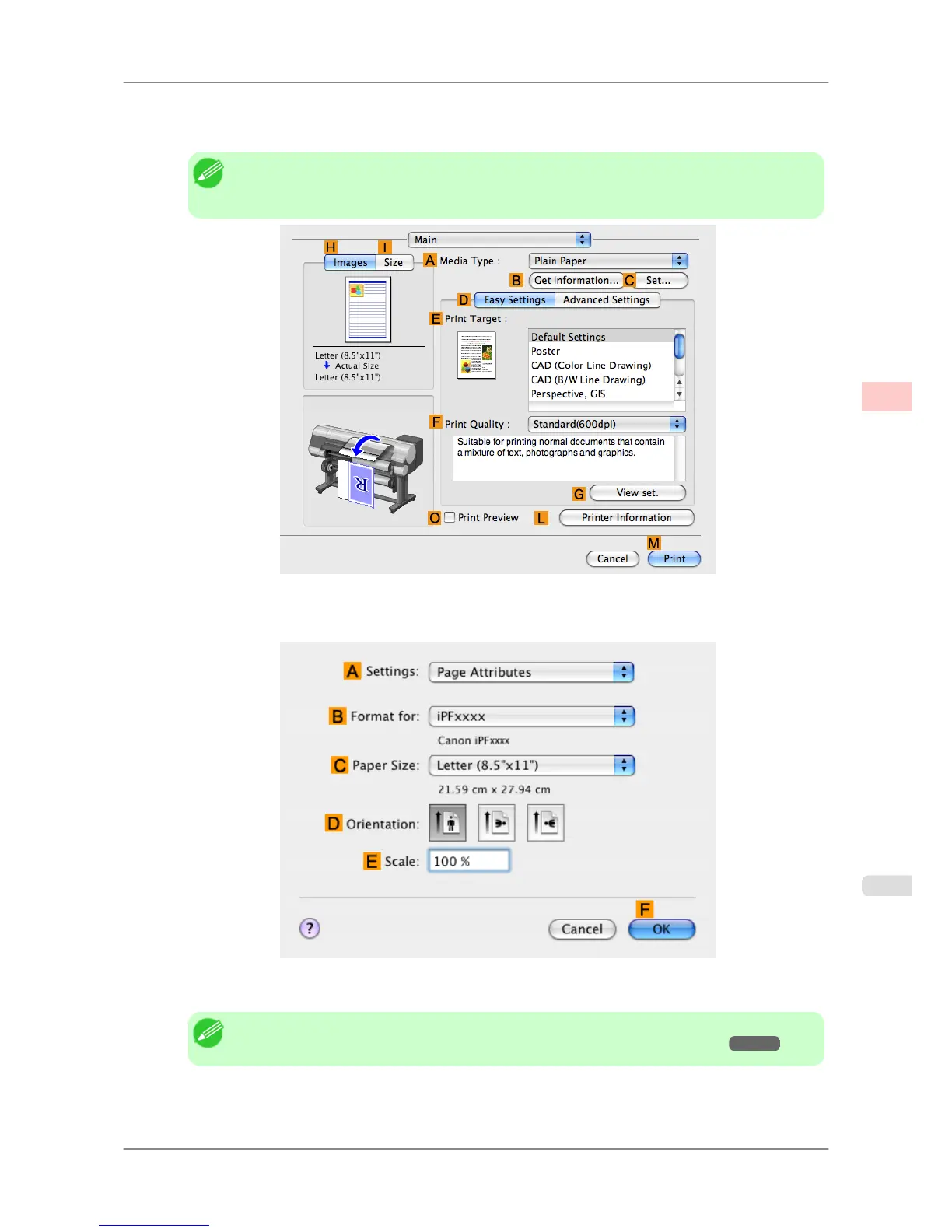
the width of the roll loaded in the printer is not shown in B Roll Width, click L Printer In-
formation on the Main pane to update the printer information.
12. Make sure the C Page Size
setting matches the original size as selected in C Paper Size in the Page Attributes
dialog box—in this case, 10"x12" - Borderless.
13. Confirm the print settings, and then click MPrint to start printing.
Note
• For tips on confirming print settings, see "Confirming Print Settings (Mac OS X) →P.407 "
Enhanced Printing Options
>
Printing at full size
>
iPF825 Borderless Printing at Actual Size (Mac OS X)
3
93














 To Next Page