Configuring Binding (Excel)
You can configure Binding margins for binding printouts.
1. Configure
the settings up to Layout Selection in the Layout screen in Print Entire Sheet or Print Selected
Area.
Refer to Print Entire Sheet (Excel)
→P.324
and Print Selected Area (Excel)
→P.327
for the configuration
methods.
2. Click the Binding Settings button.
Important
• You cannot click the Binding Settings button in the following situations.
• When the Image Size is set to 100%
• When a graph is selected
• When page breaks have been set
• When a sheet or cell is protected
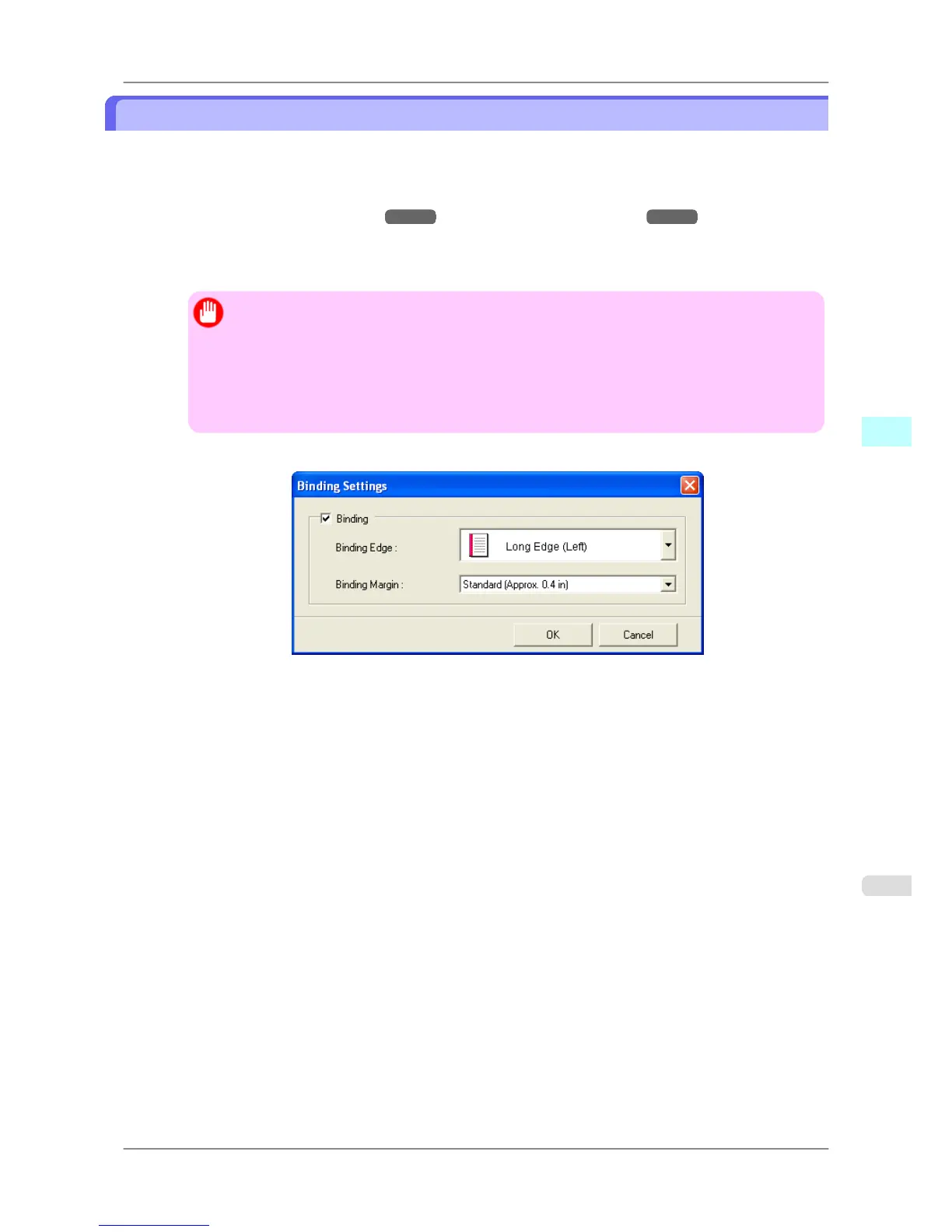
Open the Binding Settings dialog box.
3. If the Binding checkbox is not checked, select it to turn binding on.
4. Select Binding Edge.
5. Select Binding Margin.
Windows Software
>
Print Plug-In for Office
>
iPF825 Configuring Binding (Excel)
4
331














 To Next Page