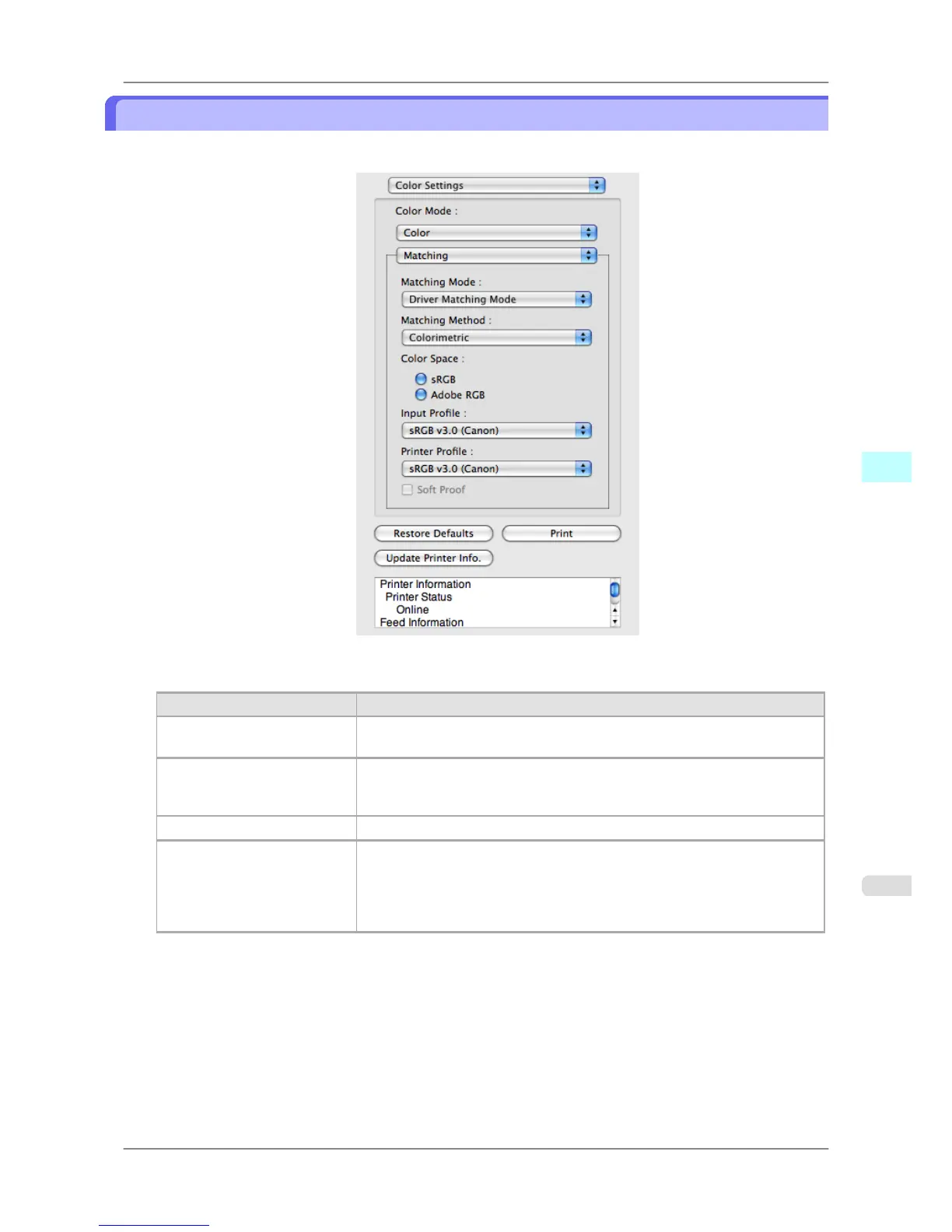
Driver Matching Mode
1. Under Matching Mode, select Driver Matching Mode.
2. Click Matching Method list, and then select a setting.
Setting Details
Auto Automatically selects the best color matching method for each Image, Graphics,
Text.
Perceptual Color-matching optimized for printing typical photos attractively. Smooth gra-
dation is a feature. This is also an easy-to-use mode when performing color ad-
justment using application software.
Saturation Color-matching optimized for printing posters, etc., vividly.
Colorimetric Color-matching optimized for printing image data with accurate colors in input
color space. This is the easiest-to-use mode when you want to adjust the color
and print. However, gradation may be lost for colors of wider range than the
color reproduction range of the printer. Generally, this is also called relative col-
orimetric.
Mac OS X Software
>
Preview
>
iPF825 Driver Matching Mode
5
445














 To Next Page