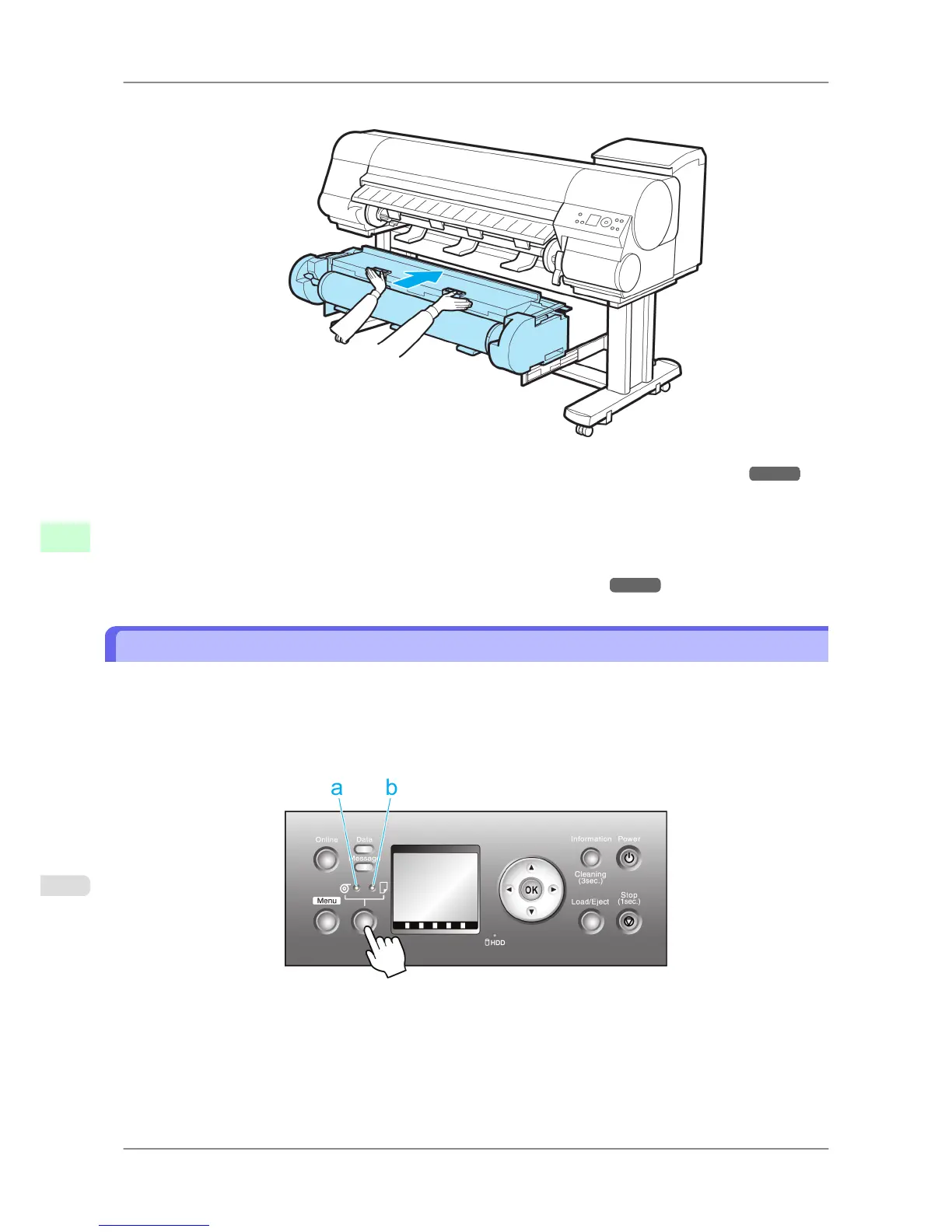
5. In a crouching position, push the Roll Unit into the printer.
6. Position the Wheeled Output Stacker by the printer. (See "Using the Wheeled Output Stacker.") →P.623
7. Press the OK button.
The paper is now advanced.
After you load a roll, the printer automatically shows a menu for selection of the type of paper on the Display Screen.
At this point, specify the type of paper. (See "Selecting the Paper Type (Roll).") →P.595
Selecting the Paper Source
When advancing paper, press the Feeder Selection button and select the source.
You can determine the selected source by checking which lamp is lit—either the Roll Media lamp (a) or the Cut Sheet
lamp (b).
•
Roll Media lamp : Selected when printing on Roll Media.
• Cut Sheet lamp : Selected when printing on Sheets.
Handling Paper
>
Handling rolls
>
Selecting the Paper Source iPF825
7
594














 To Next Page