• Canceling print jobs
For details, refer to the imagePROGRAF Printmonitor help file.
Printing Saved Jobs
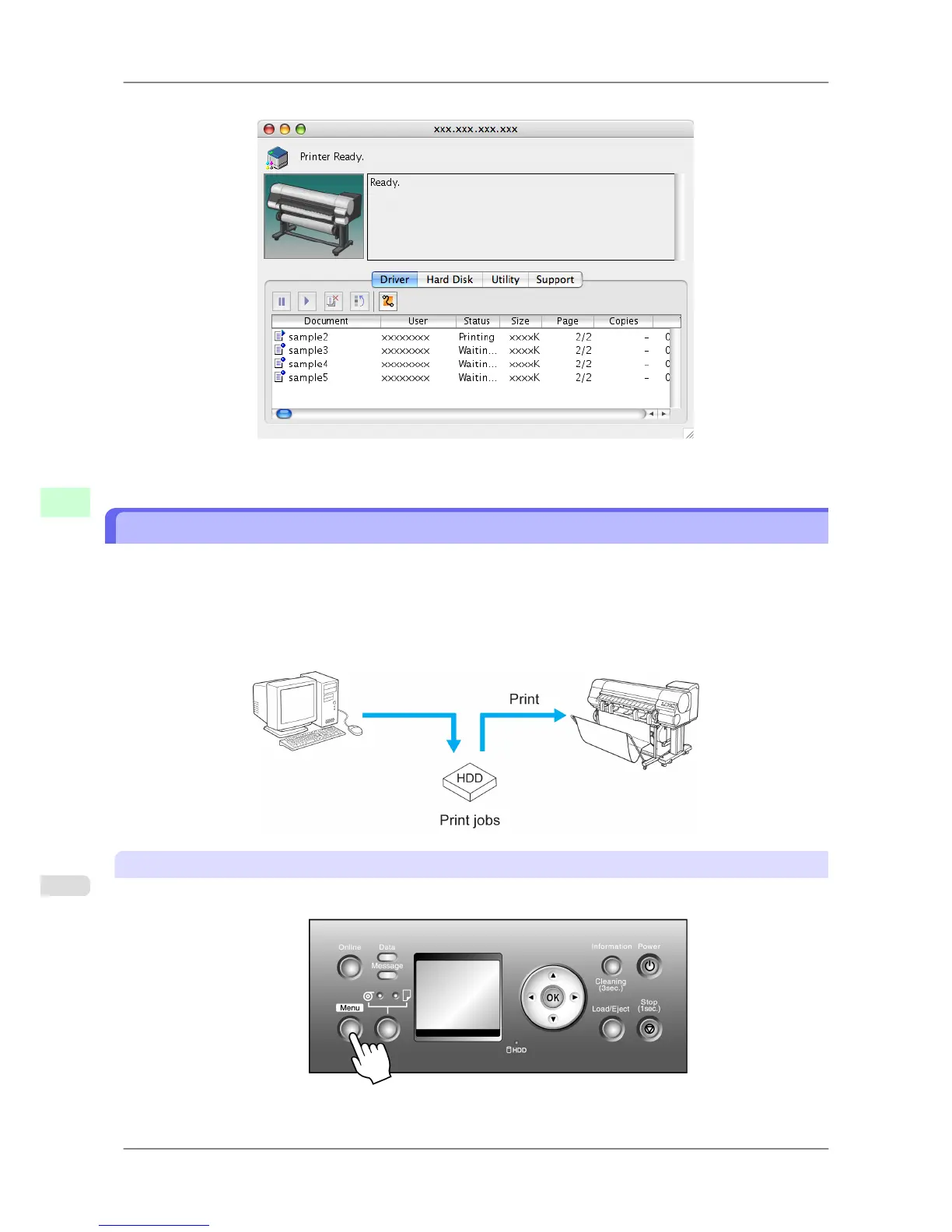
You can print jobs stored on the printer's hard disk as follows.
• Using the Control Panel
• Using RemoteUI
• Using imagePROGRAF Status Monitor (Windows)
• Using imagePROGRAF Printmonitor (Mac OS)
Using the Control Panel
1. Press the Menu button to display MAIN MENU.
Print Jobs
>
Basic Print Job Operations
>
Printing Saved Jobs iPF825
6
538














 To Next Page