9. In the APage Size list, click the size of the original as specified in the application. In this case, click ISO A4.
10. Select the CEnlarged/Reduced Printing check box.
11. Click ISO A4 in the GPaper Size list.
12. Click FScaling and enter 120.
Note
• You
can specify enlargement that exceeds the paper size, but in this case, the portions off the bot-
tom and right edges of the paper will not be printed.
• If the original size after enlargement or reduction is smaller than the paper size, the original is
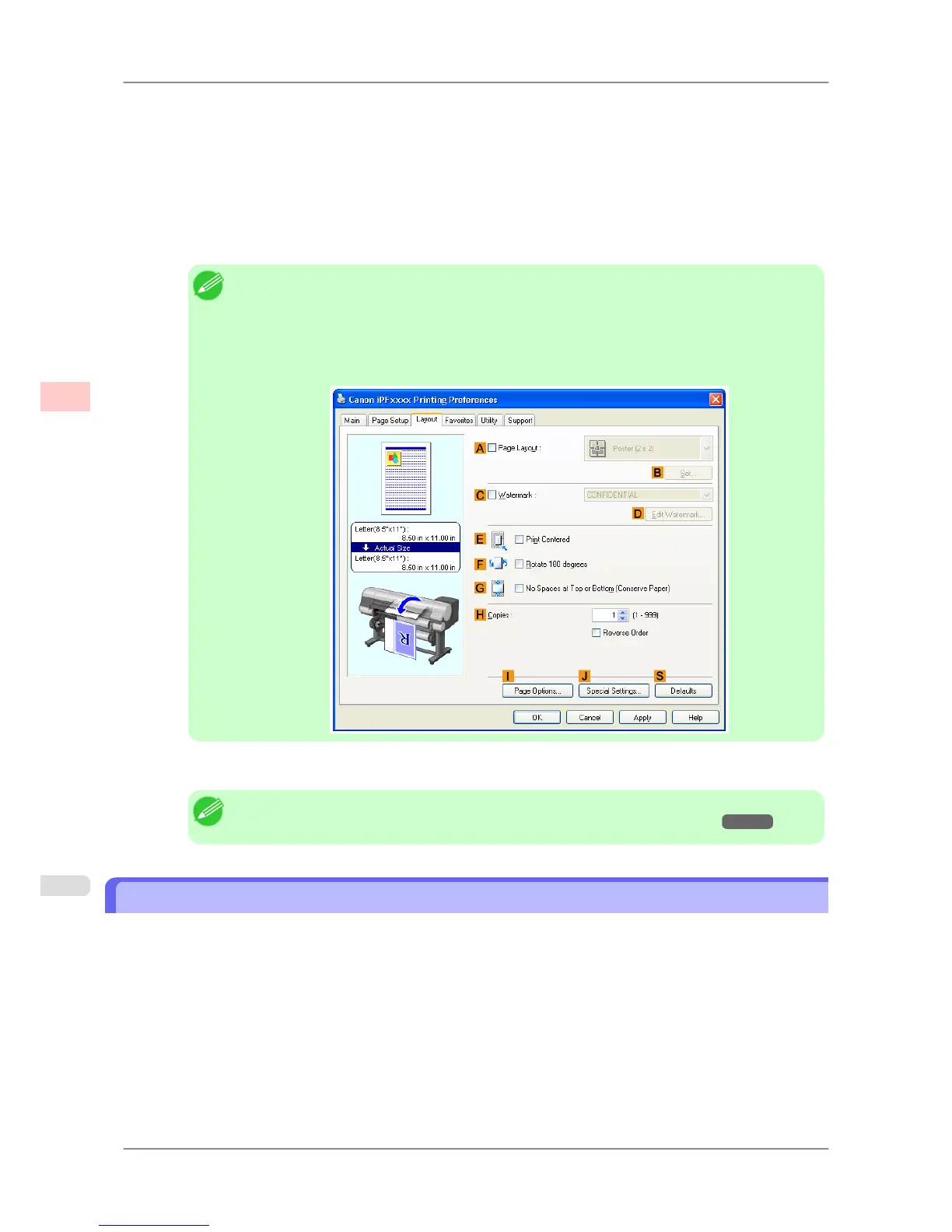
printed in the upper-left corner. In this case, you can center originals by selecting E Print Cen-
tered on the Layout sheet.
13. Confirm the print settings and print as desired.
Note
• For tips on confirming print settings, see "Confirming Print Settings (Windows)
→P.196 "
Resizing Originals by Entering a Scaling Value (Mac OS X)
This topic describes how to enlarge originals before printing by entering a scaling value, based on the following exam-
ple.
• Document: Any Type
• Page size: A4 (210.0 × 297.0 mm [8.3 × 11.7 in])
• Paper: Roll paper
• Paper type: Plain Paper
• Roll paper width: A2/A3 roll (420.0 mm [16.5 in])
Enhanced Printing Options
>
Printing enlargements or reductions
>
Resizing Originals by Entering a Scaling Value (Mac OS X) iPF825
3
76














 To Next Page