6. Press ▲ or ▼ to enter the number, and then press the OK button.
Note
• Hold down ▲ or ▼ to increase or decrease the value continuously.
• Make
sure the IP address you enter for the printer is not the same as any computer IP address in
your network.
7. Repeat steps 5 and 6 to continue entering numbers.
8. Press the Online button to bring the printer online.
Note
• If
a confirmation message is displayed regarding the setting you entered, press the OK button.
The setting is applied, and the printer goes online.
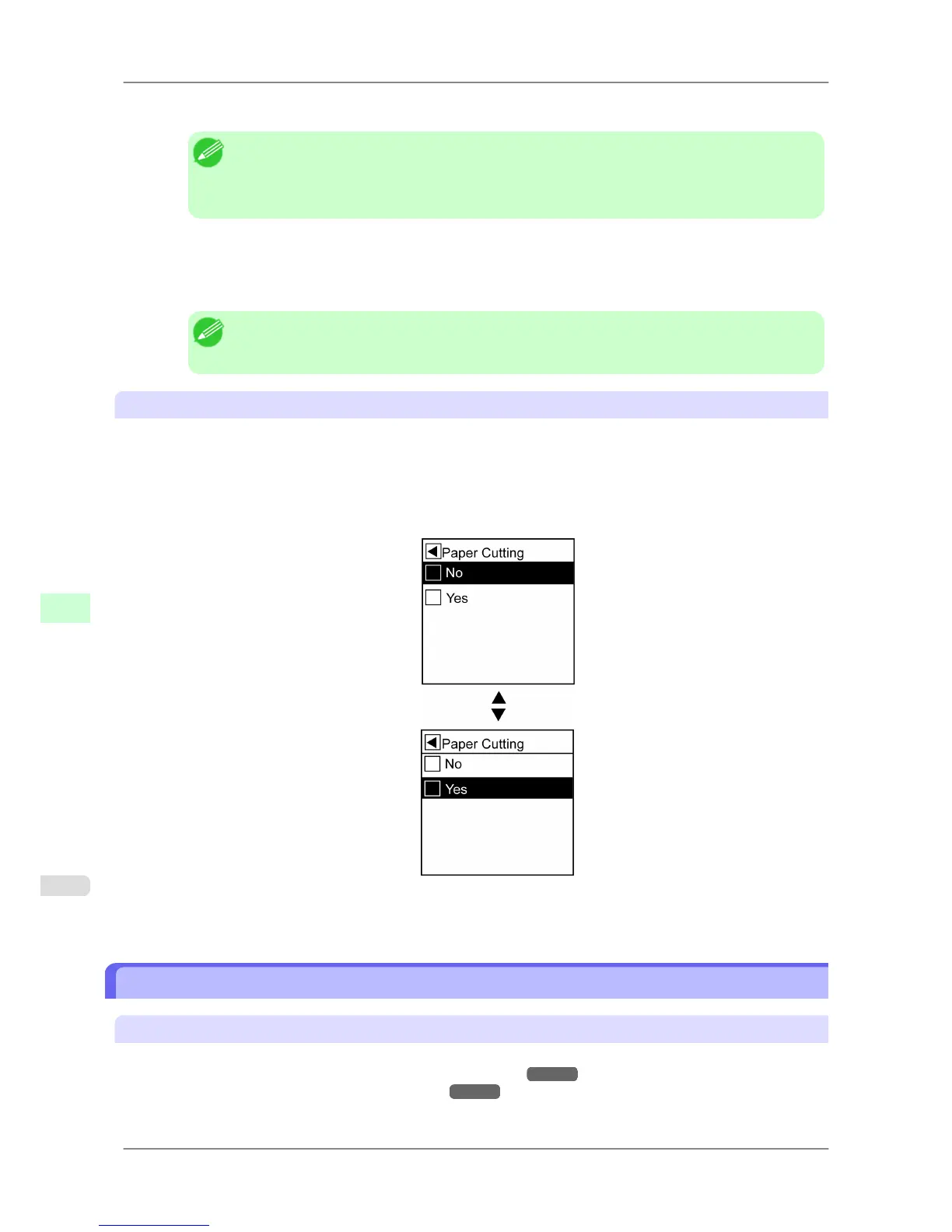
Executing menu commands
Follow these steps to execute menu commands.
1. Press ▲ or ▼ to select a menu, and then press the ▶ button.
Repeat these steps until the desired menu options are displayed.
2. Press ▲ or ▼ to select a setting item to execute, and then press the OK button.
After two seconds, the menu command is executed. After commands are executed, in most cases the printer re-
verts to the state before the menu operation, either online or offline.
Menu Structure
Main Menu
The structure of the main menu is as follows. Values at right indicated by an asterisk * are the defaults.
For instructions on menu operations, see "Main Menu Operations." →P.663
For details on menu items, see "Main Menu Settings." →P.679 .
Printer Parts
>
Control Panel
>
Menu Structure iPF825
9
666














 To Next Page