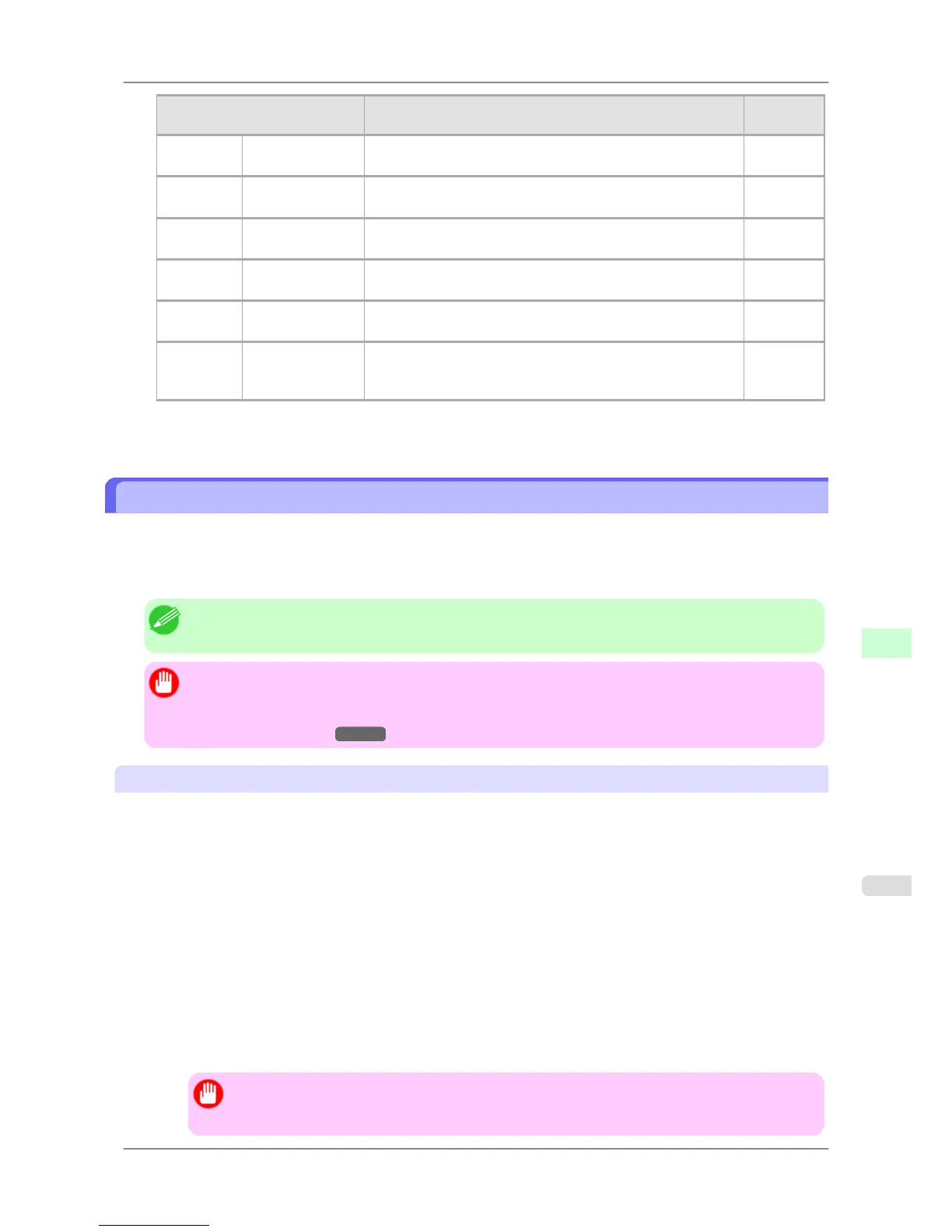
Item Details
Default
Setting
Context Name Specify the name of a context that has a NetWare print server.
(0–255 characters)
—
Print Server
Name
Specify the name of a NetWare print server.
(0–64 characters)
—
Print Server
Password
Set a password for the print server.
(0–20 characters)
—
Polling Interval Specify the interval to confirm jobs.
(1–255 seconds)
5
NPrinter Print Server
Name
Specify the name of a NetWare print server.
(0–47 characters)
—
Printer Number Specify the number of the printer connected to the NetWare
print server.
(0–254)
0
7. Click OK to display the Network page.
Specifying the Printer's Frame Type
To enable communication between the printer and computers on your network, specify the Ethernet frame type in your
NetWare environment.
Follow the steps below to specify the frame type by using imagePROGRAF Device Setup Utility or the printer Control
Panel.
Note
• You can specify the frame type by using RemoteUI if the printer's IP address is configured.
Important
• Before specifying the frame type, make sure the printer is on and connected to the network.
• For
instructions on installing imagePROGRAF Device Setup Utility, see "Installing imagePROGRAF
Device Setup Utility."
→P.382 .
Specifying the Frame Type Using imagePROGRAF Device Setup Utility
1. Start imagePROGRAF Device Setup Utility.
2. In the list of printers, select the printer to configure.
3. Choose Protocol Settings from the Printer menu.
4. In the NetWare Frame Type list, select the frame type.
5. Click ETHERNET II under Frame Type in TCP/IP.
6. In IP Address,
enter the IP address assigned to the printer, and then enter the subnet mask in Subnet Mask and
the default gateway in Gateway Address.
Important
• You
must specify the IP address here to be able to configure NetWare protocol settings using Re-
moteUI.
Network Setting
>
Network Setting (Windows)
>
iPF825 Specifying the Printer's Frame Type
10
725














 To Next Page