Handling rolls
Attaching the Roll Holder to Rolls
.............................................................................................................. 584
Loading Rolls in the Printer ....................................................................................................................... 588
Selecting the Paper Source ....................................................................................................................... 594
Selecting the Paper Type (Roll) ................................................................................................................ 595
Specifying the Paper Length (Roll) ............................................................................................................ 596
Removing the Roll from the Printer ........................................................................................................... 597
Removing the Roll Holder from Rolls ........................................................................................................ 601
Feeding Roll Paper Manually .................................................................................................................... 603
Keeping Track of the Amount of Roll Paper Left ....................................................................................... 603
Specifying the Ink Drying Time for Rolls ................................................................................................... 604
Specifying the Cutting Method for Rolls .................................................................................................... 606
Cutting the Leading Edge of Roll Paper Automatically ............................................................................. 611
Reducing Dust from Cutting Rolls ............................................................................................................. 612
Roll Holder Set .......................................................................................................................................... 613
Automatic Roll Switching ........................................................................................................................... 613
Attaching the Roll Holder to Rolls
When printing on rolls, attach the Roll Holder to the roll.
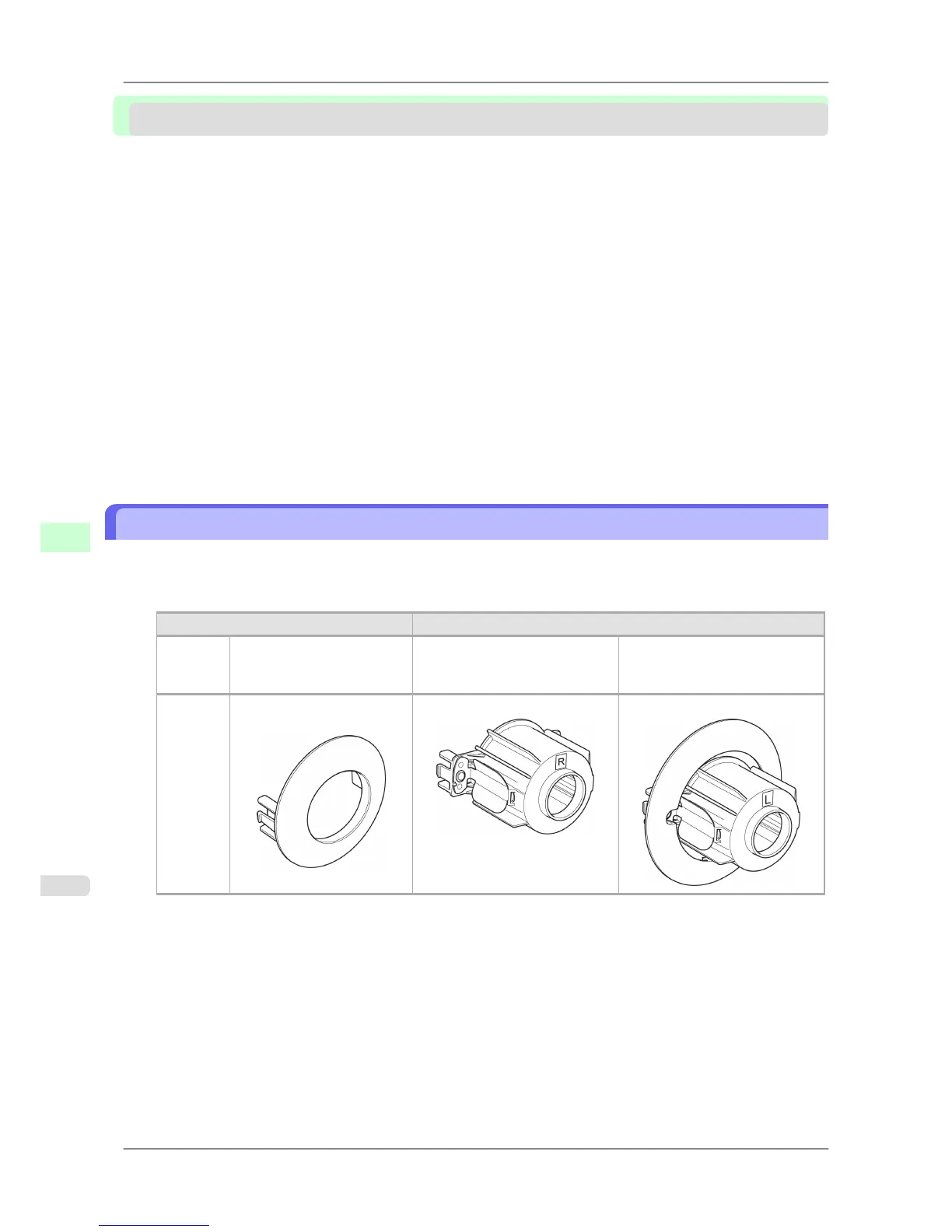
Rolls have a two- or three-inch paper core. Use the correct attachment for the paper core. The printer comes equipped
with the 2-Inch Paper Core Attachment installed.
Using the 2-Inch Paper Core Attachment Using the 3-Inch Paper Core Attachment
Roll
Holder
Side
Holder Stopper Side Roll Holder Side Holder Stopper Side
No At-
tachment
Needed
2-Inch Paper Core Attach-
ment
3-Inch Paper Core Attachment #1 3-Inch Paper Core Attachment #2
Handling Paper
>
Handling rolls
>
Attaching the Roll Holder to Rolls iPF825
7
584














 To Next Page