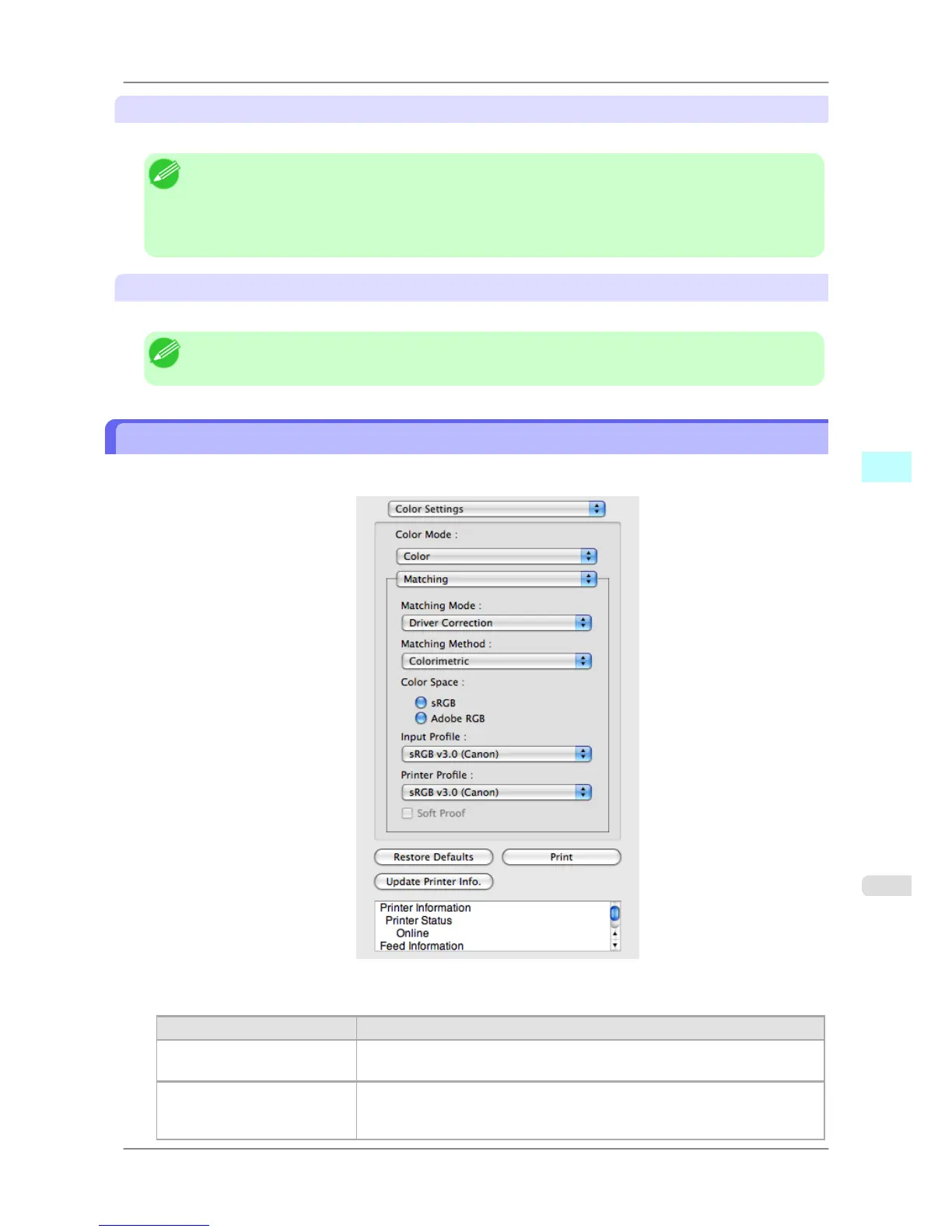
Printer Profile
Select the printer profile.
Note
• (Using
Mac OS X 10.3.9 - 10.4)You can select only after ICC Matching Mode or ColorSync has been
selected in Matching Mode.
• (Using Mac OS X 10.5 or later)You can select only after ICC Matching Mode has been selected in
Matching Mode.
Soft Proof
When you place a checkmark here, ColorSync applies to the layout area.
Note
• You can select only after ColorSync has been selected in Matching Mode.
Driver Matching Mode
1. Under Matching Mode, select Driver Matching Mode.
2. Click Matching Method list, and then select a setting.
Setting Details
Auto Automatically selects the best color matching method for each Image, Graphics,
Text.
Perceptual Color-matching optimized for printing typical photos attractively. Smooth gra-
dation is a feature. This is also an easy-to-use mode when performing color ad-
justment using application software.
Mac OS X Software
>
Free Layout
>
iPF825 Driver Matching Mode
5
469














 To Next Page