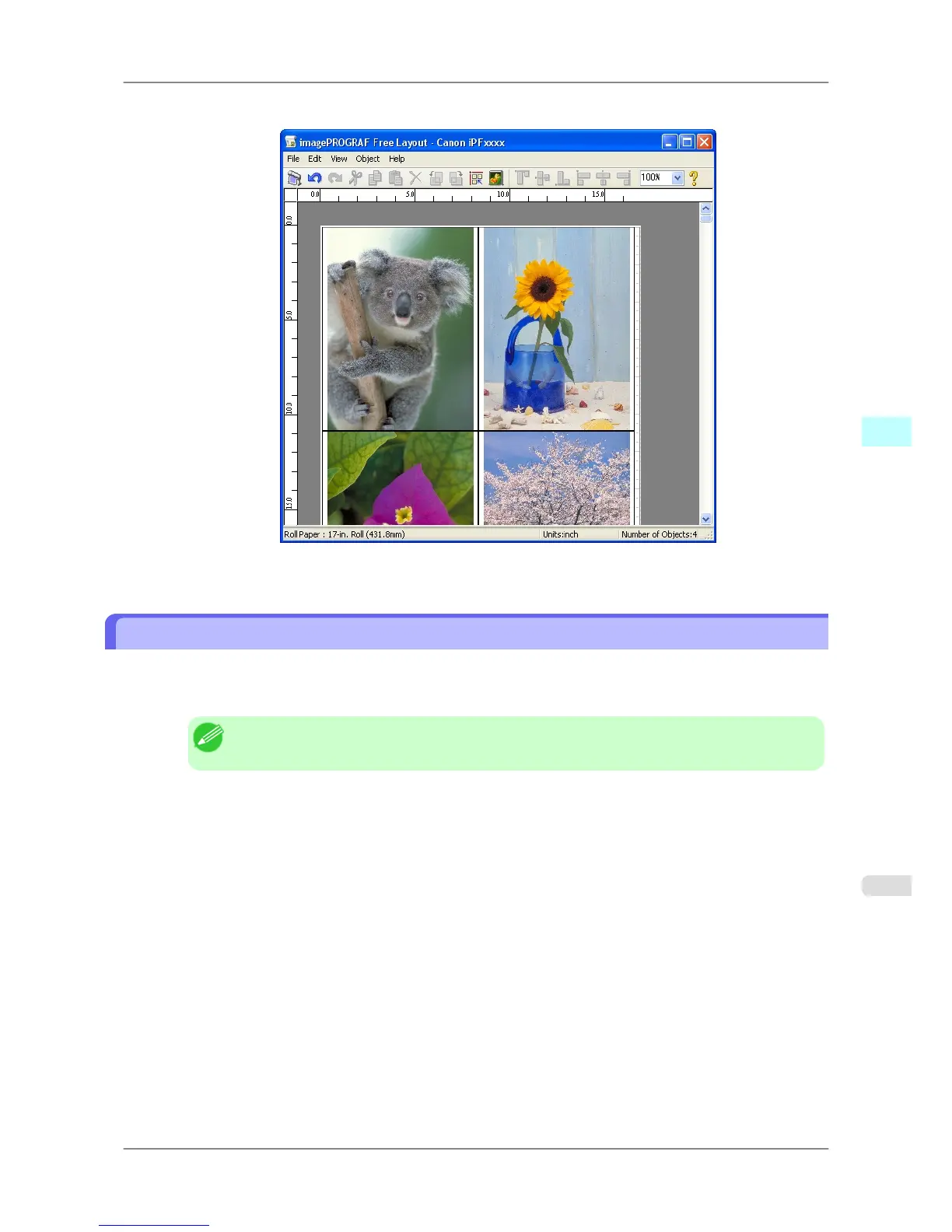
Free Layout starts, laying out the document created with application software in the layout area as an object.
7. Leaving Free Layout running, open other files with the application software and repeat the above steps.
Laying out a Document Created with Multiple Application Programs on One Page
You can lay out and print a document created with multiple application programs on one page.
1. From the application software's File menu, select the printer setup menu to open the Print dialog box.
Note
• Normally, select Print from the File menu.
Windows Software
>
Free Layout
>
iPF825 Laying out a Document Created with Multiple Application Programs on One Page
4
257














 To Next Page