Other useful settings
Printing With Watermarks
.......................................................................................................................... 175
Printing with Watermarks— COPY, FILE COPY, and so on (Windows) ............................................... 176
Making the Original Orientation Match the Paper Orientation ................................................................... 178
Making the Original Orientation Match the Paper Orientation (Windows) ............................................. 179
Making the Original Orientation Match the Paper Orientation (Mac OS X) ........................................... 180
Using Favorites ......................................................................................................................................... 184
Cutting Roll Paper After Printing ............................................................................................................... 184
Cutting Roll Paper After Printing (Windows) ......................................................................................... 184
Cutting Roll Paper After Printing (Mac OS X) ....................................................................................... 186
Switching the Paper Source of Roll Paper to Match the Paper Size ......................................................... 188
Printing With Watermarks
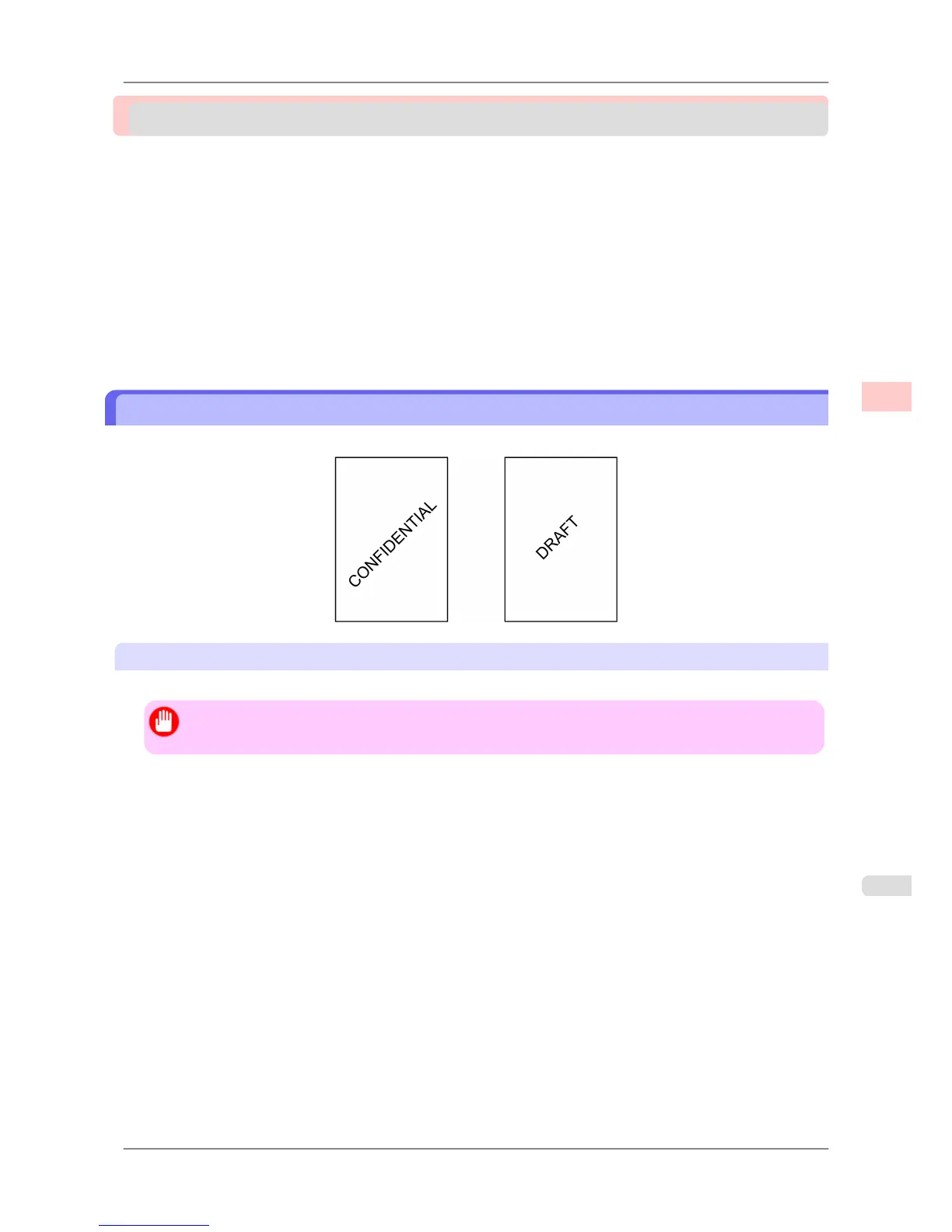
You can add watermarks (background images) to documents that require special handling.
Watermark
Watermarks are applied to all pages of your document.
Important
• Watermarks are not printed if you select poster as the type of page layout.
The following watermarks are provided:
• CONFIDENTIAL
• COPY
• DRAFT
• FILE COPY
• FINAL
• PRELIMINARY
• PROOF
• TOP SECRET
You can also create your own watermarks. Specify the following options to customize your watermark.
• Watermark string: Specify the font, size, color, and so on. Surround the watermark with a frame, if desired.
• Watermark position: Specify the position on the page, the angle, and so on.
• Watermark
printing method: Specify whether to print the watermark superimposed or under the document image.
You can also print the watermark only on the first page, if desired.
Enhanced Printing Options
>
Other useful settings
>
iPF825 Printing With Watermarks
3
175














 To Next Page