Device Setup Utility
imagePROGRAF Device Setup Utility
....................................................................................................... 382
Installing imagePROGRAF Device Setup Utility ....................................................................................... 382
Configuring the IP Address Using imagePROGRAF Device Setup Utility ................................................ 382
imagePROGRAF Device Setup Utility
imagePROGRAF Device Setup Utility is a utility to establish communication between the printer and your computer by
completing relevant settings. After the printer is installed, for example, you can use imagePROGRAF Device Setup
Utility to complete the network settings initially.
• Starting
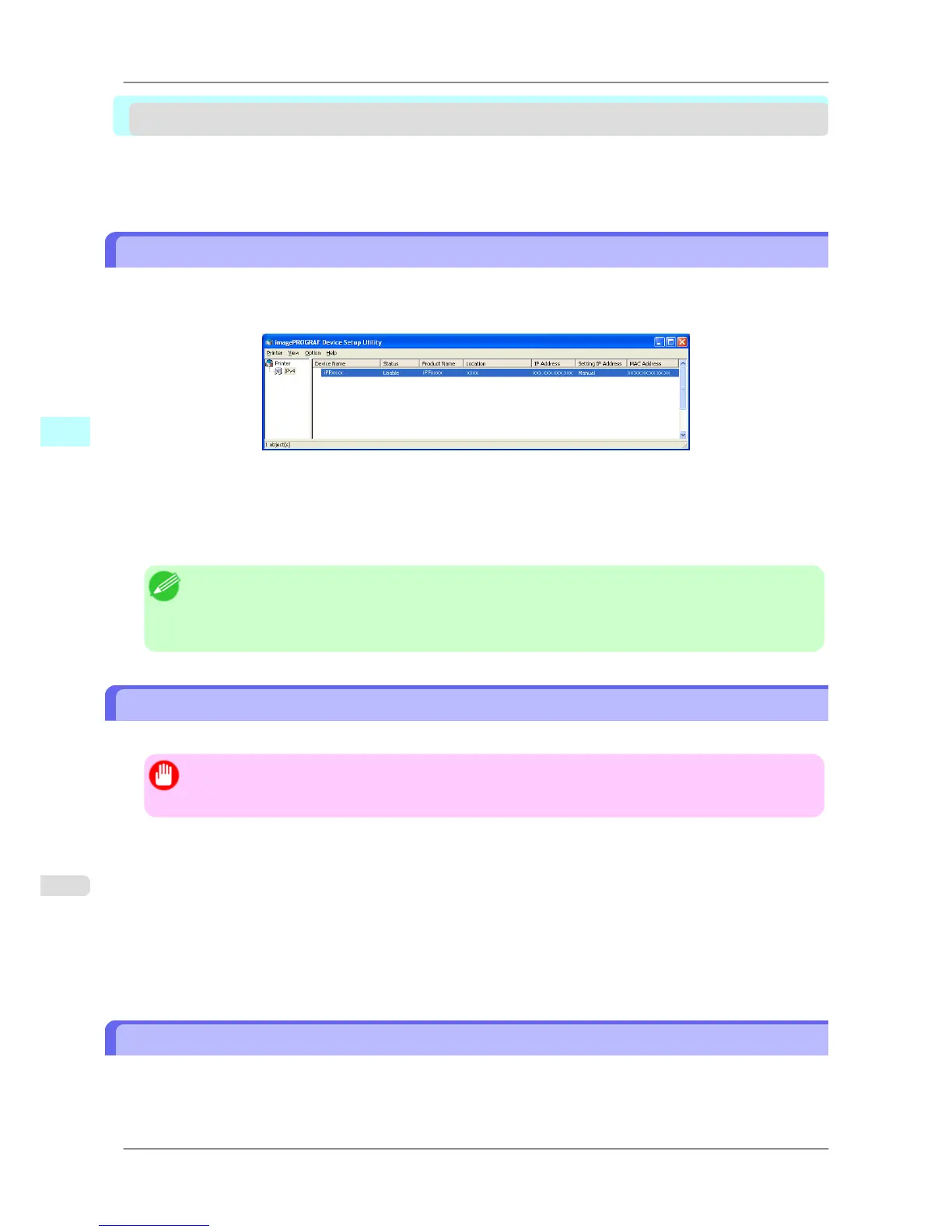
imagePROGRAF Device Setup Utility will show a list of printers found on the network. In this list, select
the printer (specifically, the printer's MAC address) that you want to set up, and then configure the basic settings
from your computer, such as the printer's IP address and the network frame type.
• You can see which printers are online in the network by checking the printer list. Communication between your
computer and these printers is possible.
Note
• We
recommend that your network or printer administrator complete the setup work using imagePROG-
RAF Device Setup Utility.
• For details, refer to the imagePROGRAF Device Setup Utility help.
Installing imagePROGRAF Device Setup Utility
Install imagePROGRAF Device Setup Utility from the User Software CD-ROM provided with the printer as follows:
Important
• In
Windows XP/Windows Server 2003/Windows Vista/Windows Server 2008/Windows 7, you must log
on with administrative rights equivalent to the Administrator account.
1. Insert the User Software CD-ROM in the CD-ROM drive.
2. On the Setup Menu window, click Install Individual Software.
3. Click Install in imagePROGRAF Device Setup Utility.
4. Follow the instructions on the screen to proceed with the installation.
Configuring the IP Address Using imagePROGRAF Device Setup Utility
From a computer running Windows, you can use imagePROGRAF Device Setup Utility provided with the printer to
configure the printer's IP address. This topic describes how to configure the IP address using imagePROGRAF Device
Setup Utility.
Windows Software
>
Device Setup Utility
>
imagePROGRAF Device Setup Utility iPF825
4
382














 To Next Page