Printer Status When Online is Pressed
Menu mode, printing Switches online and the Online lamp is lit.
Print is resumed.
Switching to Menu Mode
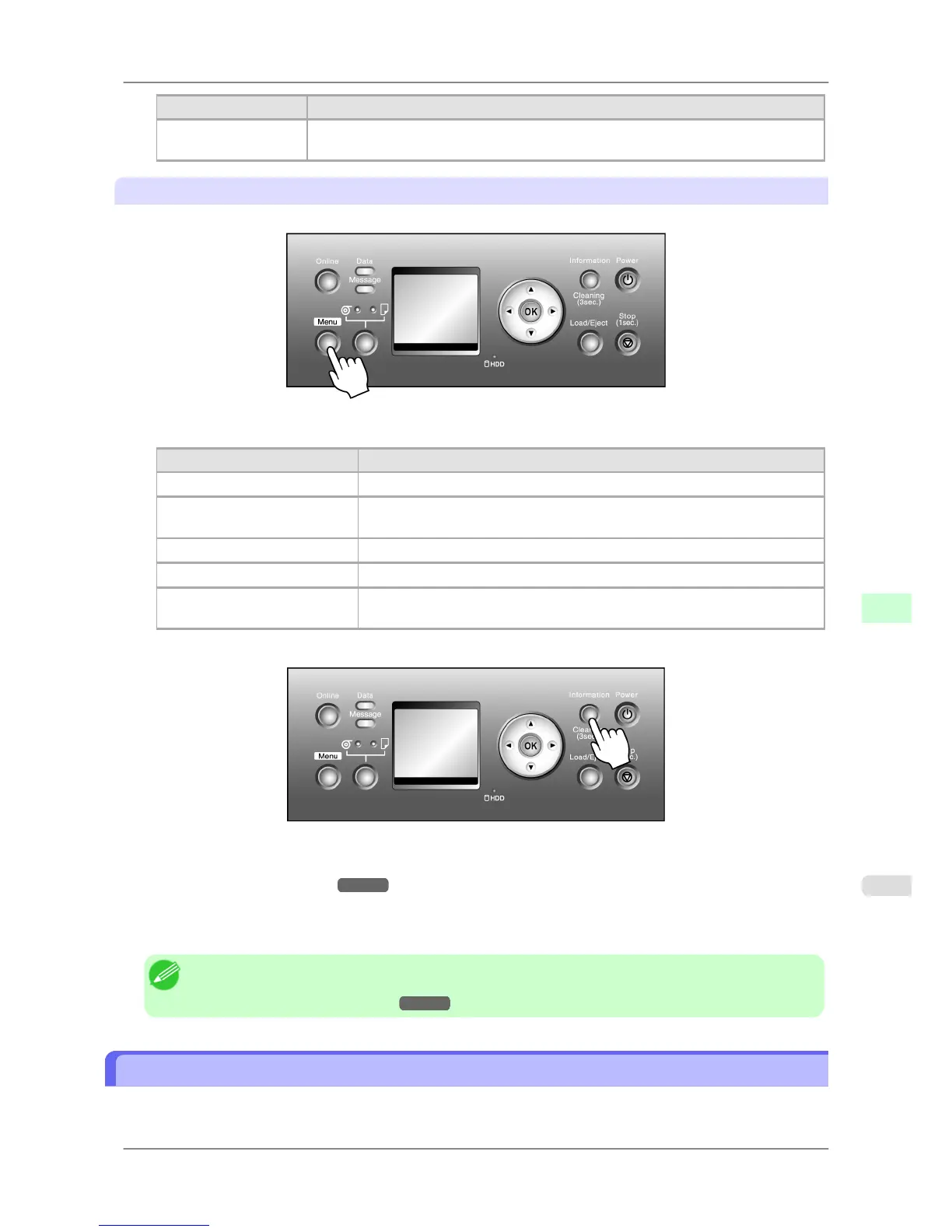
Press the Menu button to display the main menu.
Depending on the status, the printer switches to Menu mode as follows.
Printer Status When Menu is Pressed
Online Switches to Menu mode.
Online, printing Either menus available during printing or a screen to manage print jobs is dis-
played. If you select a menu, the printer switches to that menu mode.
Offline Switches to Menu mode.
Offline, printing Menus available during printing are displayed.
Offline, when an error message
is displayed
You cannot access Menu mode until the problem is solved.
Press the Information button to display the submenus.
Press the Information button to display the Maintenance Cartridge capacity and remaining ink levels, as well as infor-
mation on the loaded paper and the printer. Press the Information button repeatedly to change the information dis-
played. (See "Submenu Display.") →P.690
Press any button other than the Information button to restore the previous mode.
After you display a submenu, the printer will revert to the previous mode in about ten seconds if no print job is received
or if you do not operate the printer.
Note
• You
can start Head Cleaning A by holding down the Information button for three seconds or more.
(See "Cleaning the Printhead.")
→P.755
Printer Menu Operations
The printer menu includes a main menu and submenus.
Printer Parts
>
Control Panel
>
iPF825 Printer Menu Operations
9
661














 To Next Page