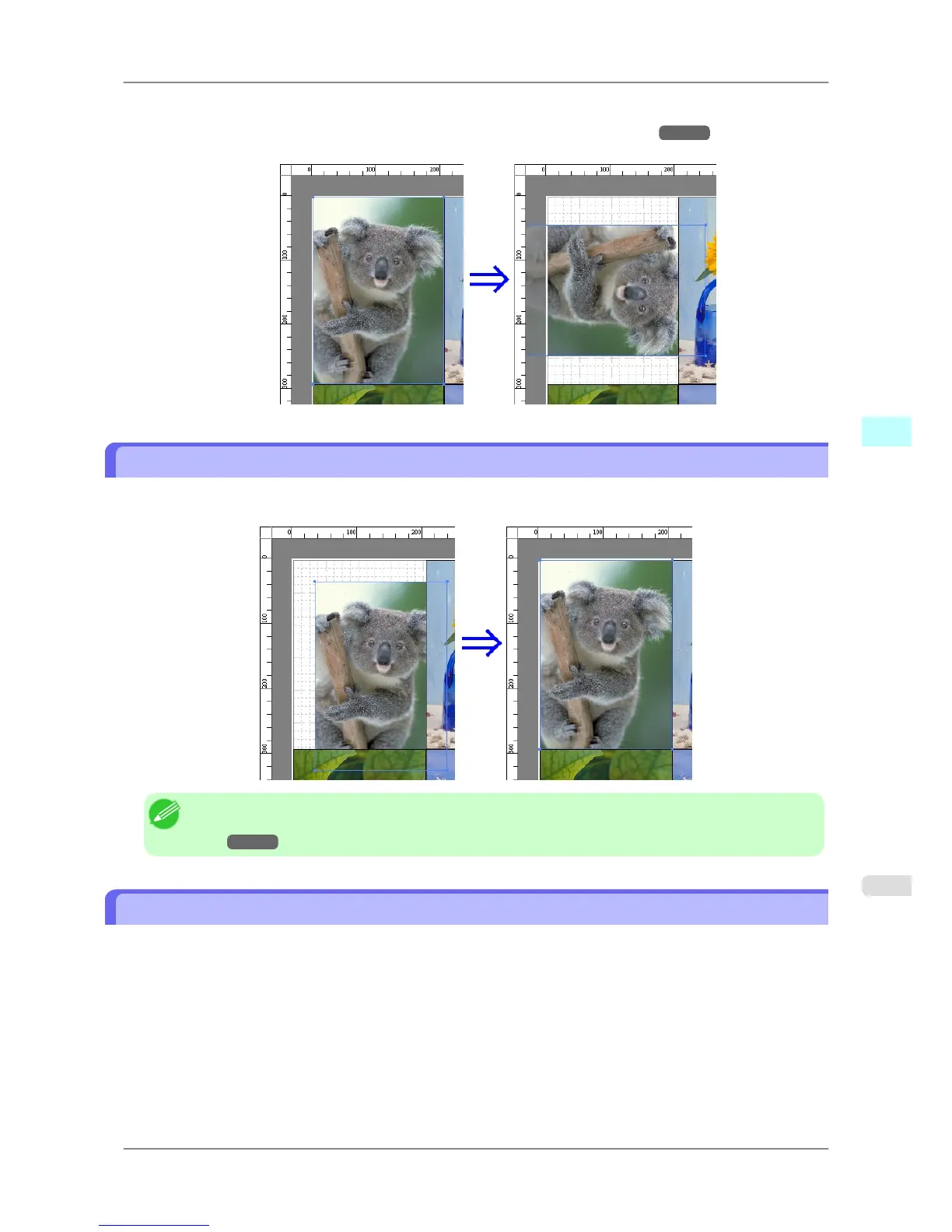
2. Select Rotate Left 90 Degrees or Rotate Right 90 Degrees from the toolbar.
Alternatively,
you may click on the Rotate check box in the Format Dialog Box
→P.253 then
select Rotate
Right or Rotate Left, and click the OK button.
Laying out Objects Automatically
Click Auto Arrange Object in the tool bar. This automatically lays out objects. Alternatively, you may select Auto
Arrange Object from the Object menu.
Note
• The
object layout order varies depending on the Order setting in the Page Options Dialog
Box
→P.251 dialog box.
Aligning Objects
You can align objects systematically.
1. Select multiple objects.
2. Click the align button from the toolbar.
Alternatively, you may select the align menu from the Object menu.
Windows Software
>
Free Layout
>
iPF825 Laying out Objects Automatically
4
263














 To Next Page