Updating the Firmware
Update the printer firmware to take advantage of new and improved printer functions.
Confirming the firmware version
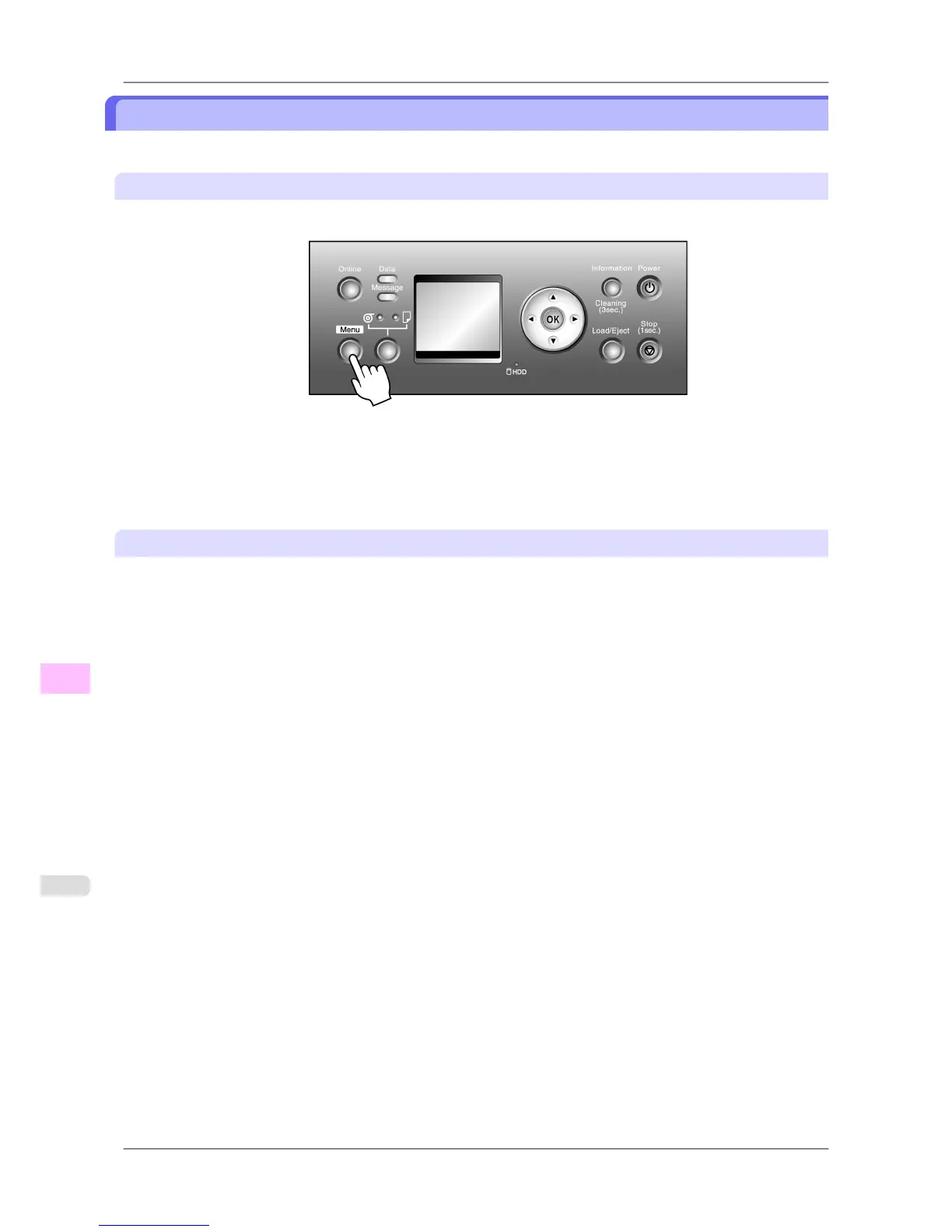
1. Press the Menu button to display MAIN MENU.
2. Press ▲ or ▼ to select Information, and then press ▶.
3. Press ▲ or ▼ to select System Info, and then press the OK button.
The firmware version is displayed.
Updating the Firmware
To obtain the latest firmware, visit the Canon website. If the firmware available online is newer than the installed firm-
ware, update the printer firmware. For details on downloading and updating the firmware, visit the Canon website.
Maintenance
>
Other Maintenance
>
Updating the Firmware iPF825
11
782














 To Next Page