Setting Item Description, Instructions
Line & Pen
Manager
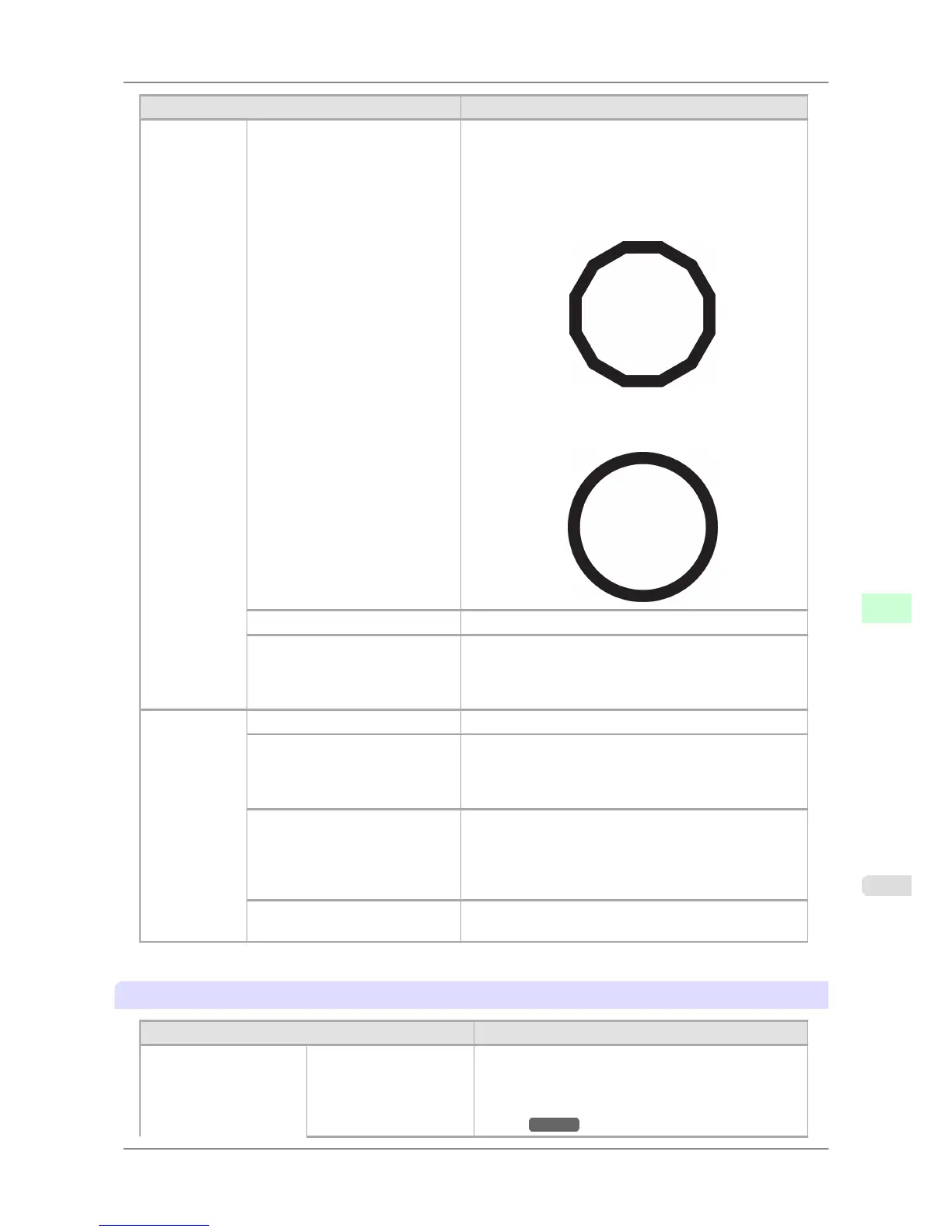
Smoothing Choose whether to print arcs as smooth curved lines or as
multiple connected line segments.
• If you choose Software
Operation
is determined by the application. If nothing
is specified by the application, the result is as shown in
the figure.
Note: By default, this is a 72-sided figure
• If you choose Smooth
ThickenFineLines Select On to print fine lines more distinctly.
AdjustFaintLines If fine lines are printed in colors that do not match the col-
ors of other shapes, selecting Off may help produce the
expected results. However, lines in some colors may ap-
pear broken.
ProcessingOp-
tion
Warning Select On to have any GL2-related warnings displayed.
On-the-Fly Selecting On will start printing jobs sooner if you are
printing only HP RTL print jobs and printing would not
start until later. However, images may be incomplete in
some cases, so be sure to check the printing results.
PageSizeProcess1 Normally, the area available for printing excludes a mar-
gin required by the printer, and images are positioned ac-
cordingly. Selecting On in this setting eliminates any mis-
alignment of the printing position if the image itself in-
cludes a border.
PageSizeProcess2 Selecting On will determine the paper size based on the
image rendering area.
*1: It is not possible to match the colors and image quality produced by the specified printer exactly.
Adjust Printer
Setting Item Description, Instructions
Auto Head Adj. Standard Adj. Choose Yes to have the printer print and read a test pat-
tern for the automatic adjustment of Printhead alignment
relative to the printing direction. (See "Automatic
Straightening of Lines and Colors (Auto Head
Adj.).") →P.627
Printer Parts
>
Control Panel
>
iPF825 Main Menu Settings
9
685














 To Next Page