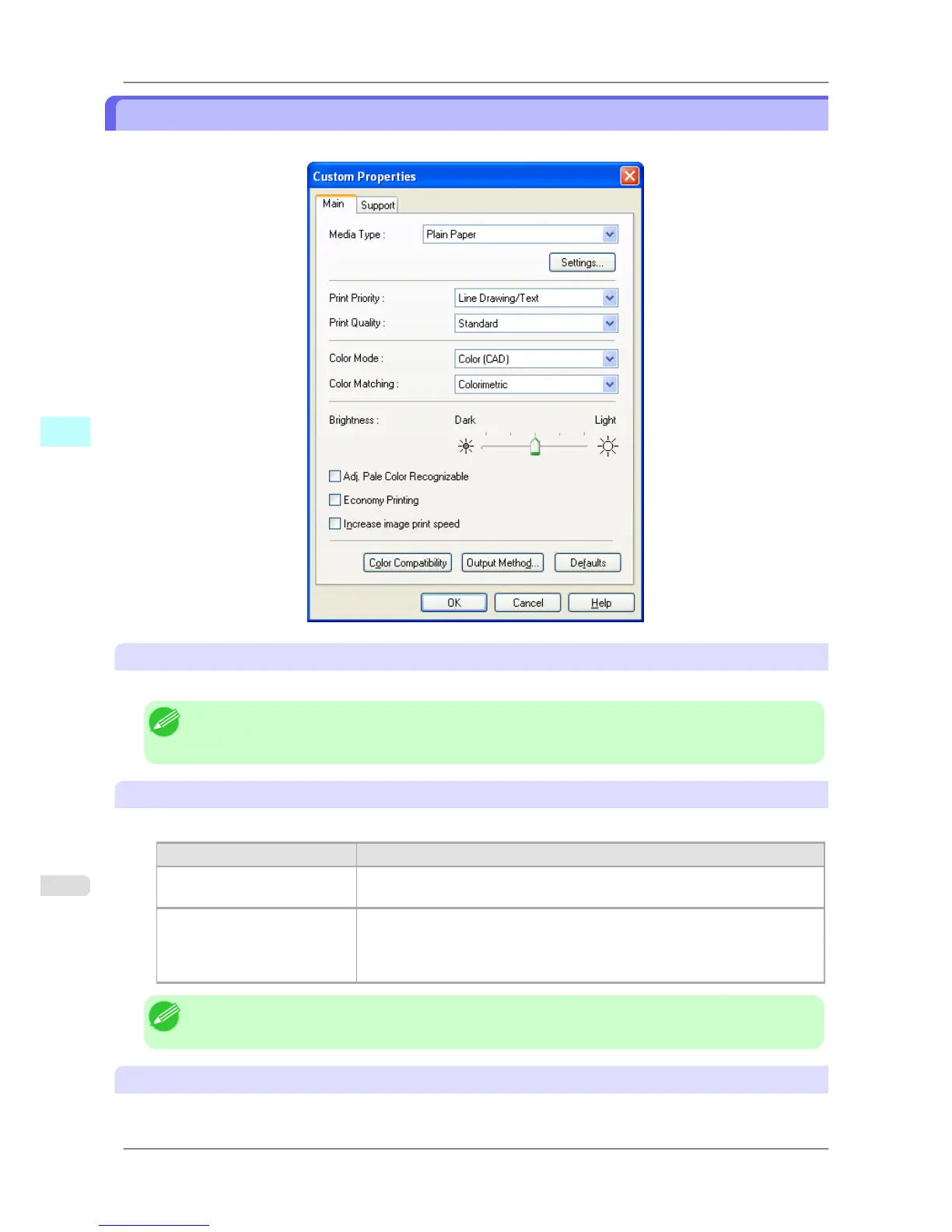
Custom Properties dialog box
You can perform the settings for the media type, color matching, brightness, and other settings.
Media Type
This allows you to select the media type.
Note
• Always
select media type that is actually set in the printer. When the media you chose is different from
the media set in the printer, you may not receive the desired print results.
Print Priority
Select a print quality to suit the print job.
Setting Details
Image This mode achieves the best results for printing photographic images and illus-
trations.
Line Drawing This mode is best for printing CAD drawings with fine lines or wall newssheet
or other documents that contain large amounts of text. However, you may not
achieve the quality you expect with printing photographs or other images with
many filled areas. For these types of jobs, select Image.
Note
• The number of settings available for selection depends on the media type.
Print Quality
Select a print quality to suit the print job.
Windows Software
>
HDI Driver
>
Custom Properties dialog box iPF825
4
358














 To Next Page