When to Replace Ink Tanks
Replace or prepare to replace Ink Tank in the following situations.
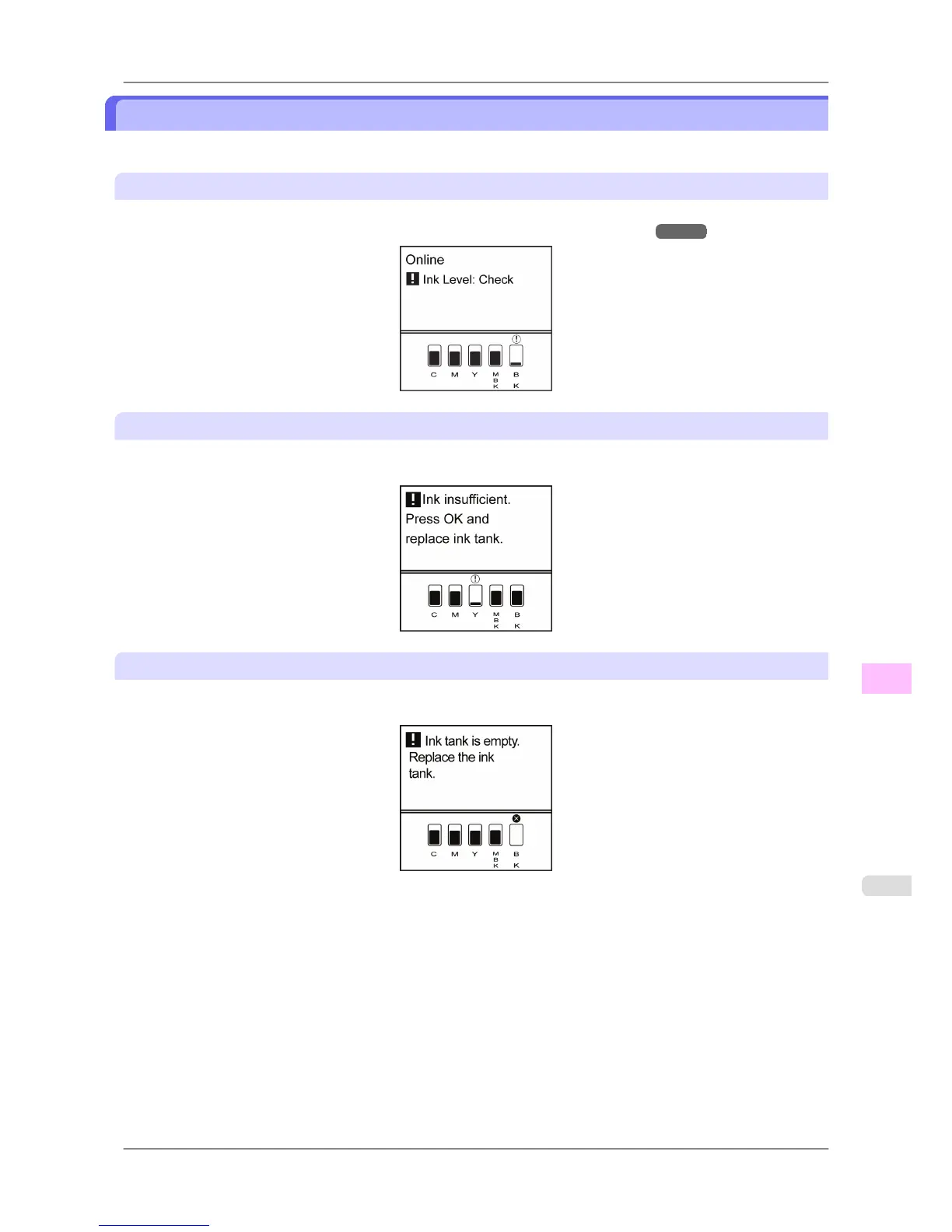
If a message for checking the ink is shown on the Display Screen
When there is little ink left, the Message lamp is lit and "Ink Level: Check" is shown on the Display Screen. You can
continue to print, but prepare to replace the Ink Tank. (See "Checking Ink Tank Levels.") →P.752
Before print jobs and maintenance that consume a lot of ink
If little ink is left, there may not be enough for large-format printing, head cleaning, and maintenance, which require a
lot of ink. In this case, replace or prepare to replace the Ink Tank before maintenance.
If a message for ink replacement is shown on the Display Screen
When ink runs out, the Message lamp flashes, a message regarding Ink Tank replacement is shown on the Display
Screen, and printing is disabled. Replace the Ink Tank at this point.
Maintenance
>
Ink Tanks
>
iPF825 When to Replace Ink Tanks
11
753














 To Next Page