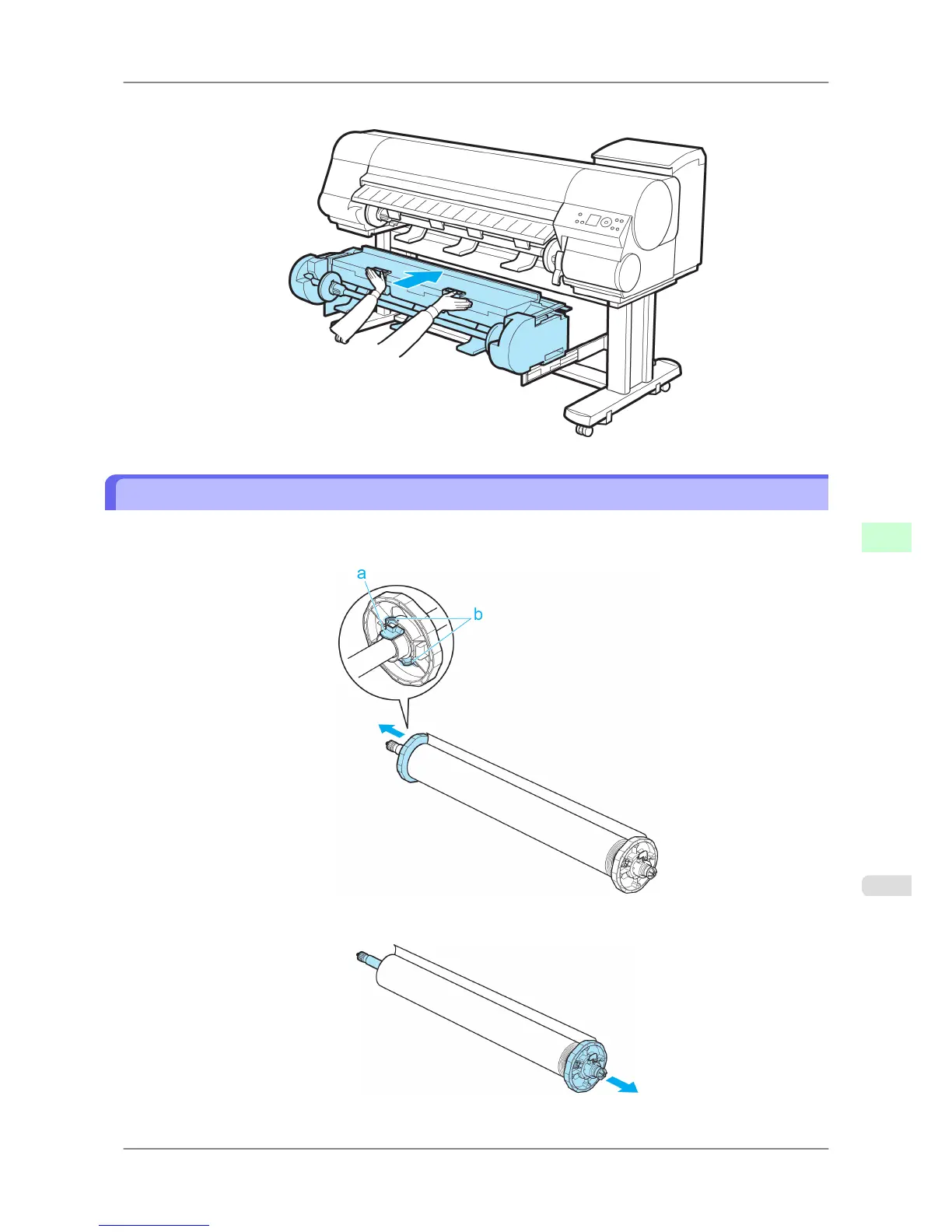
7. In a crouching position, push the Roll Unit in with both hands.
Removing the Roll Holder from Rolls
1. Lift
the Holder Stopper lever (a) from the shaft side to unlock it. Holding the Holder Stopper at the position
indicated (b), remove it from the Roll Holder.
2. Remove the Roll Holder from the roll.
Handling Paper
>
Handling rolls
>
iPF825 Removing the Roll Holder from Rolls
7
601














 To Next Page