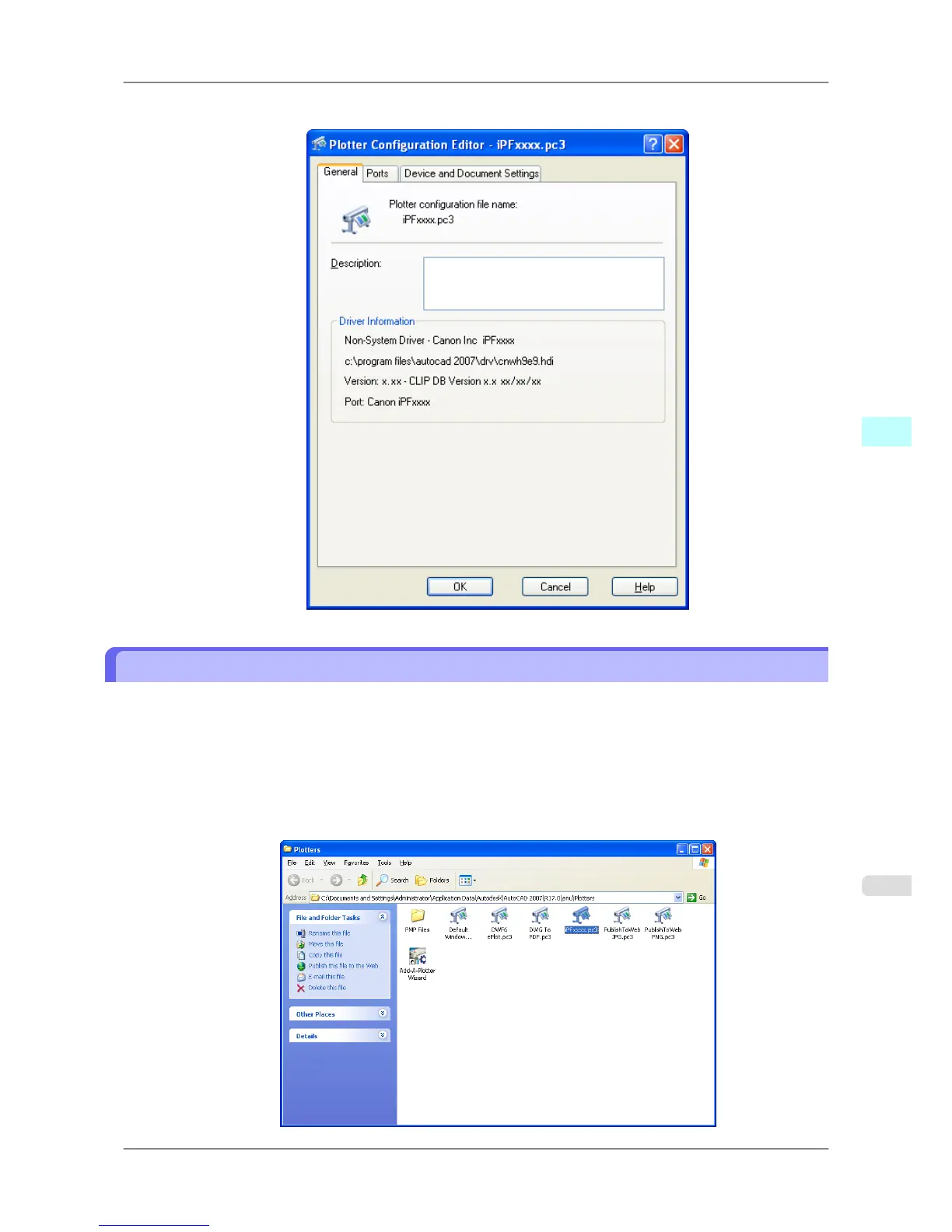
2. The Plotter Configuration Editor dialog box opens.
Opening from the Start Menu
Follow the procedure below to open the Plotter Configuration Editor dialog box from the Start menu.
1. Click the Start button then select Control Panel.
The Control Panel window opens.
2. Double-click the Autodesk Plotter Manager icon.
The Plotters window opens.
Double-click the iPFxxxx.pc3 icon (the icon name is the name of the printer you use) to open.
Windows Software
>
HDI Driver
>
iPF825 Opening from the Start Menu
4
349














 To Next Page