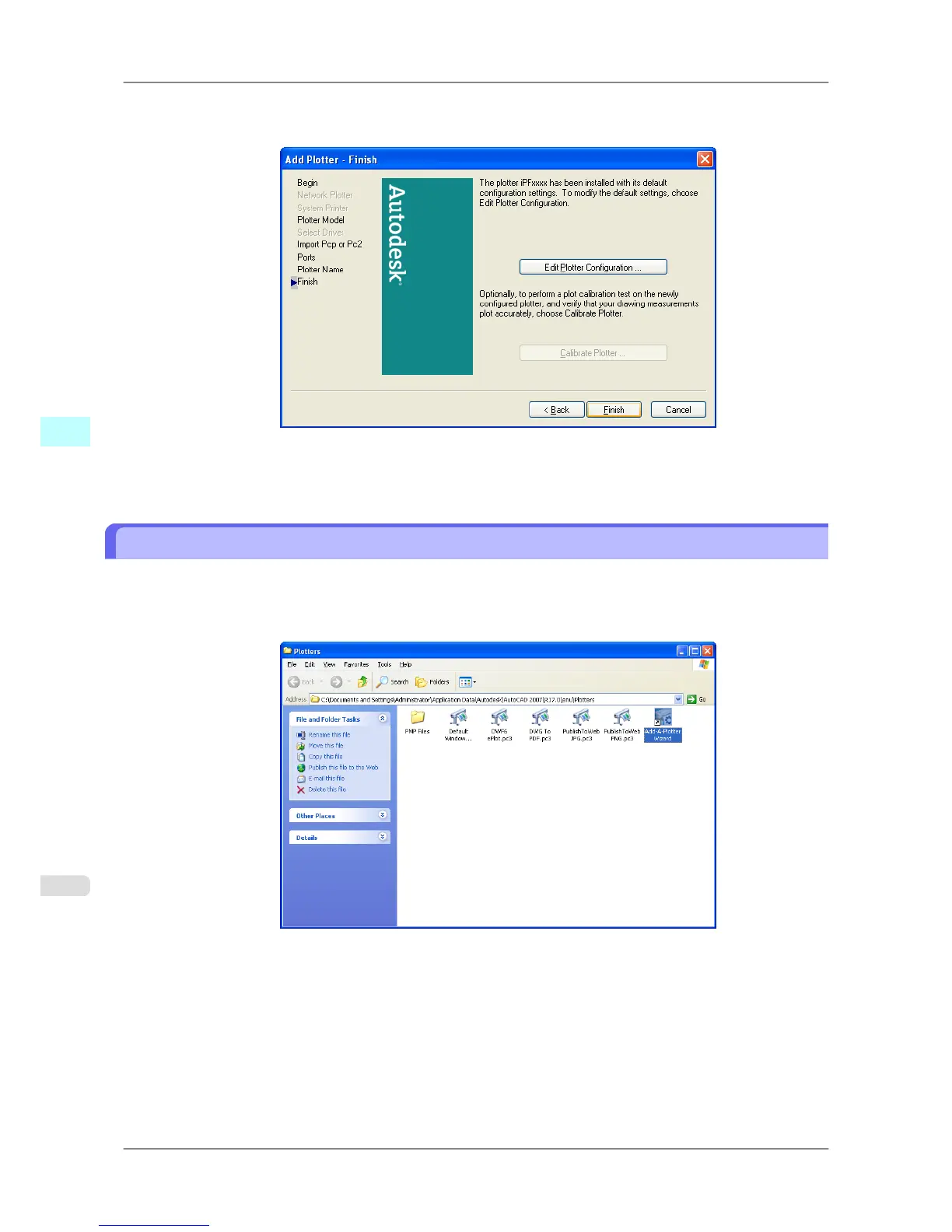
14. The Add Plotter - Finish screen opens. Click the Finish button.
This completes the installation of the HDI driver.
15. Clicking the Finish button
closes the Installation List and Setup Menu and ejects the User Software CD-ROM
from the CD-ROM drive.
Installing with the Add-A-Plotter Wizard
Follow the procedure below to use the Add-A-Plotter Wizard to install the HDI driver without the Canon installer.
1. After AutoCAD starts, select Plotter Manager from the File menu.
The Plotters window opens. Click the Add-A-Plotter Wizard icon.
Windows Software
>
HDI Driver
>
Installing with the Add-A-Plotter Wizard iPF825
4
342














 To Next Page