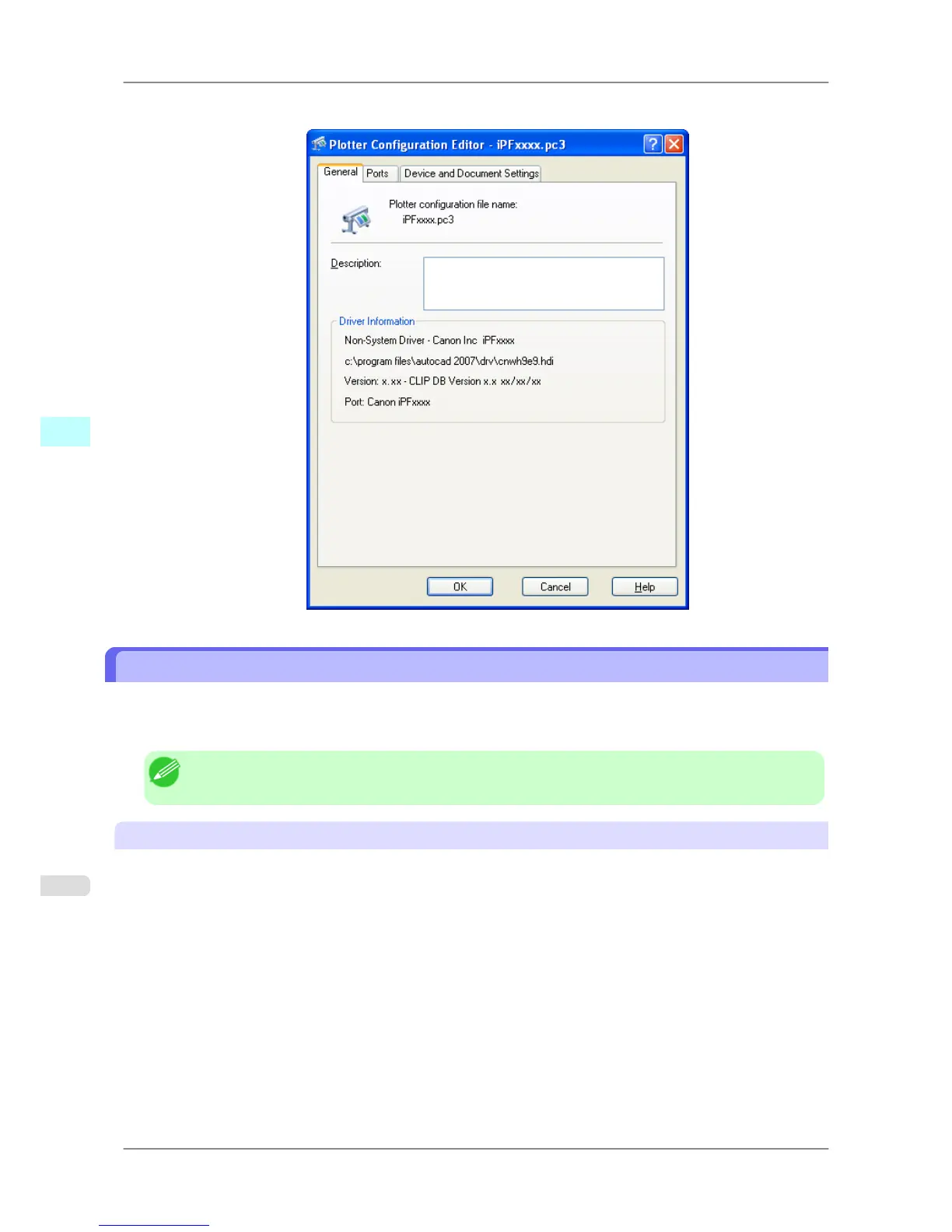
3. The Plotter Configuration Editor dialog box opens.
Plotter Configuration Editor Dialog Box
The Plotter Configuration Editor dialog box has three sheets.
The Plotter Configuration Editor dialog box display can be manipulated by selecting the items on these sheets or in
the Explorer tree.
Note
• For more details about the General sheet and the Ports sheet, please refer to the AutoCAD manual.
Device and Document Settings Sheet
Use this sheet to perform the main printing settings. The settings for each item are shown in a tree structure on this
sheet.
Windows Software
>
HDI Driver
>
Plotter Configuration Editor Dialog Box iPF825
4
350














 To Next Page