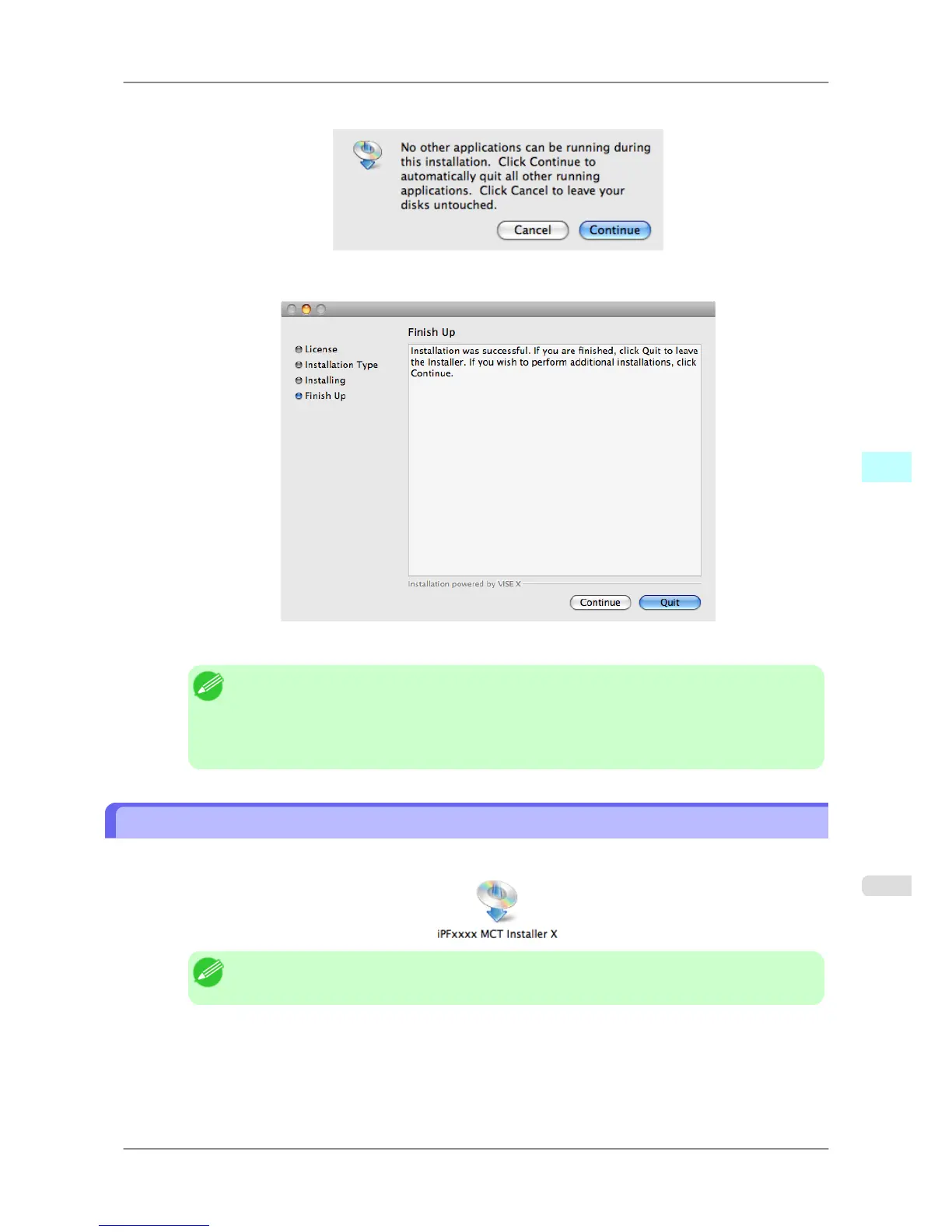
7. Click the Continue button to quit another application.
8. When the following message is displayed, click the Quit button.
The installation of Media Configuration Tool is complete.
Note
• When
the installation is completed properly, the Media Configuration Tool folder is saved in
the following folder.
Applications > Canon Utilities > iPFxxxx Media Configuration Tool
• The iPFxxxx in the folder above will be the printer name in use.
Procedures for Uninstalling
1. Double click the MCT Installer iPFxxxx for X icon to start the Media Configuration Tool installer.
Note
• The iPFxxxx in the icon will be the printer name in use.
Mac OS X Software
>
Media Configuration Tool
>
iPF825 Procedures for Uninstalling
5
511














 To Next Page