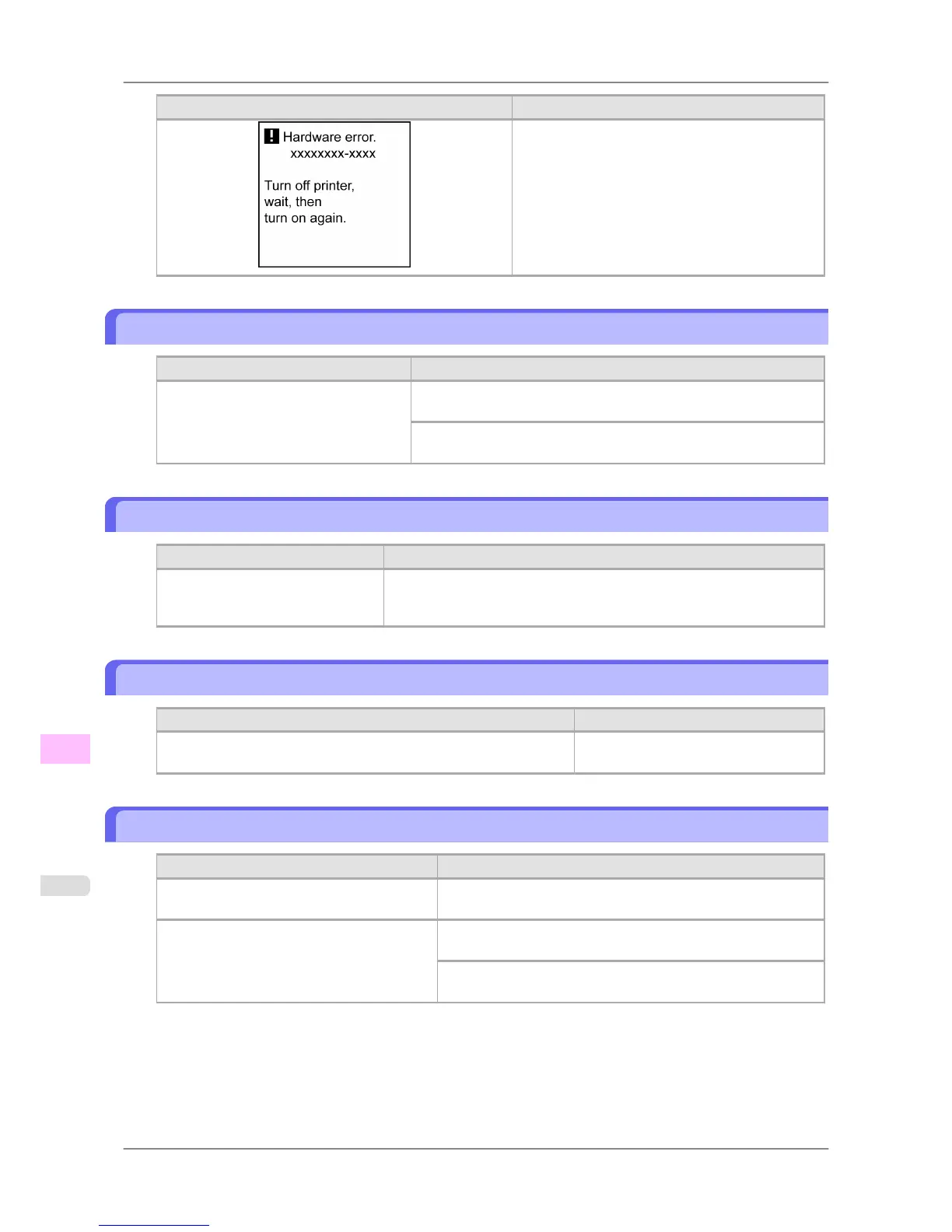
Cause Corrective Action
Turn off the printer and wait at least three seconds
before restoring the power.
If the message is displayed again, write down the er-
ror code and message, turn off the printer, and con-
tact your Canon dealer for assistance.
Top cover is open.
Cause Corrective Action
The printer has detected that the Top Cov-
er is open.
Open the Top Cover fully, remove any foreign objects, and close the
Top Cover again.
If the error occurs again, close the Top Cover, turn off the printer, and
wait a while before restoring power.
Prepare for parts replacement.
Cause Corrective Action
It is almost time to replace consuma-
bles for which service is required.
You can continue to use the printer for some time until "Parts replace-
ment time has passed." will be displayed.
Contact your Canon dealer for assistance.
Parts replacement time has passed.
Cause Corrective Action
It is past the recommended time to replace consumables for which
service is required.
Contact your Canon dealer for assistance.
Unknown file.
Cause Corrective Action
Data sent to keep the printer up to date (such
as paper information) is in the wrong format.
Check the data. Turn off the printer and wait a while before re-
storing power, and then resend the data.
You have uploaded firmware for a different
model.
Check the firmware version. Turn off the printer and wait a while
before restoring power, and then resend the firmware.
If the message is displayed again, contact your Canon dealer for
assistance.
Error Message
>
Other Messages
>
Top cover is open. iPF825
13
848














 To Next Page