•
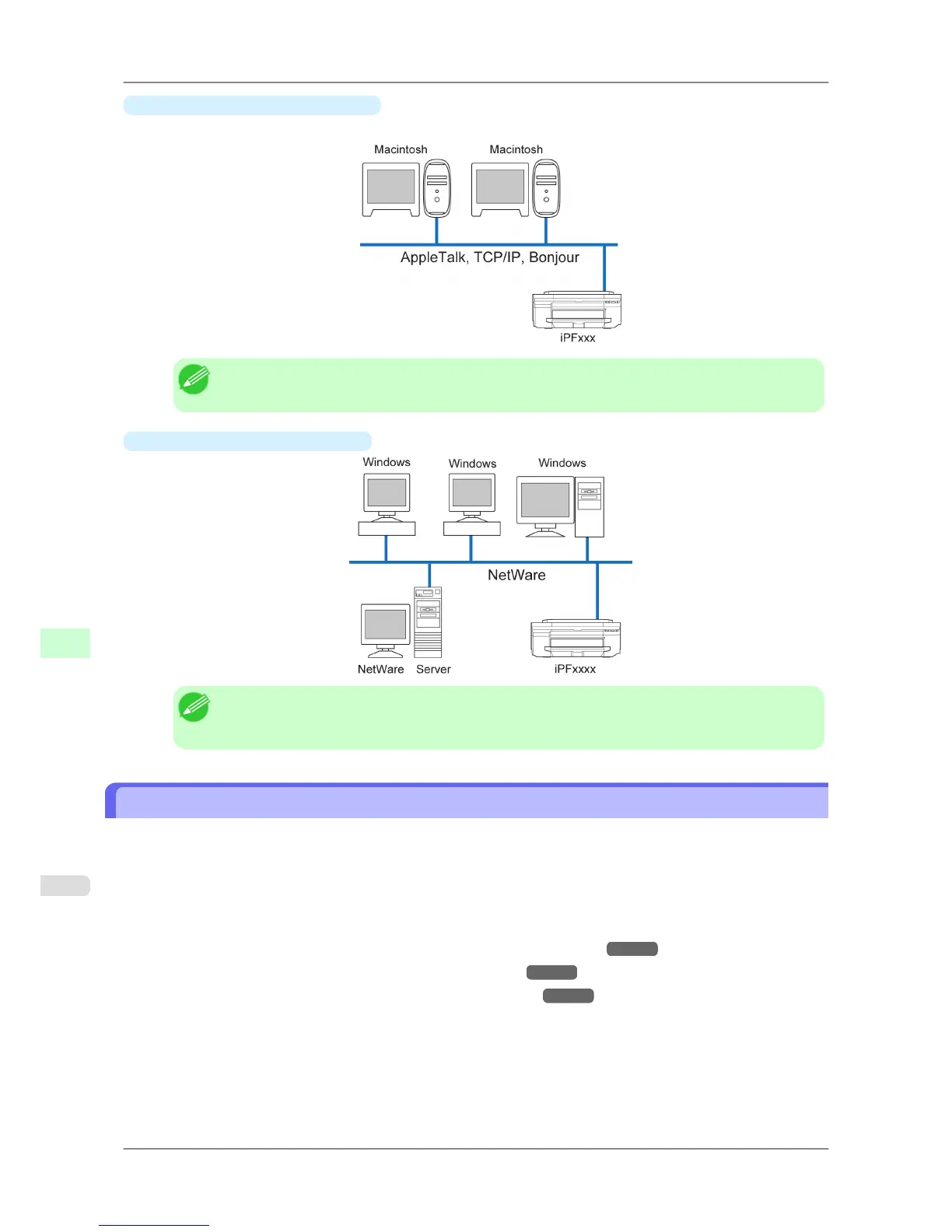
Example of a Macintosh network
In Macintosh networks, print over AppleTalk (EtherTalk) or TCP/IP, using Bonjour (Zeroconf) functions.
Note
• The imagePROGRAF printer driver is not compatible with AppleTalk.
•
Example of a NetWare network
Note
• Even
if there is a NetWare server in your network environment, you can use it in conjunction with
TCP/IP or AppleTalk. In this case, complete the settings for each protocol you will use.
Configuring the IP Address on the Printer
You must configure the printer's IP address before using the printer in a TCP/IP network.
The printer's IP address is configured automatically when you install the printer driver following the instructions in the
Setup Guide.
Configure the IP address by using imagePROGRAF Device Setup Utility, the printer Control Panel, or ARP or PING
commands, if the IP address is changed, or if you change the printer connection mode to a network connection. For
details on configuring the IP address, refer to the following topics.
• Configuring the IP Address Using imagePROGRAF Device Setup Utility →P.382 (Windows)
• Configuring the IP Address Using the Printer Control Panel →P.715
• Configuring the IP Address Using ARP and PING Commands →P.716
Network Setting
>
Network Setting
>
Configuring the IP Address on the Printer iPF825
10
714














 To Next Page