Messages regarding ink
Ink insufficient.
........................................................................................................................................... 834
No ink left. ................................................................................................................................................. 834
Remaining level of the ink cannot be correctly detected. .......................................................................... 834
Close Ink Tank Cover ................................................................................................................................ 835
Ink tank is empty. ...................................................................................................................................... 835
Not much ink is left. ................................................................................................................................... 835
No ink tank loaded. .................................................................................................................................... 836
Wrong ink tank. ......................................................................................................................................... 836
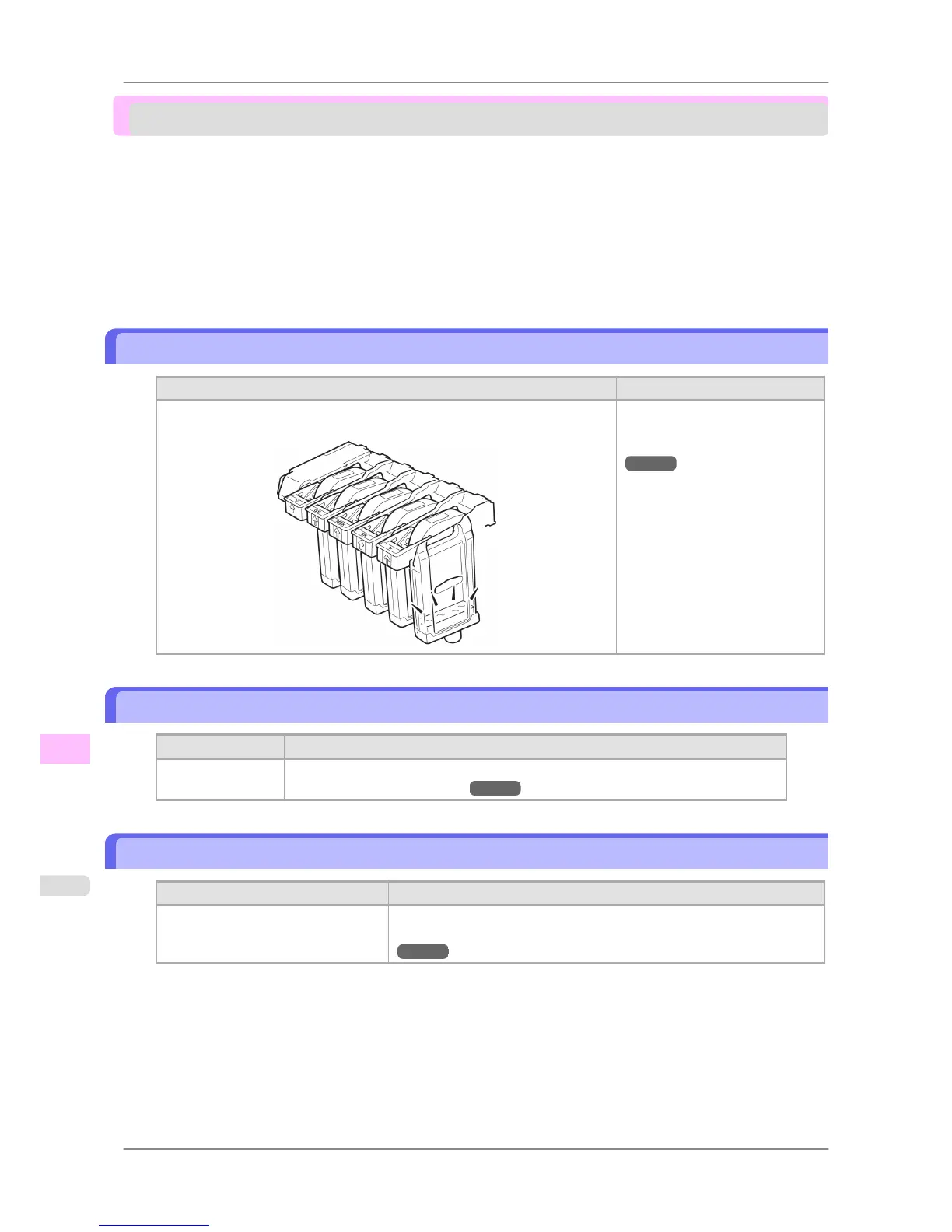
Ink insufficient.
Cause Corrective Action
The ink level is low, so you cannot print, clean the Printhead, or do other oper-
ations that require ink.
Replace the Ink Tank that is low
with a new Ink Tank.
(See "Replacing Ink Tanks.")
→P.741
No ink left.
Cause Corrective Action
There is no ink left. Open the Ink Tank Cover and replace the Ink Tank for which the Ink Lamp is flashing.
(See "Replacing Ink Tanks.") →P.741
Remaining level of the ink cannot be correctly detected.
Cause Corrective Action
Ink level detection cannot work cor-
rectly if you use refill ink tanks.
The refill ink tank can no longer be used. See the section Ink level detec-
tion and take the appropriate action. (See "Ink level detection.")
→P.817
Error Message
>
Messages regarding ink
>
Ink insufficient. iPF825
13
834














 To Next Page