Cause Corrective Action
Because the Platen is soiled with ink or other substances, the size
of the clear film cannot be detected.
Open the Top Cover and clean the entire Plat-
en.
(See "Cleaning Inside the Top Cover.")
→P.772
Insufficient paper for job
Cause Corrective Action
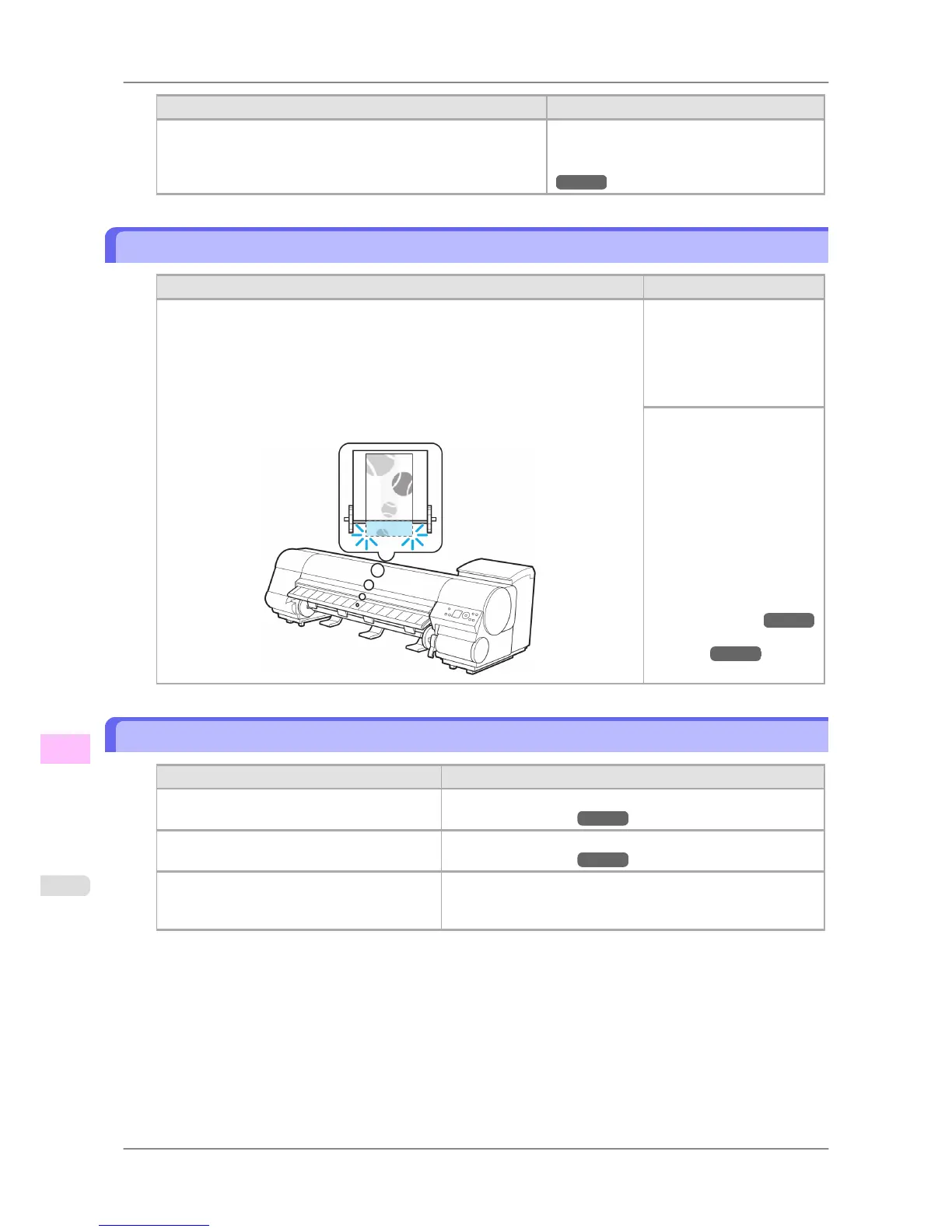
The printer has received a print job longer than the amount of roll paper left when
ManageRemainRoll in the printer menu is On and one of the following settings is
selected.
• An
option other than Roll Paper (Auto) is selected in Paper Source in the
printer driver.
• During HP-GL/2 printing, GL2 Settings >Paper Source in the printer menu is
set to an option other than Automatic.
Press the Online button to
resume printing.
However, the roll paper may
run out during the print job
and you may not be able to
print all of the document.
Hold down the Stop button
for a second or more to can-
cel printing.
Either change the printer
driver Paper Source setting
or the GL2 Settings >Paper
Source setting in the printer
menu or replace the roll with
a roll that has enough paper
for the print job, and then try
printing again.
(See "Removing the Roll
from the Printer.") →P.597
(See "Loading Rolls in the
Printer.")
→P.588
This paper cannot be used.
Cause Corrective Action
Paper that is too large for the printer has been
loaded.
Lift the Release Lever and load paper of the correct size.
(See "Paper Sizes.") →P.581
Paper that is too small for the printer has been
loaded.
Lift the Release Lever and load paper of the correct size.
(See "Paper Sizes.") →P.581
Paper has been loaded that is too small to print
the test pattern for printhead adjustment or noz-
zle checking.
Lift the Release Lever and load unused paper A4 or larger. More
than one sheet may be required depending on the adjustment.
Error Message
>
Messages regarding paper
>
Insufficient paper for job iPF825
13
826














 To Next Page