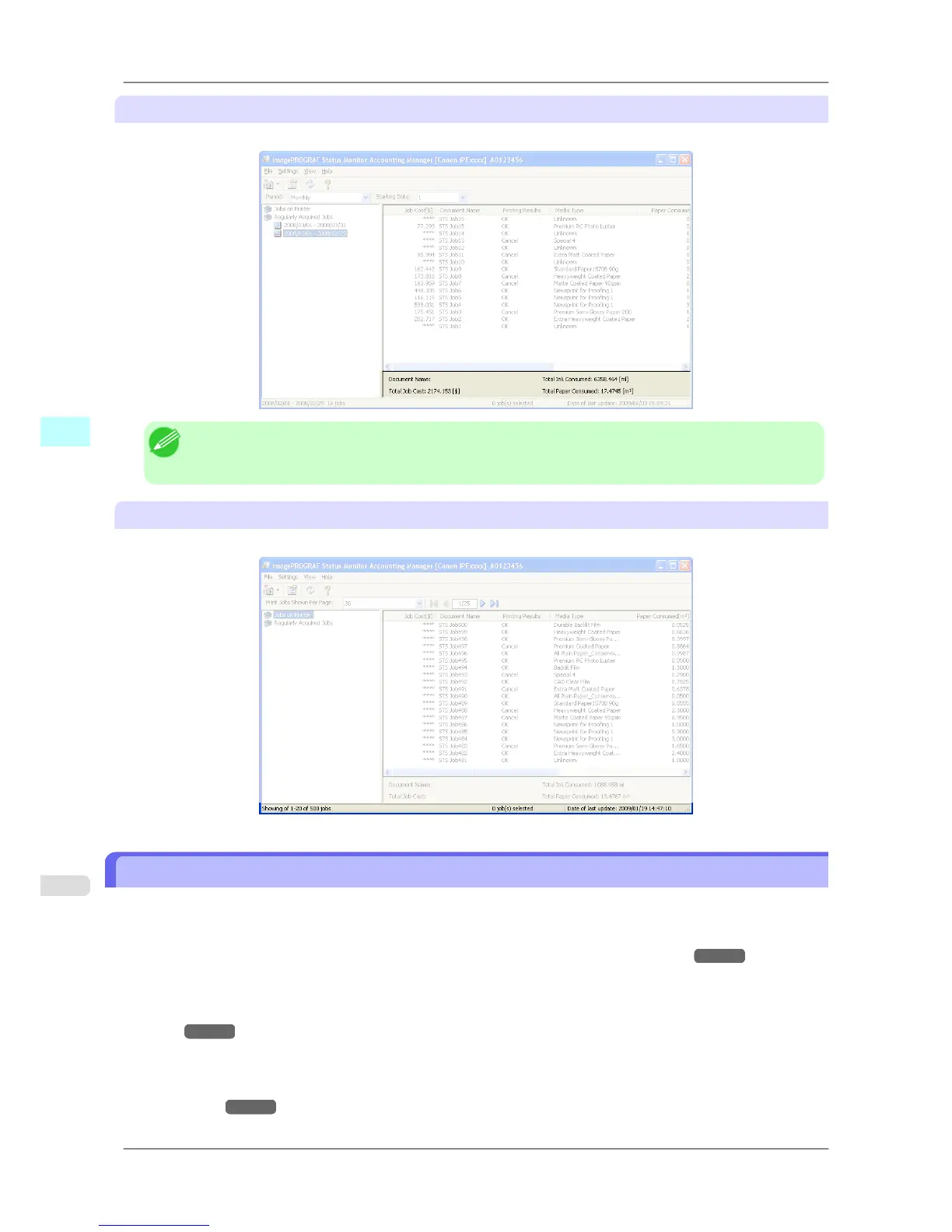
Totals Area
Displays the total costs for the selected job and the amounts of paper and ink consumed.
Note
• If
you are viewing regularly acquired print jobs, selecting a period on the left side of the window dis-
plays the total costs for that period and the amounts of paper and ink consumed.
Status Bar
Displays messages and other information.
Accounting Manager Basic Procedures
The first time you use the Accounting Manager, use the following procedures to configure the settings.
1. Configure unit costs, including the costs of ink and paper.
For details of the unit cost settings, see Configuring Unit Costs in Accounting Manager
→P.373 .
2. Set options such as the units displayed.
For
details of the unit settings, see Configuring Units and Display Settings in Accounting Manag-
er
→P.377 .
3. If you are using Regular Data Acquisition, configure the Regular Data Acquisition settings.
For
details of the Regular Data Acquisition settings, see Automatically Acquiring Print Job Logs at Regular
Intervals
→P.378 .
Windows Software
>
Accounting
>
Accounting Manager Basic Procedures iPF825
4
372














 To Next Page